

Add new Gainsight users to an ActiveCampaign list for onboarding
Each new user Gainsight reports is created or updated as an ActiveCampaign contact and then subscribed to the list you pick, so onboarding emails can start from the moment someone shows up in your product.
 Gainsight
 ActiveCampaign
3 steps Setup ~5 min Used on 3.0k sites Free to import
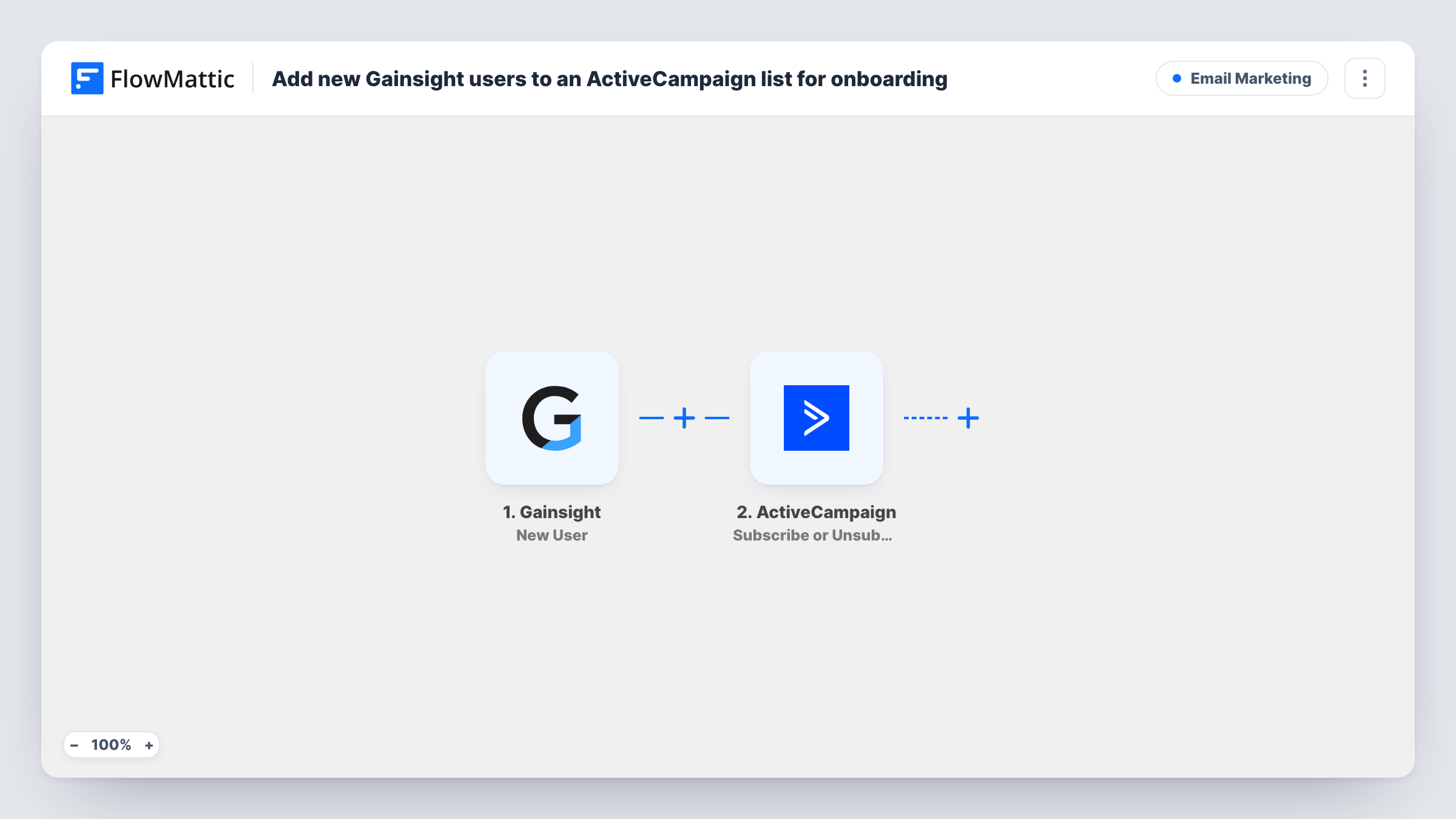
What this workflow does
Customer success teams see new users in Gainsight, while the onboarding emails usually live in ActiveCampaign. When the two aren't connected, someone exports users and imports them into a list, and new people wait days for their first welcome message. This workflow moves each new user across as Gainsight reports them.
The Gainsight trigger fires on a new user event and passes the user's details to FlowMattic. Check a test event to see which values arrive, such as the email, name and account.
The first ActiveCampaign step creates a contact from those details, or updates the contact if one with that email already exists. The second step subscribes that contact to a list. Because the contact is created or found first, the list step always has a contact to work on.
Nothing is mapped in either ActiveCampaign step yet. After import you map the Gainsight email and name into Create or Update Contact, then choose your onboarding list in the second step and map the contact from the step before it. Run a test and open Task History to confirm both steps returned what you expect.
Welcome series for new product users
A SaaS company subscribes every new Gainsight user to an ActiveCampaign onboarding list that sends setup tips during their first two weeks.
Separate onboarding for invited teammates
When an existing customer invites colleagues, each new user lands on a list whose emails explain how to join their team's workspace.
Keeping success and marketing aligned
A customer success manager can see in ActiveCampaign which new users are on the onboarding list, without asking the marketing team for an export.
How this workflow runs
What happens at each step once the workflow is on, and what you need before you import it.
 Gainsight New User
Starts a run for each new user event from your Gainsight account. The user's details are passed on to the ActiveCampaign steps; check a test run to see the fields.
- ActiveCampaign Create or Update Contact
Creates the ActiveCampaign contact, or updates it when the email already exists. Map the Gainsight user's email and name into this step after import.
- ActiveCampaign Subscribe or Unsubscribe Contact From List
Subscribes the contact from the previous step to an ActiveCampaign list. Pick your onboarding list and map the contact returned by Create or Update Contact.
What you need
- FlowMatticCore
- Gainsight AccountAccount
- ActiveCampaign AccountAccount
After importing, map your own data. To keep the template universal, not every step is pre-filled. Open each step in the builder and connect your accounts and fields (channels, lists, sheets, recipients) before you switch the workflow on.
Make it yours
Changes worth making after you import it.
- Set up an automation in ActiveCampaign that starts when a contact subscribes to the onboarding list, so the first welcome email goes out as soon as the workflow runs.
- If Gainsight sends the account or company name, map it into the contact too where the step allows, so onboarding emails can mention the customer's company. Check a test Gainsight event for that value first.
- Put a Filter between the Gainsight trigger and Create or Update Contact that continues only when the email is not empty, so incomplete user events don't reach ActiveCampaign.
Questions about this workflow
What if the Gainsight user is already an ActiveCampaign contact?
The Create or Update Contact step updates the existing contact with the mapped details instead of adding a second one. The list step then subscribes that contact.
Can I choose which ActiveCampaign list new Gainsight users join?
Yes. The list step ships without a list, so you pick it after import. Use a list reserved for onboarding to keep these users apart from your newsletter audience.
Do Gainsight feedback or engagement events trigger this workflow?
No. FlowMattic offers those as separate Gainsight triggers. This template only reacts to the new user event.
Are existing Gainsight users added when I turn this on?
No. Only new user events sent after the workflow is active start a run. Import your current users into ActiveCampaign separately if they should get onboarding emails too.
More Email Marketing workflows
Other ready-to-import templates from the same category.






Import this workflow into your WordPress site
Download the JSON, import it from the Workflows screen and connect your accounts. Every run stays on your server, with no per-task fees.
30-day money-back guarantee Unlimited workflows and runs Self-hosted