

Add new generated coupons from WooCommerce Smart Coupons to Notion database
Whenever WooCommerce Smart Coupons generates a new coupon, FlowMattic creates an item for it in a Notion database, so your team can look up issued codes without logging in to WordPress.
 WooCommerce Smart Coupons
 Notion
2 steps Setup ~5 min Used on 1.8k sites Free to import
What this workflow does
Coupons created by WooCommerce Smart Coupons live in your WooCommerce admin. Your marketing or support team may work in Notion instead, and they need to know which codes exist and what they are worth. This workflow keeps a Notion database filled with each new coupon.
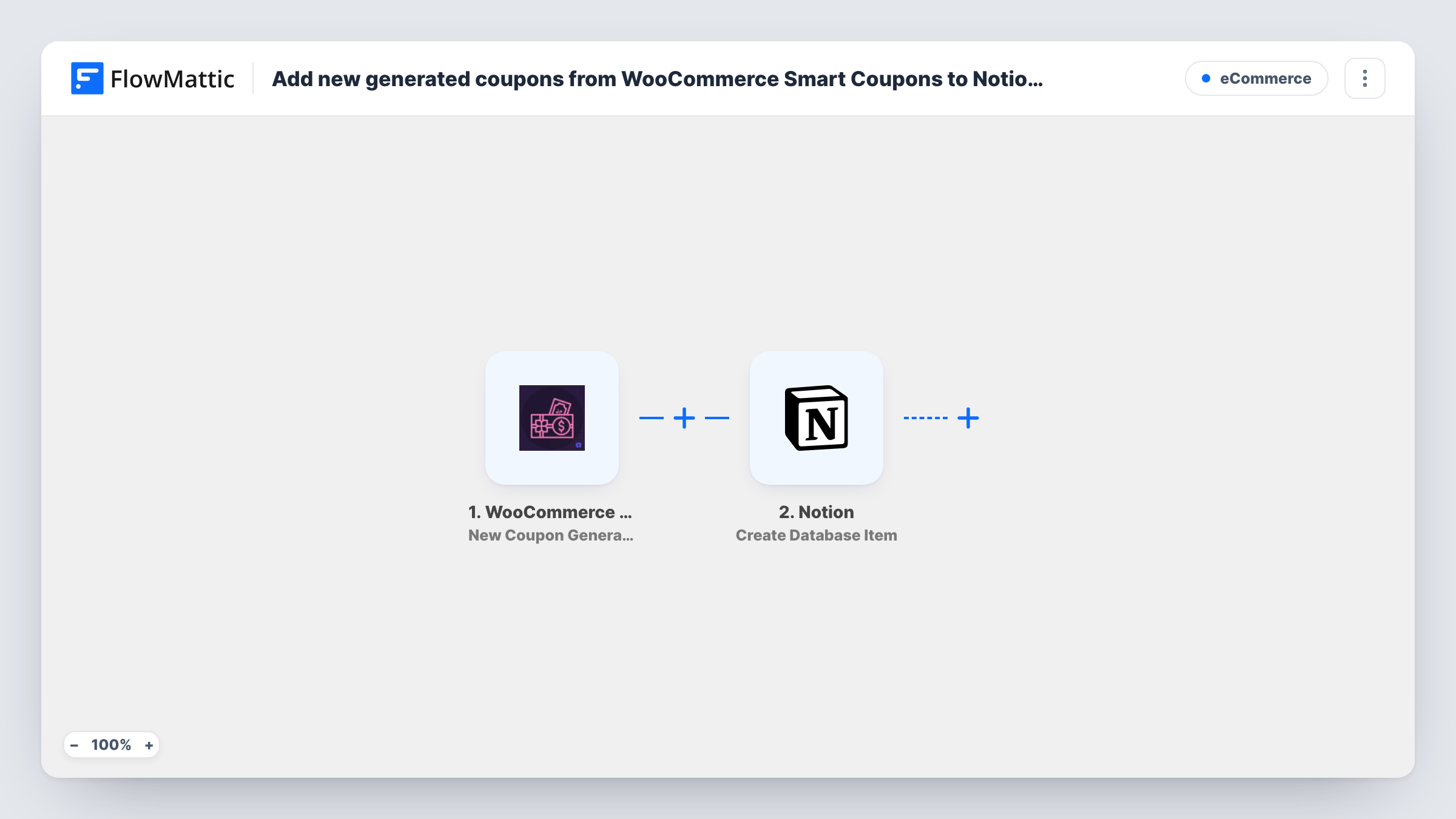
The WooCommerce Smart Coupons trigger fires when a new Smart Coupon is generated on your store. FlowMattic passes the coupon's data to Notion, and the Create Database Item action adds a new item to the database you select. You map coupon details to the database's properties.
Each generated coupon becomes one Notion item. The workflow doesn't touch the coupon in WooCommerce. Smart Coupons has a separate Bulk Coupons Generated trigger, so if you create codes in bulk, run a test to see whether each code reaches this workflow. Every coupon run is listed in Task History.
Support team looks up a customer's code
Support staff search the Notion database for a code a customer quotes, instead of asking someone with WooCommerce access.
Campaign planning in Notion
A marketing team that plans promotions in Notion sees each coupon appear next to its campaign notes.
Shared coupon list for a store with partners
An affiliate manager without WordPress access reads the Notion database to see which codes have been generated.
How this workflow runs
What happens at each step once the workflow is on, and what you need before you import it.
 WooCommerce Smart Coupons New Coupon Generated
Fires when WooCommerce Smart Coupons generates a new coupon on your store. The coupon's details are available to map in the Notion step.
- Notion Create Database Item
Creates one Notion database entry per generated Smart Coupon. Connect your Notion account, pick the database and map coupon details to its properties.
What you need
- FlowMatticCore
- WooCommerce Smart Coupons PluginPlugin
- Notion AccountAccount
After importing, map your own data. To keep the template universal, not every step is pre-filled. Open each step in the builder and connect your accounts and fields (channels, lists, sheets, recipients) before you switch the workflow on.
Make it yours
Changes worth making after you import it.
- Create the Notion database properties before mapping, for example code, amount and expiry, then generate a test coupon so its fields can be mapped.
- Add a Slack Send Channel Message step after Notion to let the team know a new coupon exists.
- Want only certain coupons in Notion? Add a Filter after the trigger on a coupon field, such as the discount type, after checking a test run.
Questions about this workflow
Do I need WooCommerce Smart Coupons installed for this?
Yes. The trigger comes from the WooCommerce Smart Coupons plugin, which must run on the same WordPress site as FlowMattic.
Are coupons created before import added to the Notion database?
No. Only coupons generated after the workflow is on create Notion items.
What if the coupon's usage changes later in WooCommerce?
The Notion item isn't updated. The workflow creates the item once, at generation, and doesn't follow the coupon afterwards.
What about coupons from a bulk generation run?
Smart Coupons has a separate Bulk Coupons Generated trigger in FlowMattic. Test a small bulk run to see whether each code also fires New Coupon Generated.
More E-Commerce workflows
Other ready-to-import templates from the same category.







Import this workflow into your WordPress site
Download the JSON, import it from the Workflows screen and connect your accounts. Every run stays on your server, with no per-task fees.
30-day money-back guarantee Unlimited workflows and runs Self-hosted