

When Checkout Complete in HeySummit, Create new order in WooCommerce
Each time an attendee buys a ticket through HeySummit checkout, this workflow creates an order in your WooCommerce store, so your summit’s ticket sales sit alongside the rest of your store’s orders.
 HeySummit
 WooCommerce
2 steps Setup ~5 min Used on 743 sites Free to import
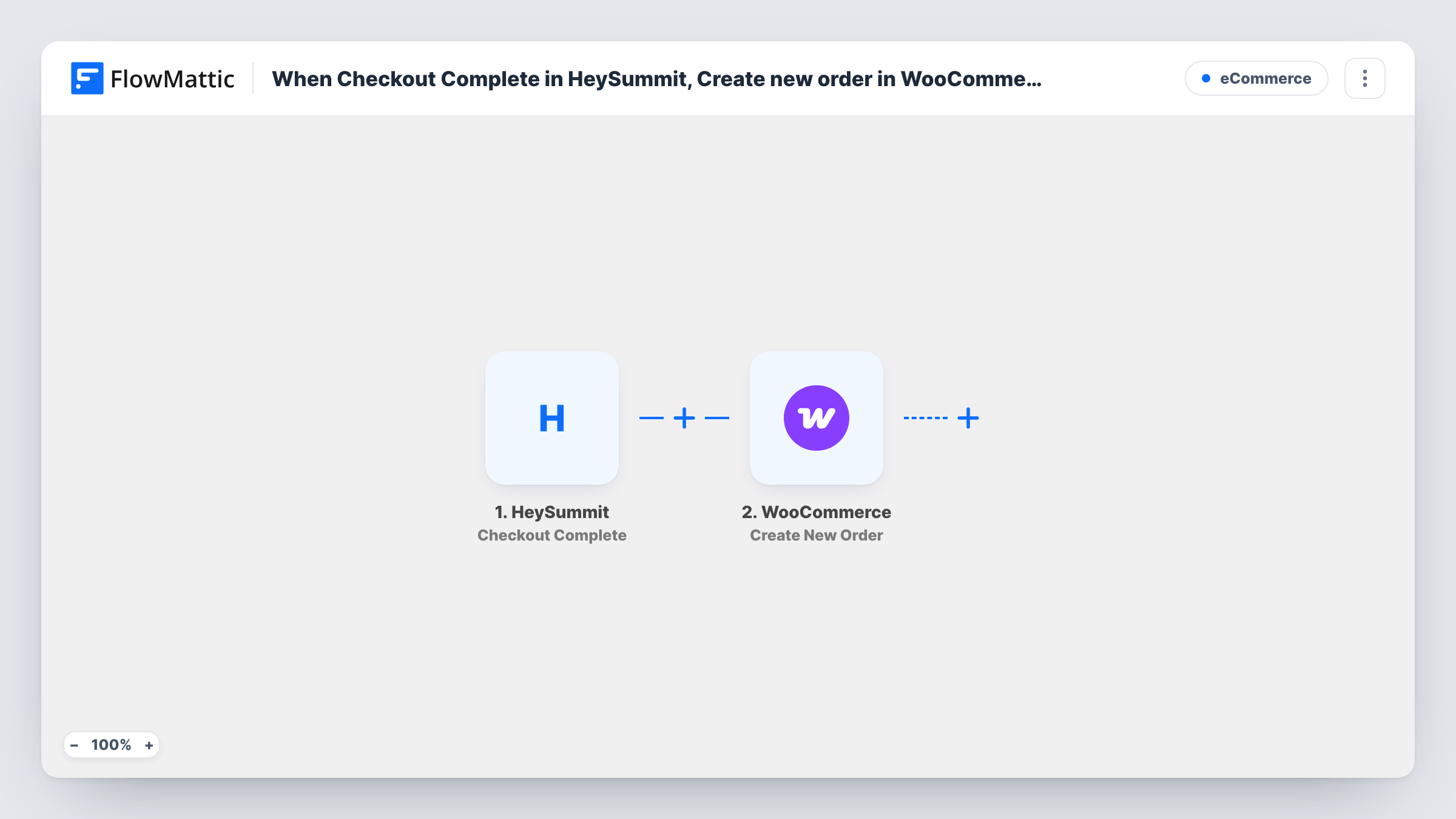
What this workflow does
If you sell products through WooCommerce and tickets through HeySummit, your sales live in two places. Totals, customer records and accounting exports then need merging by hand. This workflow copies each HeySummit ticket purchase into WooCommerce as an order, so the store holds a record of both.
The HeySummit Checkout Complete trigger fires when an attendee purchases a ticket. FlowMattic passes the purchase data to WooCommerce, where Create New Order adds an order built from the values you map, such as the buyer's details and a product that stands for the ticket.
The payment has already happened in HeySummit, so the WooCommerce order is a record of it. Check your first test order's status and total to make sure it reads the way your reports expect. Each run appears in Task History with the store's response.
One sales report for a creator business
A coach sells courses in WooCommerce and summit tickets in HeySummit. Ticket orders appear in WooCommerce, so monthly sales reports cover both.
Accounting exports from one place
A bookkeeper exports orders from WooCommerce into the accounting tool. HeySummit ticket sales are now part of that same export.
Customer history in the store
Event buyers show up in WooCommerce order history, so the shop owner can see who bought a ticket before offering them related products.
How this workflow runs
What happens at each step once the workflow is on, and what you need before you import it.
 HeySummit Checkout Complete
Fires when an attendee completes checkout and buys a ticket in HeySummit. The purchase data is passed on for mapping in the WooCommerce step.
- WooCommerce Create New Order
Creates an order in your WooCommerce store from the HeySummit purchase data you map. Buy a test ticket after import to see what HeySummit sends and check the order it creates.
What you need
- FlowMatticCore
- HeySummit AccountAccount
- WooCommerce PluginPlugin
After importing, map your own data. To keep the template universal, not every step is pre-filled. Open each step in the builder and connect your accounts and fields (channels, lists, sheets, recipients) before you switch the workflow on.
Make it yours
Changes worth making after you import it.
- Create a WooCommerce product for each summit ticket type before you map the step, so the orders show which ticket was bought.
- Look at how your first HeySummit test order is marked in WooCommerce. Since HeySummit already took the payment, it should read as a completed sale rather than one waiting for payment.
- If you run several summits, add a Filter after the trigger on the event name or ID, if the purchase data includes one, so only one summit's tickets become orders here.
Questions about this workflow
Is the HeySummit attendee charged again by WooCommerce?
Creating an order in WooCommerce doesn't take a payment by itself. The attendee paid at HeySummit checkout, and the order records that sale in your store.
Do free HeySummit registrations create WooCommerce orders?
The trigger fires when an attendee purchases a ticket at checkout. Whether a free ticket counts depends on how HeySummit reports it, so register with a free ticket as a test and check Task History.
Will HeySummit tickets sold before import become orders?
No. Only purchases completed after you turn the workflow on create WooCommerce orders.
More E-Commerce workflows
Other ready-to-import templates from the same category.




Import this workflow into your WordPress site
Download the JSON, import it from the Workflows screen and connect your accounts. Every run stays on your server, with no per-task fees.
30-day money-back guarantee Unlimited workflows and runs Self-hosted