

When a new order is created in Lightfunnels, create an order in WooCommerce
Every new Lightfunnels order is recreated as an order in your WooCommerce store, so sales from your funnels sit alongside your shop orders for fulfilment and reporting.
 Lightfunnels
 WooCommerce
2 steps Setup ~5 min Used on 2.2k sites Free to import
What this workflow does
Selling through Lightfunnels funnels while running a WooCommerce shop splits your orders across two dashboards. Fulfilment staff, stock counts and accounting exports then have to look in both places. This workflow copies each funnel order into WooCommerce so one store holds the full order list.
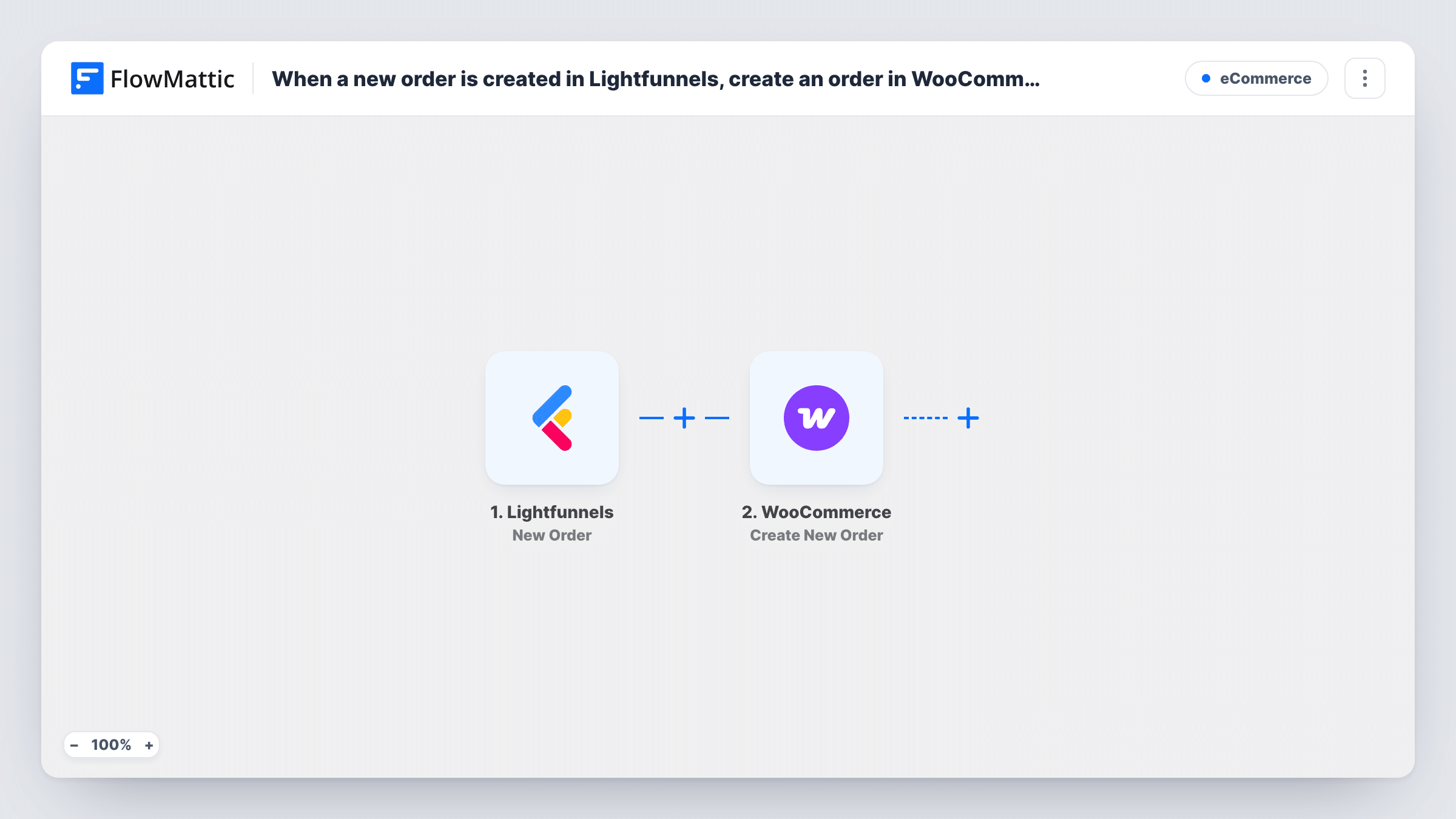
The Lightfunnels trigger fires when a new order is created there. FlowMattic receives the order data, such as the customer and the items bought, and passes the values you map to WooCommerce. The Create New Order action then adds an order to your WordPress store built from those values.
The two systems don't share product records. A Lightfunnels item has no WooCommerce product ID of its own, so check in a test run how the WooCommerce step identifies products and map them to match your catalogue. The payment was taken in Lightfunnels, and the WooCommerce copy is a record of that sale. Look at the new order in your store after the first test so you know which status it lands in and whether WooCommerce sends its own emails for it.
One fulfilment queue for funnel and shop sales
Your warehouse picks orders from WooCommerce. Funnel sales now appear there too, so packers work from a single list.
Full sales history for shared products
A product sold through a Lightfunnels upsell also sits in your WooCommerce catalogue. Recording the sale in WooCommerce keeps its order history complete.
Accounting exports from one store
Your bookkeeper exports orders from WooCommerce each month. Funnel orders are part of that export without a second report from Lightfunnels.
How this workflow runs
What happens at each step once the workflow is on, and what you need before you import it.
 Lightfunnels New Order
Fires when a new order is created in your Lightfunnels account. The order's details, such as the customer and line items, are passed on for mapping into WooCommerce.
- WooCommerce Create New Order
Creates an order in the WooCommerce store on your WordPress site from the Lightfunnels values you map. Run a test after import to see what the step asks for and match each product to your store's items.
What you need
- FlowMatticCore
- Lightfunnels AccountAccount
- WooCommerce PluginPlugin
After importing, map your own data. To keep the template universal, not every step is pre-filled. Open each step in the builder and connect your accounts and fields (channels, lists, sheets, recipients) before you switch the workflow on.
Make it yours
Changes worth making after you import it.
- Put the Lightfunnels order number in a WooCommerce order note or field you can search, if the step offers one, so each copy can be traced back to the funnel sale.
- If only some funnels sell items you ship from WooCommerce, add a Filter after the trigger on a value from the order data that identifies those funnels or products.
- Place a test order in Lightfunnels and check the result in WooCommerce before going live, including the order status, totals and any emails your store sends.
Questions about this workflow
Does WooCommerce charge the customer again for the Lightfunnels order?
No. Creating an order in WooCommerce doesn't take a payment. The customer paid in Lightfunnels, and the WooCommerce order is a copy of that sale.
Do Lightfunnels products need to exist in WooCommerce?
For the order lines to point at real products, yes. Map each Lightfunnels item to the matching WooCommerce product, and test with a known item before switching the workflow on.
Are refunds or edits in Lightfunnels copied to WooCommerce?
No. This trigger fires only when an order is created. Later changes to that order in Lightfunnels don't update the WooCommerce copy.
Will older Lightfunnels orders be imported into WooCommerce?
No. Only orders created after the workflow is turned on reach your store. Past orders would need to be brought over separately.
More E-Commerce workflows
Other ready-to-import templates from the same category.







Import this workflow into your WordPress site
Download the JSON, import it from the Workflows screen and connect your accounts. Every run stays on your server, with no per-task fees.
30-day money-back guarantee Unlimited workflows and runs Self-hosted