

When inventory supply changes in RedPodium, log it in Airtable and notify the team in Slack
Each time inventory supply is modified in RedPodium, this workflow logs the change as a new Airtable record and posts a Slack message to your team, so you keep a history of stock changes and everyone hears about them.
 RedPodium
 Airtable
 Slack
Slack3 steps Setup ~5 min Used on 3.0k sites Free to import
What this workflow does
If you offer items with your event in RedPodium, their supply changes as you adjust it. Keeping track of who changed what, and when, is hard if the only record is the current number in RedPodium. This workflow writes a log entry for every change and tells the team in Slack.
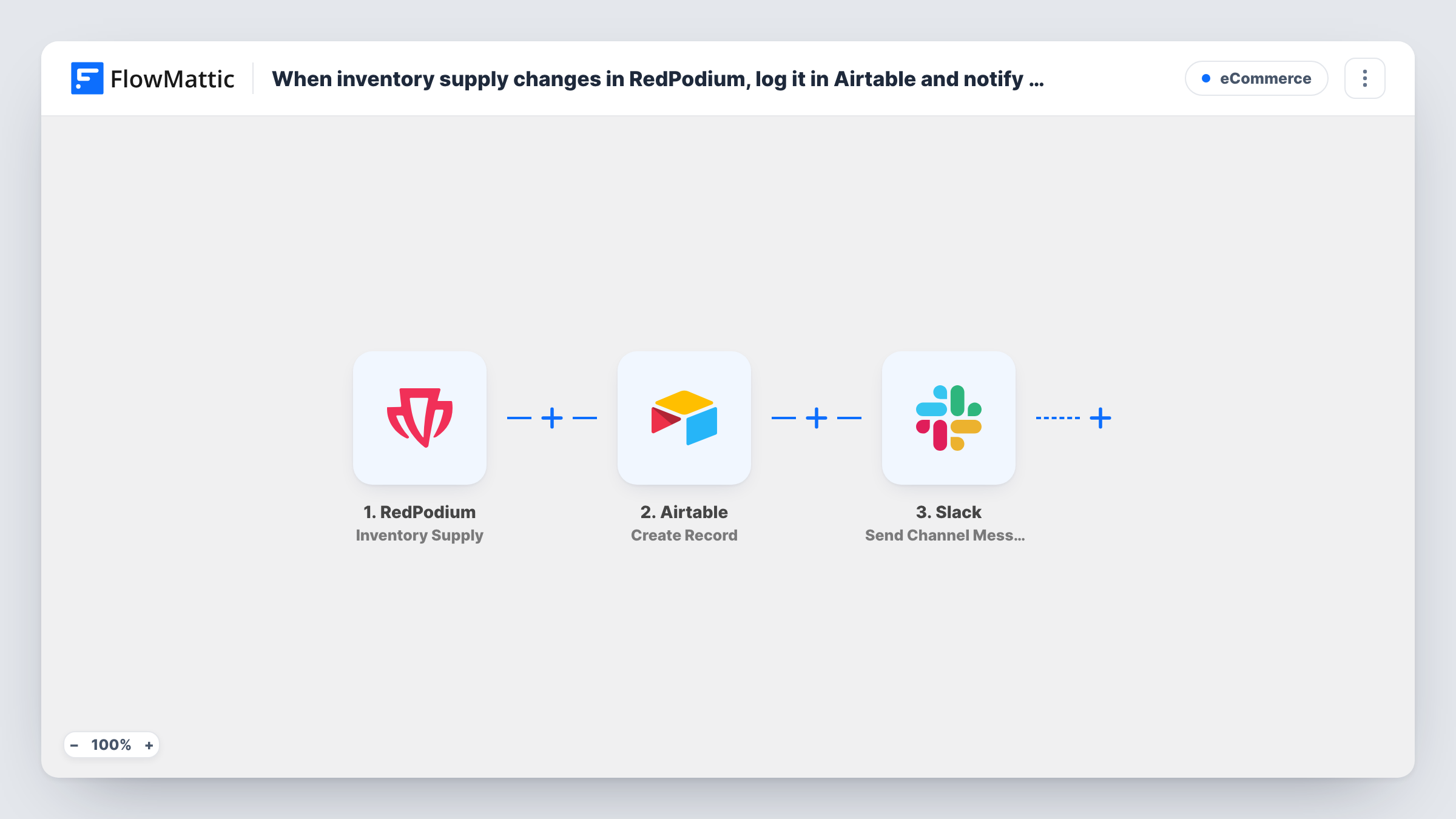
The RedPodium Inventory Supply trigger fires when inventory supply gets modified. FlowMattic passes that data to Airtable, where Create Record adds a new record in the base and table you pick. The third step sends a channel message in Slack, built from the RedPodium values you map into it.
The flow runs on every inventory supply change, whether the number went up or down, and it adds a fresh Airtable record each time instead of updating an old one. Over time the table becomes a dated history of changes. If you only care about some changes, add a Filter, as the tips explain. You can review every run in Task History.
Merchandise for a running event
Race organisers adjust shirt stock in RedPodium as orders and deliveries come in. Each change is logged in Airtable and announced in the team's Slack channel.
Audit trail for shared admin access
More than one person on your team edits inventory in RedPodium. The Airtable table shows every supply change in order, so you can trace when a count was altered.
Keeping the warehouse volunteer informed
The person packing kits watches a Slack channel. Each RedPodium supply change shows up there, so they know when stock numbers have moved.
How this workflow runs
What happens at each step once the workflow is on, and what you need before you import it.
 RedPodium Inventory Supply
Fires when inventory supply gets modified in RedPodium. The inventory data from that change becomes available to map into Airtable and Slack.
- Airtable Create Record
Adds one Airtable record per supply change, in the base and table you select. Map the RedPodium inventory values to your table's fields so each supply change gets its own record.
- Slack Send Channel Message
Posts a message to a Slack channel about the change. Connect your workspace, pick the channel and write the text with RedPodium inventory values mapped in.
What you need
- FlowMatticCore
- RedPodium AccountAccount
- Airtable AccountAccount
- Slack AccountAccount
After importing, map your own data. To keep the template universal, not every step is pre-filled. Open each step in the builder and connect your accounts and fields (channels, lists, sheets, recipients) before you switch the workflow on.
Make it yours
Changes worth making after you import it.
- Add a date field to the Airtable table and fill it from the run, or use a created-time field in Airtable, so the log sorts by when each change happened.
- Put a Filter between the Airtable step and the Slack step that continues when a quantity value in the RedPodium data, if it has one, is less than a number you pick. Airtable still logs every change. A blank quantity counts as 0, so it passes.
- Make one test change to an item's supply in RedPodium after import, so FlowMattic captures the data and you can map it in both steps.
Questions about this workflow
Does this update an existing Airtable record for the RedPodium item?
No. Create Record adds a new record on every run. If you want one row per item that changes over time, the table would need a lookup and an update step, which this template doesn't include.
Will Slack get a message for every RedPodium inventory change?
Yes, as imported. Every supply change runs all three steps. Add a Filter between the Airtable step and the Slack step if you only want alerts for some changes.
Can the Slack message say which RedPodium item changed?
Yes, if the Inventory Supply data names the item. Make a test change, open the run in Task History to see the trigger data, and map the item name and the supply value into the Slack text.
Which RedPodium inventory values can I log in Airtable?
Whatever RedPodium sends with the Inventory Supply event. Make a test change after import and check the captured data before you map your fields.
More E-Commerce workflows
Other ready-to-import templates from the same category.





Import this workflow into your WordPress site
Download the JSON, import it from the Workflows screen and connect your accounts. Every run stays on your server, with no per-task fees.
30-day money-back guarantee Unlimited workflows and runs Self-hosted