

Create customer in LatePoint when new customer is created in WooCommerce
When a new customer profile is created in WooCommerce, this workflow creates a matching customer in LatePoint, so shop customers are already in your booking system when they come to book.
 WooCommerce
 Latepoint
2 steps Setup ~5 min Used on 858 sites Free to import
What this workflow does
If you sell products in WooCommerce and take appointments with LatePoint, the same people end up in two customer lists. Staff copy names and emails across, or customers type them again when they book. This workflow adds each new WooCommerce customer to LatePoint for you.
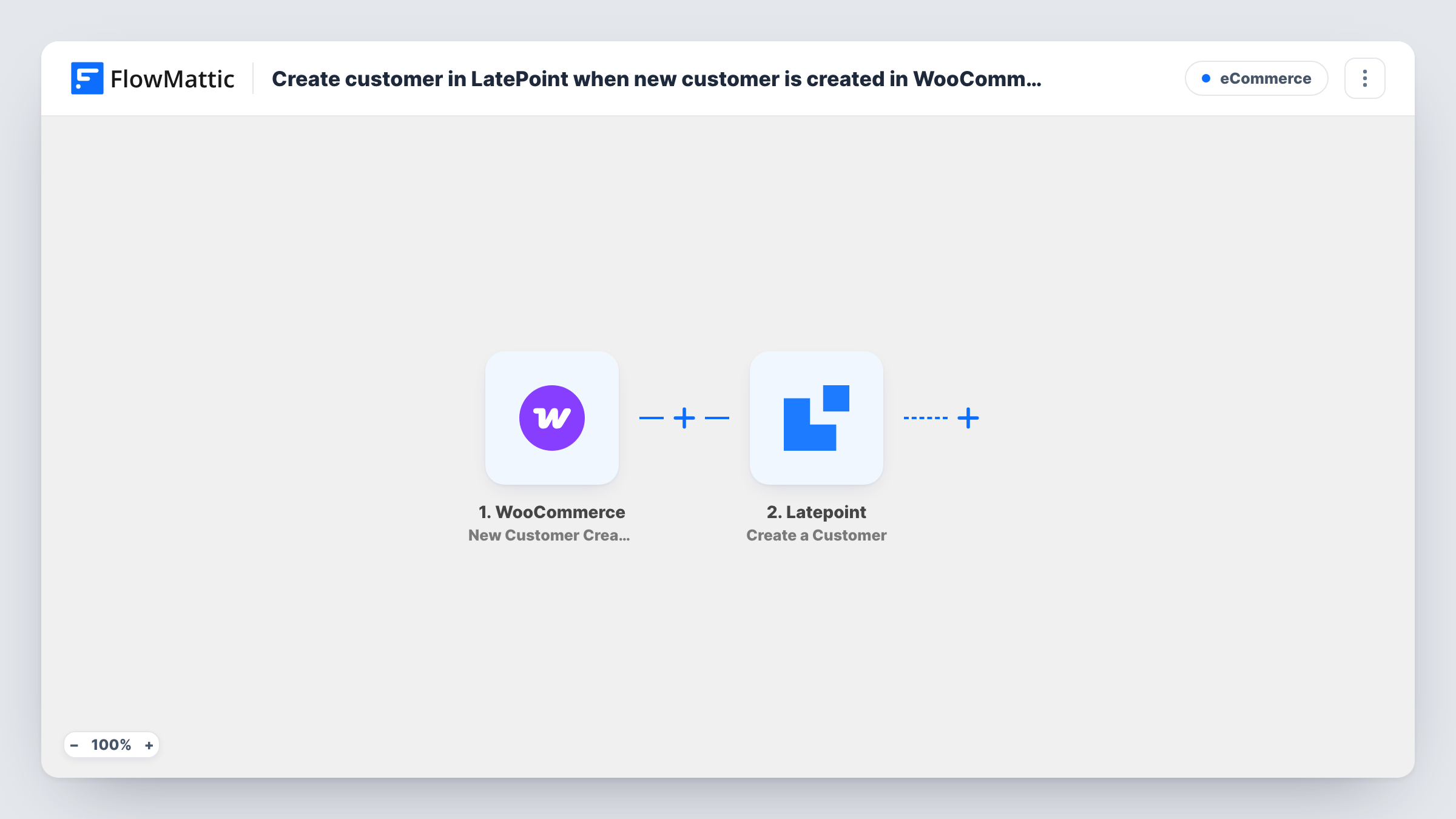
The WooCommerce trigger fires when a new customer profile is created on your store. FlowMattic passes that customer's details to LatePoint, where the Create a Customer action adds them as a new customer. You map the WooCommerce details, such as name and email, into the LatePoint step.
Both plugins run on your WordPress site, so the customer data stays on your own server. Guest checkouts that do not create a customer profile do not start a run. Each run is listed in Task History, along with what LatePoint returned.
Product purchase followed by a fitting
A shop sells made-to-measure items. Customers created in WooCommerce are already in LatePoint when they book their fitting.
Salons that sell aftercare products
A salon's online shop and booking calendar share one set of customers, so the front desk finds buyers when they call to book.
Courses with one-to-one sessions
Buyers of a coaching package get a WooCommerce account, and the coach sees them as LatePoint customers ready to schedule calls.
How this workflow runs
What happens at each step once the workflow is on, and what you need before you import it.
 WooCommerce New Customer Created
Starts whenever WooCommerce creates a customer profile on your store, then hands that shopper's details to LatePoint.
- Latepoint Create a Customer
Creates a new customer in LatePoint from the WooCommerce customer. Map the customer's details from WooCommerce into it; a test run shows what the step accepts.
What you need
- FlowMatticCore
- WooCommerce PluginPlugin
- LatePoint PluginPlugin
After importing, map your own data. To keep the template universal, not every step is pre-filled. Open each step in the builder and connect your accounts and fields (channels, lists, sheets, recipients) before you switch the workflow on.
Make it yours
Changes worth making after you import it.
- Add LatePoint's Get Customer by Email step before the create step, then a Filter that continues only when no customer was found, to avoid adding the same person twice.
- Create a test customer account in WooCommerce after import so FlowMattic captures the profile data before you map it into LatePoint.
- Build a second workflow on LatePoint's Booking Created trigger if you also want to act on each booking these customers make.
Questions about this workflow
Does a WooCommerce guest checkout create a LatePoint customer?
No. The trigger fires when a customer profile is created, which a guest checkout does not do. Only registered customers reach LatePoint.
What if the WooCommerce customer already exists in LatePoint?
The template always calls Create a Customer and does not look first. Test with a known email to see how LatePoint responds, or add the Get Customer by Email check from the tips.
Are existing WooCommerce customers copied to LatePoint?
No. Only customers created after the workflow is turned on are added.
Do WooCommerce and LatePoint need to be on the same site as FlowMattic?
Yes. FlowMattic reads WooCommerce and writes to LatePoint on its own WordPress install, so all three plugins must be active on that one site.
More E-Commerce workflows
Other ready-to-import templates from the same category.






Import this workflow into your WordPress site
Download the JSON, import it from the Workflows screen and connect your accounts. Every run stays on your server, with no per-task fees.
30-day money-back guarantee Unlimited workflows and runs Self-hosted