

Add user to access group in SureMembers when Buy Me a Coffee receives donation
When a supporter donates on Buy Me a Coffee, FlowMattic creates a WordPress account for them and adds that user to a SureMembers access group, so donors get access to your members-only content.
 Buy Me a Coffee
 WordPress
 SureMembers
3 steps Setup ~5 min Used on 1.3k sites Free to import
What this workflow does
Creators often thank supporters with something extra: a private post series, downloads or a members area. If that content is on your WordPress site behind SureMembers, each donor needs an account and a place in the right access group. This workflow sets up both after every donation.
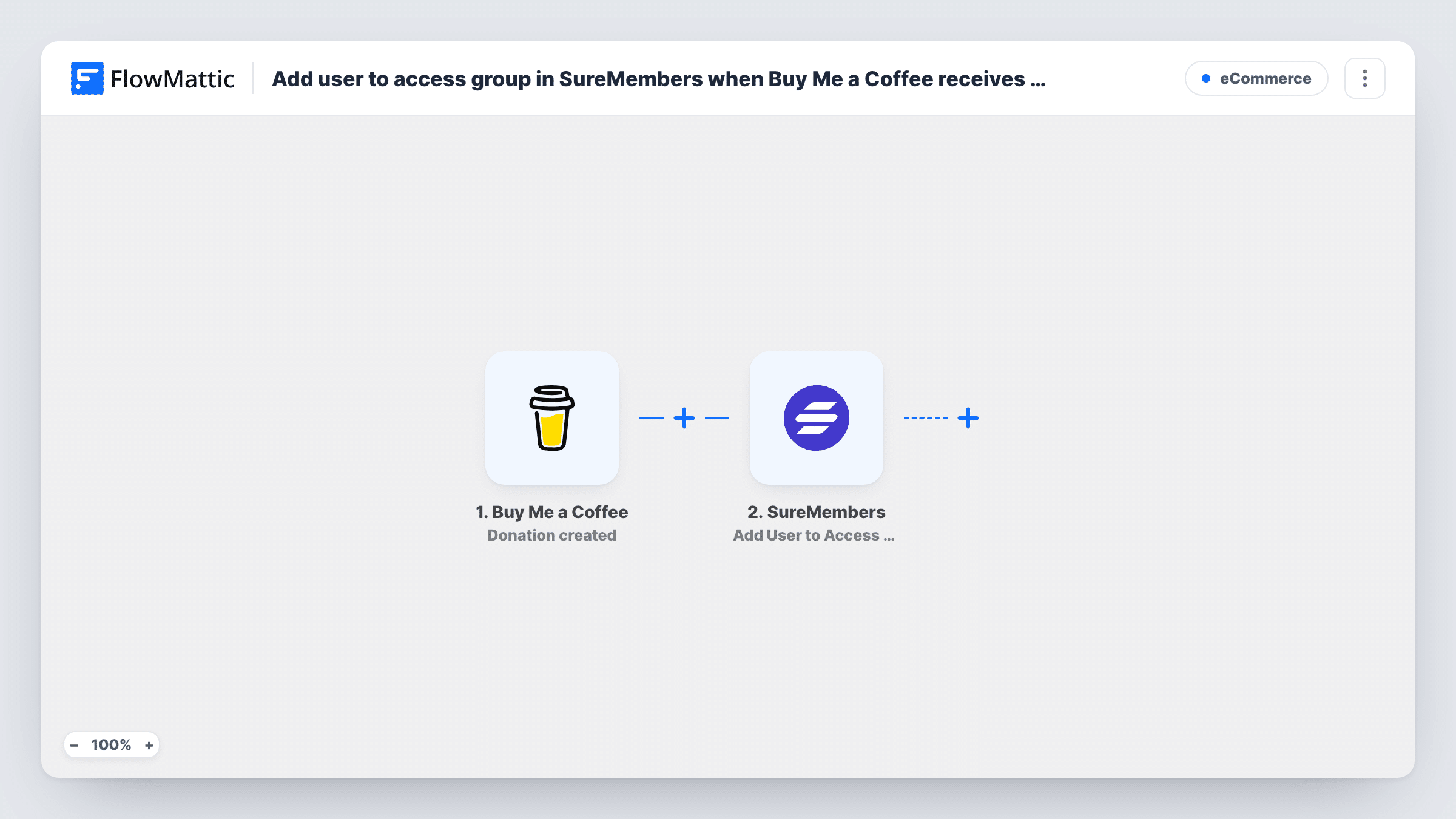
The Buy Me a Coffee Donation created trigger fires when Buy Me a Coffee sends its donation created webhook. FlowMattic passes the donation data, including the supporter's details, to the next steps. Make a test donation to see which values arrive.
The WordPress New User step then registers the supporter on your WordPress site. It ships unmapped, so after import you map the supporter's email and name into it. For a supporter whose email already has an account, WordPress doesn't make a duplicate; the step returns the ID of the account that exists.
The SureMembers Add User to Access Group step then adds the user to an access group. It is unmapped too: pick the group and map the user ID from the New User step. Every donation runs the workflow, including repeat donations from the same supporter.
Bonus content for supporters
A podcaster gives everyone who buys a coffee access to ad-free episodes in a SureMembers group on their WordPress site.
Download library for donors
An illustrator puts brush packs and wallpapers in a members-only area and lets each Buy Me a Coffee donation open it.
Thank-you community area
A writer runs a private discussion page for supporters. Each donor gets a login and joins the access group that can open that page.
How this workflow runs
What happens at each step once the workflow is on, and what you need before you import it.
 Buy Me a Coffee Donation created
Fires when Buy Me a Coffee sends a Donation created webhook. The supporter's details from the donation become available to the WordPress and SureMembers steps.
- WordPress New User
Creates a WordPress account for the supporter. The step ships unmapped: map the email and name from the donation. If that email is already registered, the step returns the existing user's ID.
- SureMembers Add User to Access Group
Adds the user to a SureMembers access group. Pick the group after import and map the user ID from the New User step, then test with one donation.
What you need
- FlowMatticCore
- Buy Me a Coffee AccountAccount
- SureMembers PluginPlugin
After importing, map your own data. To keep the template universal, not every step is pre-filled. Open each step in the builder and connect your accounts and fields (channels, lists, sheets, recipients) before you switch the workflow on.
Make it yours
Changes worth making after you import it.
- Add an Email step at the end that tells the supporter their account exists and how to log in or set a password.
- If only larger donations should give access, put a Filter between the Donation created trigger and the New User step that continues when the amount is greater than your threshold. Amounts compare as whole numbers.
- Buy Me a Coffee has a separate Donation refunded trigger. Pair it with SureMembers' Remove User from Access Group in another workflow if refunds should end access, finding the WordPress user first.
Questions about this workflow
Do repeat Buy Me a Coffee donors end up with two WordPress logins?
No. WordPress won't add a second account for an email it already knows. The New User step returns the existing user's ID, so with that ID mapped into the SureMembers step, the existing account gets the access group.
Which SureMembers access group do donors join?
The one you pick in the Add User to Access Group step after import. The template leaves the group and user unset, so choose the group and map the user ID from the New User step.
Do Buy Me a Coffee memberships trigger this too?
No. This workflow uses Donation created. Membership started is a separate Buy Me a Coffee trigger you could use in another workflow for monthly members.
Do I need SureMembers on the same WordPress site?
Yes. The New User step creates the account on the site where FlowMattic runs, and SureMembers adds that user to an access group on the same site.
More E-Commerce workflows
Other ready-to-import templates from the same category.






Import this workflow into your WordPress site
Download the JSON, import it from the Workflows screen and connect your accounts. Every run stays on your server, with no per-task fees.
30-day money-back guarantee Unlimited workflows and runs Self-hosted