

When a Classplus purchase happens, log it in Google Sheets and send the student a welcome email via Gmail
Each new Classplus purchase is added as a row in Google Sheets, and Gmail then sends the buyer a welcome email you write, so every course sale is recorded and acknowledged without manual work.
 Classplus
 Google Sheets
 Gmail
Gmail3 steps Setup ~5 min Used on 1.3k sites Free to import
What this workflow does
Selling courses on Classplus means two small chores after every sale: noting who bought what, and writing to the new student. Doing both by hand is easy to forget on a busy launch day. This workflow handles them for each purchase.
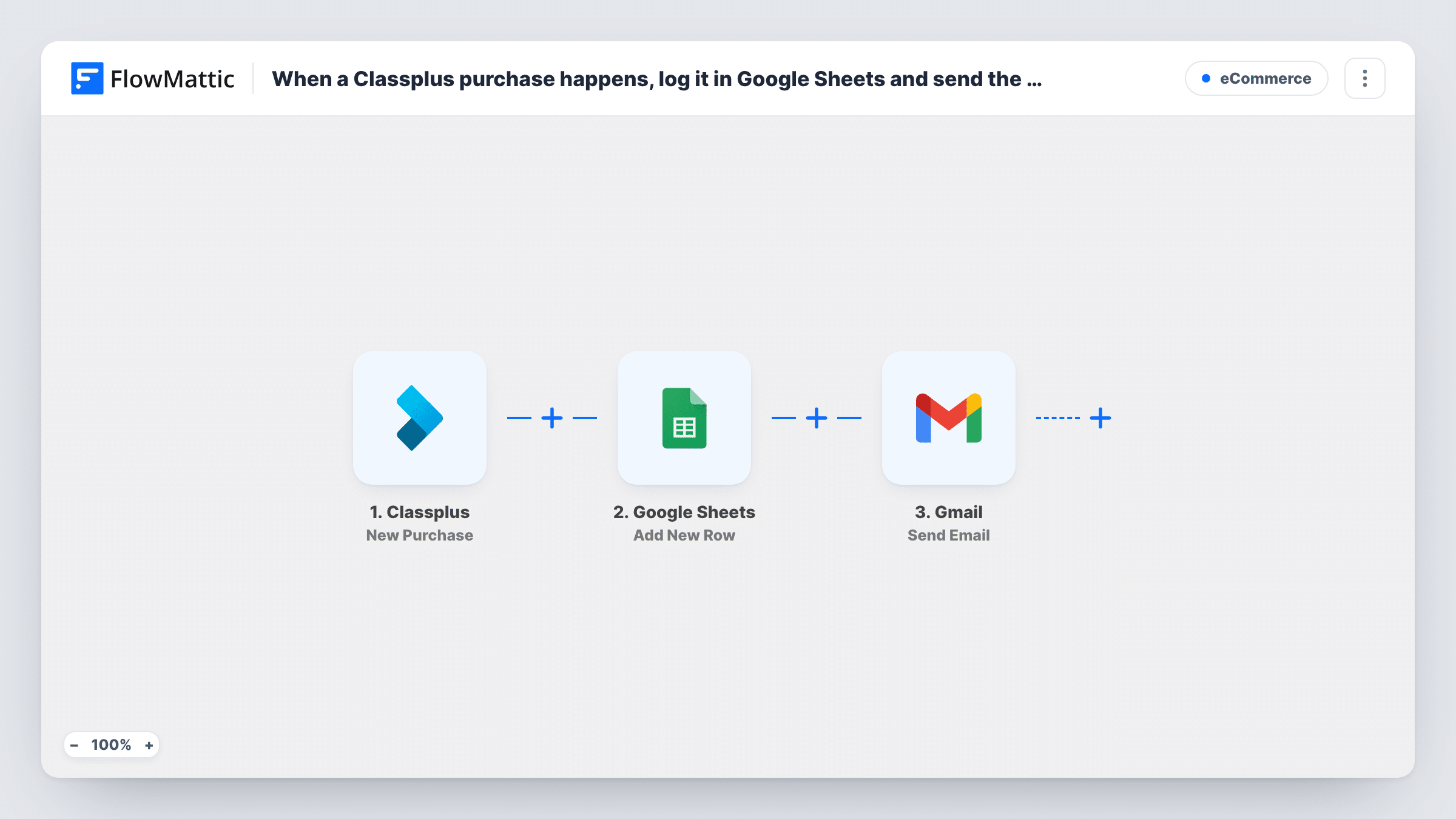
Every new sale in your Classplus account starts a run. FlowMattic passes the purchase data on to Google Sheets, which adds a new row to the spreadsheet you choose, with the columns you map. The run then moves to Gmail, which sends an email from your connected account to the recipient you map, normally the buyer's email from the purchase.
You write the subject and body yourself, and you can drop purchase details such as the student's name or the course into the text. The trigger fires on every purchase, so a student who buys a second course gets a second row and a second welcome email. Task History keeps a record of each run and what each step sent.
Course launch week
Dozens of students buy in the first days. Each one gets a row in your sales sheet and a welcome email with login steps, while you focus on answering questions.
Coaching institute with several batches
Purchases for different Classplus courses land in one sheet that the office team uses to plan batches, and each student hears from you right after paying.
Sharing sales with a partner
A co-instructor who has no Classplus access reads the shared Google Sheet to see every purchase as it comes in.
How this workflow runs
What happens at each step once the workflow is on, and what you need before you import it.
 Classplus New Purchase
Fires when a new purchase is made in your Classplus account. The purchase data becomes available to map in the Google Sheets and Gmail steps.
- Google Sheets Add New Row
Adds a new row to the spreadsheet and sheet you select. Map purchase details to the columns, and add a header row first so the columns are easy to match.
- Gmail Send Email
Writes to the buyer from your Gmail account. Map the buyer's email from the purchase as the recipient, then write the subject and message, inserting purchase details where you want them.
What you need
- FlowMatticCore
- Classplus AccountAccount
- Google Sheets AccountAccount
- Gmail AccountAccount
After importing, map your own data. To keep the template universal, not every step is pre-filled. Open each step in the builder and connect your accounts and fields (channels, lists, sheets, recipients) before you switch the workflow on.
Make it yours
Changes worth making after you import it.
- Run one test purchase, or wait for a real one, before turning the workflow on. FlowMattic then captures the Classplus fields so you can see what is available to map.
- Want to know about each sale yourself? Add a second Gmail step after the first and address it to your own inbox, with the buyer's details in the message.
- Add a Delay before the Gmail step if you would rather the welcome arrive a little after the Classplus receipt instead of at the same moment.
Questions about this workflow
Will a student who buys two Classplus courses get two welcome emails?
Yes. The trigger fires on every new purchase, so each purchase adds its own row and sends its own Gmail message. Add a Filter or change the email text if you want repeat buyers handled differently.
Which Gmail address sends the welcome email?
Whichever Gmail account you authorise during import. The welcome message goes out from that account and appears in its Sent folder.
Are past Classplus purchases added to the sheet?
No. Only purchases made after you turn the workflow on reach Google Sheets and Gmail. Earlier sales would need to be added to the sheet separately.
Can I change the columns in the Google Sheet later?
Yes. Edit the sheet's header row, then open the Google Sheets step and map the purchase data to the new columns.
More E-Commerce workflows
Other ready-to-import templates from the same category.





Import this workflow into your WordPress site
Download the JSON, import it from the Workflows screen and connect your accounts. Every run stays on your server, with no per-task fees.
30-day money-back guarantee Unlimited workflows and runs Self-hosted