

When Setup Webhook in Formsort, Create New Customer in WooCommerce
When a Formsort form event you set up reaches FlowMattic, this workflow creates a customer profile in your WooCommerce store from the answers, so people who complete your Formsort flow already have a store account.
 Formsort
 WooCommerce
2 steps Setup ~5 min Used on 3.1k sites Free to import
What this workflow does
Formsort is often used for longer onboarding or quiz-style flows that come before a purchase. If the store sits on WooCommerce, those respondents still have to register again before they can buy, or you create their accounts by hand. This workflow creates the WooCommerce customer from the Formsort data.
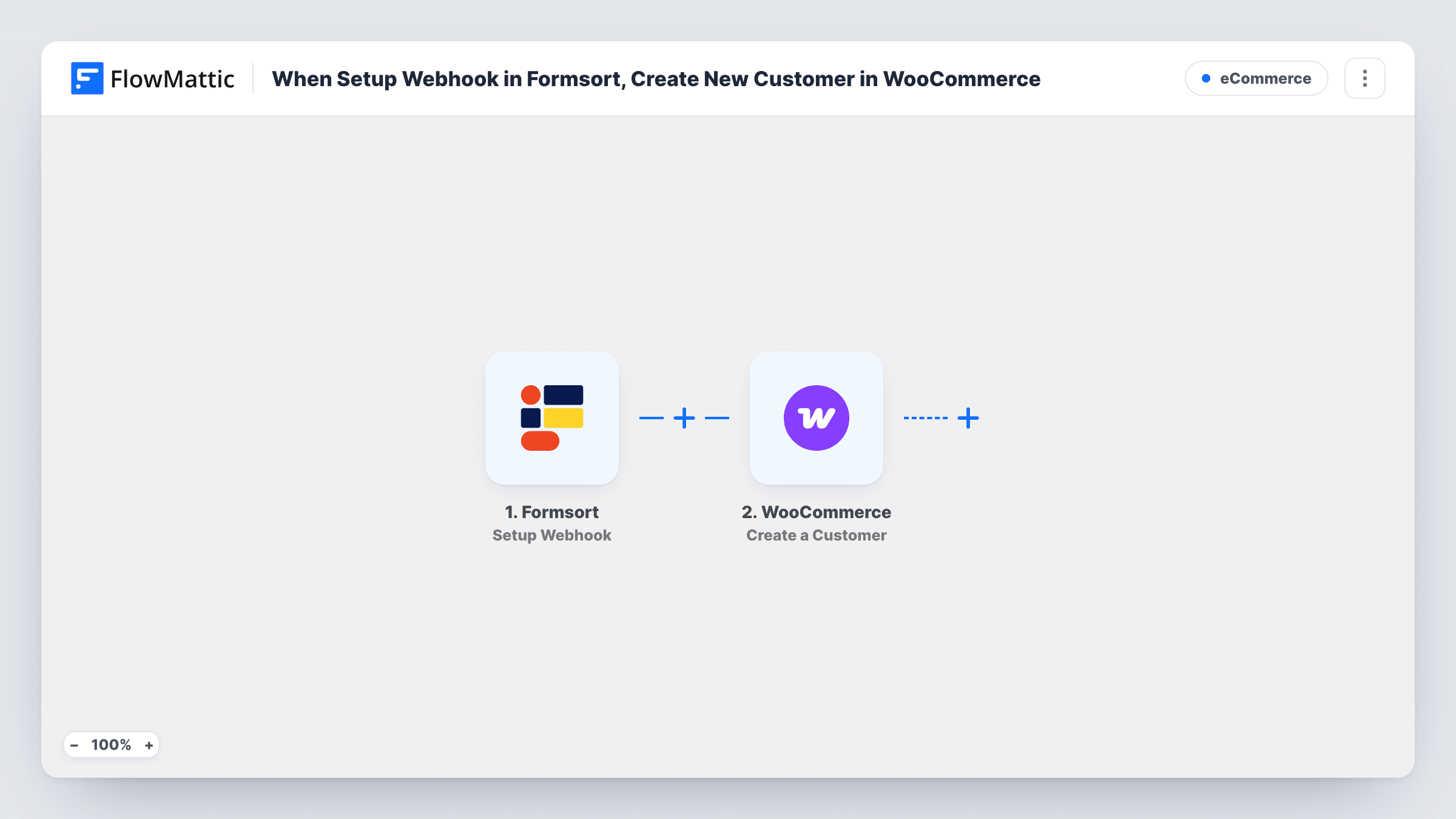
The Formsort trigger, called Setup Webhook, fires when the form event you specify in Formsort takes place, such as a completed flow. FlowMattic receives the answers and passes them to WooCommerce, where Create a Customer adds a new customer profile. You map the respondent's email and any name or address answers into the customer during setup.
WooCommerce customers are WordPress users, so each run adds an account on your site. An email that already belongs to an account cannot be used for a second one, and Task History shows WooCommerce's response in that case. Test with a fresh address and with one already registered before you send real traffic.
Product quiz before checkout
Shoppers answer a Formsort quiz to find the right product. When they finish, their WooCommerce customer account is ready for the purchase that follows.
Onboarding for a subscription store
New members complete a Formsort intake flow with their details and preferences, and the store gets a customer profile for each of them.
Wholesale or trade applications
Trade buyers apply through a Formsort form, and each applicant is created as a WooCommerce customer you can review before giving them trade pricing.
How this workflow runs
What happens at each step once the workflow is on, and what you need before you import it.
 Formsort Setup Webhook
Fires when the form event you specify in Formsort takes place, such as a submitted flow. The answers are captured for the WooCommerce step.
- WooCommerce Create a Customer
Creates a new customer profile in WooCommerce from the Formsort answers you map, with the respondent's email as the account address. The store has to be on the WordPress site where FlowMattic is installed.
What you need
- FlowMatticCore
- Formsort AccountAccount
- WooCommerce PluginPlugin
After importing, map your own data. To keep the template universal, not every step is pre-filled. Open each step in the builder and connect your accounts and fields (channels, lists, sheets, recipients) before you switch the workflow on.
Make it yours
Changes worth making after you import it.
- Add a Filter after the trigger that continues only when the email answer is not empty, so incomplete Formsort flows don't reach WooCommerce.
- Answers you don't map never reach WooCommerce. Add a Google Sheets step after the customer step if you want every Formsort answer kept in one place as well.
- Complete your Formsort flow once after import with a test email. FlowMattic captures the answers, and you can map them in the WooCommerce step.
Questions about this workflow
Which Formsort event starts the workflow?
The one you set up in Formsort to send to FlowMattic's webhook. The trigger fires when that specified form event takes place, for example when a flow is completed.
What if the Formsort respondent already has a WooCommerce account?
WooCommerce does not allow two accounts with the same email, so the step returns an error for that run and the existing customer stays as it was. You can read WooCommerce's reply on that run in Task History.
Does the new WooCommerce customer get a login?
A WordPress user account is created for each WooCommerce customer. How they set or receive a password depends on your WooCommerce account settings, so check with a test.
Are earlier Formsort responses added to WooCommerce?
No. Only events sent after the workflow is turned on create customers.
More E-Commerce workflows
Other ready-to-import templates from the same category.






Import this workflow into your WordPress site
Download the JSON, import it from the Workflows screen and connect your accounts. Every run stays on your server, with no per-task fees.
30-day money-back guarantee Unlimited workflows and runs Self-hosted