

Add new WooCommerce customer to a group in BuddyPress
When a new customer profile is created in WooCommerce, this workflow adds that person to a BuddyPress group you choose, so new buyers join your community space without you adding them by hand.
 WooCommerce
 BuddyPress
2 steps Setup ~5 min Used on 1.5k sites Free to import
What this workflow does
If your store and your BuddyPress community run on the same WordPress site, buying from you can be the way into a members' group. Adding each customer to that group yourself is easy to forget. This workflow does it as soon as their customer profile exists.
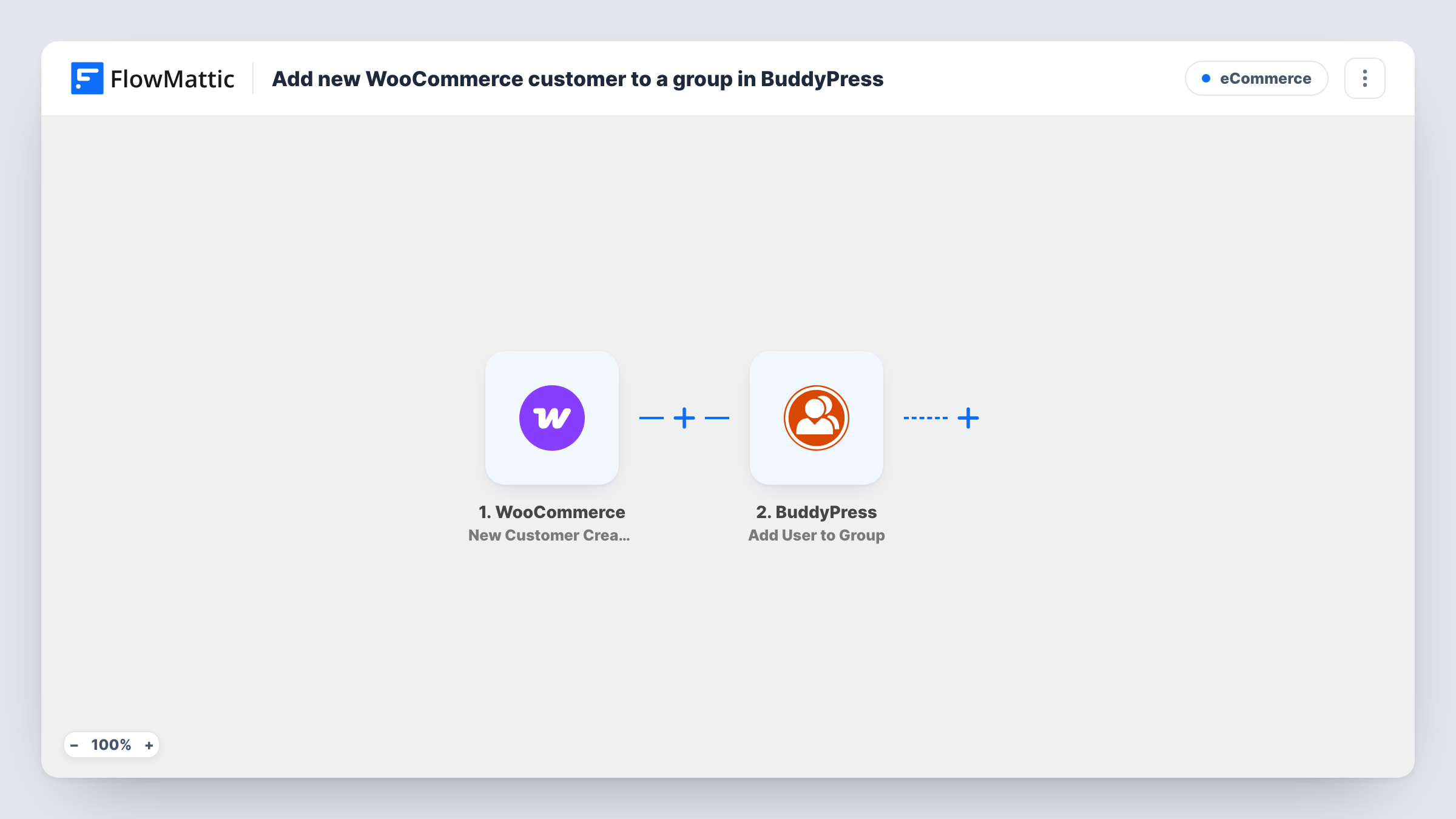
The WooCommerce New Customer Created trigger fires when a new customer profile is created and passes on the customer's details, including their WordPress user. FlowMattic then runs BuddyPress Add User to Group with that user, placing them in the group you pick.
Because both plugins live on your site, nothing leaves WordPress. The trigger fires once per new customer profile, not once per order, so repeat orders from the same account do not run it again. Buyers who check out as guests don't get a customer profile, so they are not added. Each customer added appears as a run in Task History.
Course buyers join a student group
You sell a course through WooCommerce. New customers land in a BuddyPress group where they can ask questions and meet other students.
Product owners' community
A store selling equipment adds each new customer to an owners' group for tips, support threads and updates.
Members-only discussion for a local shop
Customers who create an account join a group where the shop shares events and offers with them first.
How this workflow runs
What happens at each step once the workflow is on, and what you need before you import it.
 WooCommerce New Customer Created
Runs when a new customer profile is created in WooCommerce. The customer's details, including their WordPress user, are passed to the BuddyPress step.
- BuddyPress Add User to Group
Adds the WordPress user to the BuddyPress group you select. Map the user from the WooCommerce trigger and choose the group, then confirm with a test customer.
What you need
- FlowMatticCore
- WooCommerce PluginPlugin
- BuddyPress PluginPlugin
After importing, map your own data. To keep the template universal, not every step is pre-filled. Open each step in the builder and connect your accounts and fields (channels, lists, sheets, recipients) before you switch the workflow on.
Make it yours
Changes worth making after you import it.
- Require an account at checkout, or allow account creation, in WooCommerce settings if you want every buyer to get a customer profile and join the group.
- Create a test customer account after import, then check the group's member list in BuddyPress to confirm they were added.
- Add a second BuddyPress step after the first to place customers in another group as well, such as a general announcements group.
Questions about this workflow
Do WooCommerce guest checkouts get added to the BuddyPress group?
No. Guest buyers have no customer account, so the New Customer Created trigger does not fire and there is no user to add.
Does a returning WooCommerce customer get added again?
No. The trigger fires when a customer profile is created, which happens once per account.
Does the BuddyPress group need to exist first?
Yes. Create the group in BuddyPress, with the Groups component enabled, before you choose it in the Add User to Group step.
Can customers who bought a specific product go to their own group?
Not with this trigger, which is about the customer account rather than an order. Use a WooCommerce order trigger with a Filter on the product if the group depends on what was bought.
More E-Commerce workflows
Other ready-to-import templates from the same category.





Import this workflow into your WordPress site
Download the JSON, import it from the Workflows screen and connect your accounts. Every run stays on your server, with no per-task fees.
30-day money-back guarantee Unlimited workflows and runs Self-hosted