

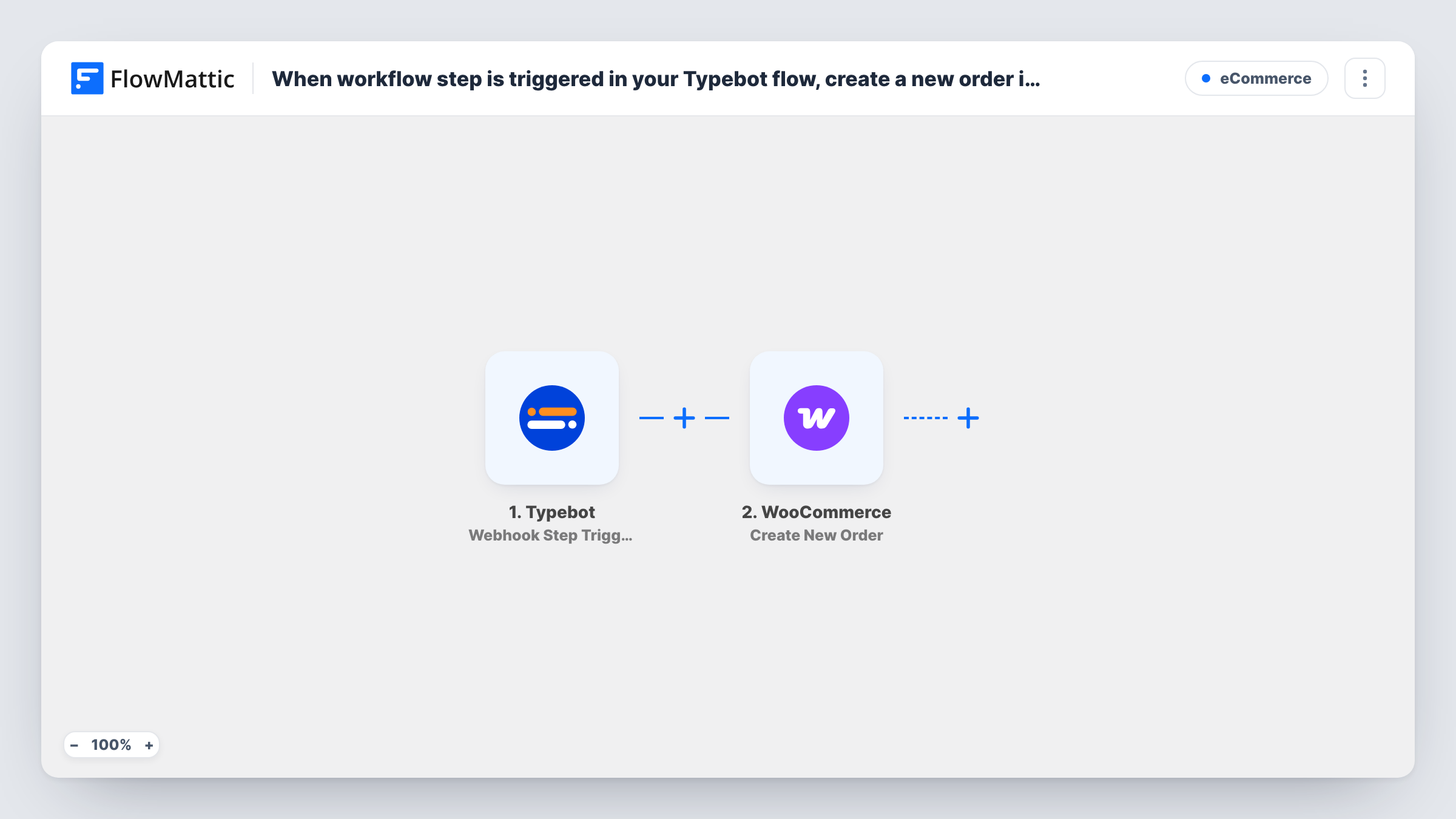
When workflow step is triggered in your Typebot flow, create a new order in WooCommerce
When a visitor reaches the webhook step in your Typebot chatbot, this workflow creates an order in your WooCommerce store from the answers the bot collected, such as the product they picked and their contact details.
 Typebot
 WooCommerce
2 steps Setup ~5 min Used on 2.7k sites Free to import
What this workflow does
A chatbot can walk a visitor through choosing a product, a size or a package, and collect their name and email on the way. Without a link to your store, someone still has to enter that choice as an order by hand. This workflow turns the conversation into a WooCommerce order.
The Typebot trigger fires when the workflow step in your Typebot flow is reached. The values your bot sends at that point become the run's data. FlowMattic then uses the WooCommerce Create New Order action to add an order to the store on your WordPress site, with the Typebot answers you map into it.
The workflow creates the order record only. No step takes a payment, so plan how the customer pays, for example by invoice or a payment link you send afterwards. Place the webhook step at the point in the bot where the choice is final, so half-finished chats don't create orders. Task History lists each run with what was sent to WooCommerce.
Ordering through a chat on a menu site
A cafe's Typebot asks what the visitor wants and when they'll collect it. Reaching the webhook step creates a WooCommerce order the kitchen sees in the store admin.
Guided product picker for a small shop
A bot asks a few questions, recommends a product and confirms the choice, then the order appears in WooCommerce for the team to invoice.
Booking packages sold as products
A photographer's Typebot collects the package and date, and each completed chat becomes a WooCommerce order that tracks the job.
How this workflow runs
What happens at each step once the workflow is on, and what you need before you import it.
 Typebot Webhook Step Triggered
Fires when a visitor reaches the workflow step you placed in your Typebot flow. The variables the bot sends, such as the chosen product and the visitor's email, are passed on.
- WooCommerce Create New Order
Creates an order in WooCommerce on your site from the mapped Typebot values. Map the product and customer details, then run a test chat to check the order in the admin.
What you need
- FlowMatticCore
- Typebot AccountAccount
- WooCommerce PluginPlugin
After importing, map your own data. To keep the template universal, not every step is pre-filled. Open each step in the builder and connect your accounts and fields (channels, lists, sheets, recipients) before you switch the workflow on.
Make it yours
Changes worth making after you import it.
- Use the WooCommerce product ID in your Typebot choices rather than only the product name, so the value you map into the order points at the right product.
- Add a Filter after the trigger that continues only when the bot's email variable is not empty. Chats that reach the step without an address then don't create orders.
- After the order step, add an email step that sends the customer how to pay, since this workflow creates the order without collecting payment.
Questions about this workflow
Does the Typebot customer pay for the WooCommerce order in the chat?
No. The workflow creates the order and nothing else. Collect payment separately, for example with an invoice or a payment link you send after the order is created.
Which Typebot answers reach WooCommerce?
The variables your Typebot webhook step sends. Run a test chat after import to see them in FlowMattic, then map each one into the order.
Will every chat create a WooCommerce order?
Only chats that reach the webhook step. Visitors who leave the bot before that point don't start a run, so place the step after the visitor confirms their choice.
Can Typebot chats create orders in a WooCommerce store on another site?
Not with this step. The Create New Order action works on the WooCommerce store installed on the WordPress site where FlowMattic runs, so install FlowMattic on the store's site.
More E-Commerce workflows
Other ready-to-import templates from the same category.





Import this workflow into your WordPress site
Download the JSON, import it from the Workflows screen and connect your accounts. Every run stays on your server, with no per-task fees.
30-day money-back guarantee Unlimited workflows and runs Self-hosted