

When Unlock Reward in UpViral, Create an Order in WooCommerce
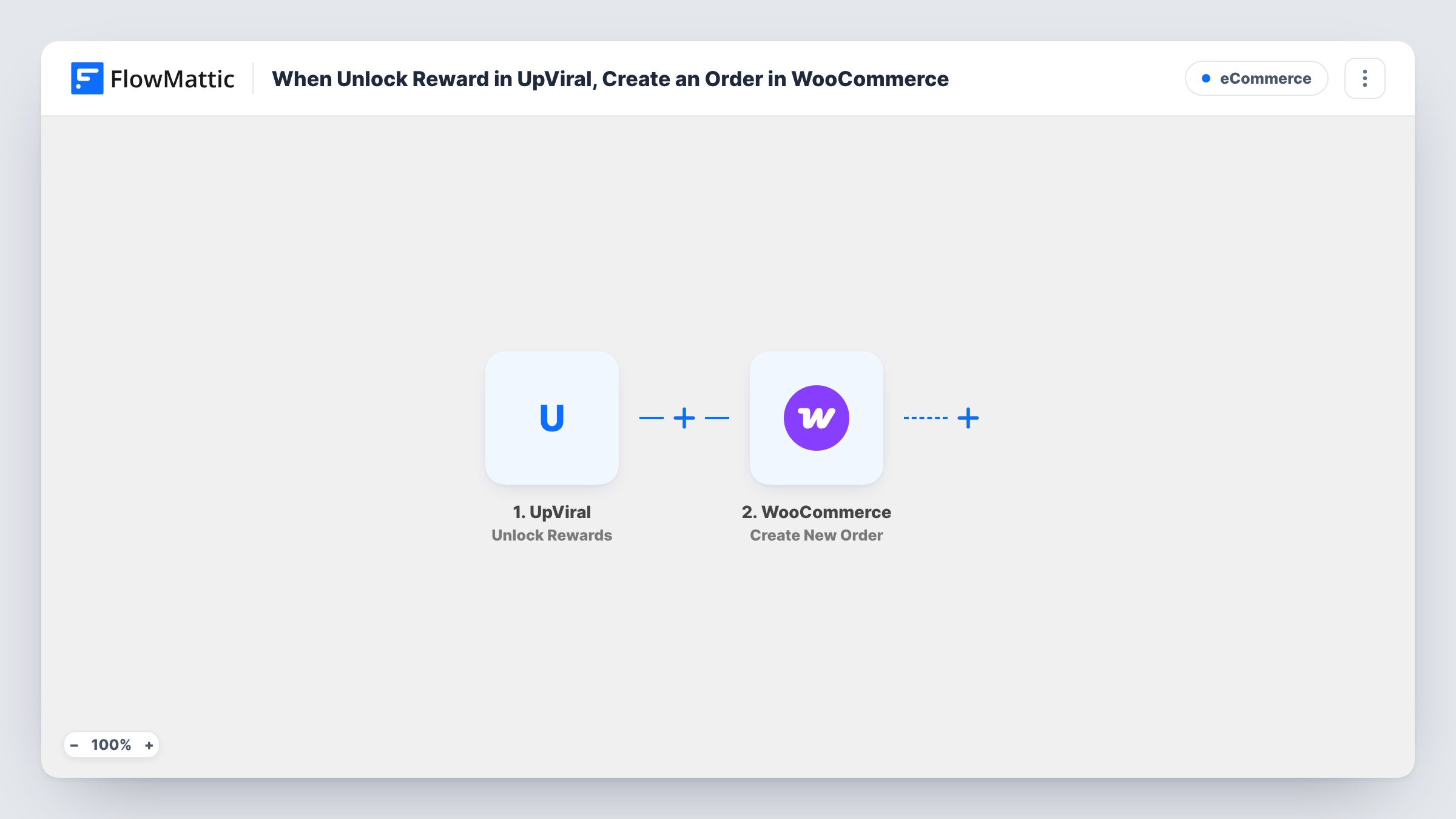
When a participant earns a reward in an UpViral campaign, this workflow creates an order in WooCommerce, so each reward is recorded in the store you already use to ship and track orders.
 UpViral
 WooCommerce
2 steps Setup ~5 min Used on 1.8k sites Free to import
What this workflow does
Referral campaigns in UpViral hand out rewards when people reach a target, such as a sample, a download or a free product. Someone then has to fulfil each one. If your products and shipping already live in WooCommerce, the simplest record is an order there, and this workflow creates it for you.
The UpViral trigger fires when a participant earns a reward. FlowMattic passes the participant and reward data to the WooCommerce step, which creates a new order on your store. You map the participant's details into the order, such as their name and email, and choose the product that stands for the reward.
Each earned reward creates one order. If a campaign has several reward levels, every level a participant reaches starts its own run, so plan which product each level maps to. The order is created inside WordPress, where it shows in your WooCommerce orders list like any other. Task History shows each run and the data that went into the order.
Free sample for five referrals
A coffee roaster gives a sample bag to anyone who refers five friends. Each earned reward becomes a WooCommerce order that the packing team ships with the day's other orders.
Merch for a launch waitlist
A software company sends a T-shirt to waitlist members who reach a referral goal. The order in WooCommerce holds the person's details so the merch can be sent out.
Digital bonus through your store
Rewards are downloadable products in WooCommerce. An order for the earned item gives you a record of who received which bonus.
How this workflow runs
What happens at each step once the workflow is on, and what you need before you import it.
 UpViral Unlock Rewards
Runs when a participant in your UpViral campaign earns a reward. The participant and reward data are passed to the WooCommerce step.
- WooCommerce Create New Order
Creates a new order in WooCommerce for the earned reward. Map the participant's details and the reward product into the order, then trigger a test reward to check the result.
What you need
- FlowMatticCore
- UpViral AccountAccount
- WooCommerce PluginPlugin
After importing, map your own data. To keep the template universal, not every step is pre-filled. Open each step in the builder and connect your accounts and fields (channels, lists, sheets, recipients) before you switch the workflow on.
Make it yours
Changes worth making after you import it.
- If your campaign has more than one reward, add a Router after the trigger with a route per reward and a WooCommerce step on each, so every level creates an order for its own product. Check that no two route conditions can match the same reward event.
- Use a Filter after the UpViral trigger to create orders only for rewards that need fulfilment, and leave out rewards that are delivered some other way.
- Trigger one test reward before you go live, then open the new order in WooCommerce and check the customer details, product and total.
Questions about this workflow
Does the UpViral participant need a WooCommerce account?
The step creates an order, not a customer account. How the order is linked to a person depends on the fields you map. Check a test order to see how WooCommerce records it.
Will WooCommerce charge the participant for the reward order?
This workflow takes no payment and only creates the order record. Set the product price and order details so the order reflects a free reward, and check the result in a test run.
What happens if one UpViral participant earns two rewards?
Each earned reward fires the trigger, so the participant gets two separate orders, one per reward.
Does the WooCommerce store for UpViral rewards have to be on my FlowMattic site?
Yes. The WooCommerce step works with the store on the WordPress site where FlowMattic is installed.
More E-Commerce workflows
Other ready-to-import templates from the same category.







Import this workflow into your WordPress site
Download the JSON, import it from the Workflows screen and connect your accounts. Every run stays on your server, with no per-task fees.
30-day money-back guarantee Unlimited workflows and runs Self-hosted