

Send a recovery email via Email SMTP when a Freemius cart is abandoned
When Freemius reports an abandoned cart session, this workflow sends the buyer an email through WordPress mail or your own SMTP server, with a message and checkout details you write.
 Freemius
 Email
Email2 steps Setup ~5 min Used on 526 sites Free to import
What this workflow does
Freemius tracks checkout sessions for your plugin, theme or SaaS. When a buyer starts a purchase and leaves, you may want to reach them with your own message from your own address. This workflow sends that email each time Freemius flags a cart as abandoned.
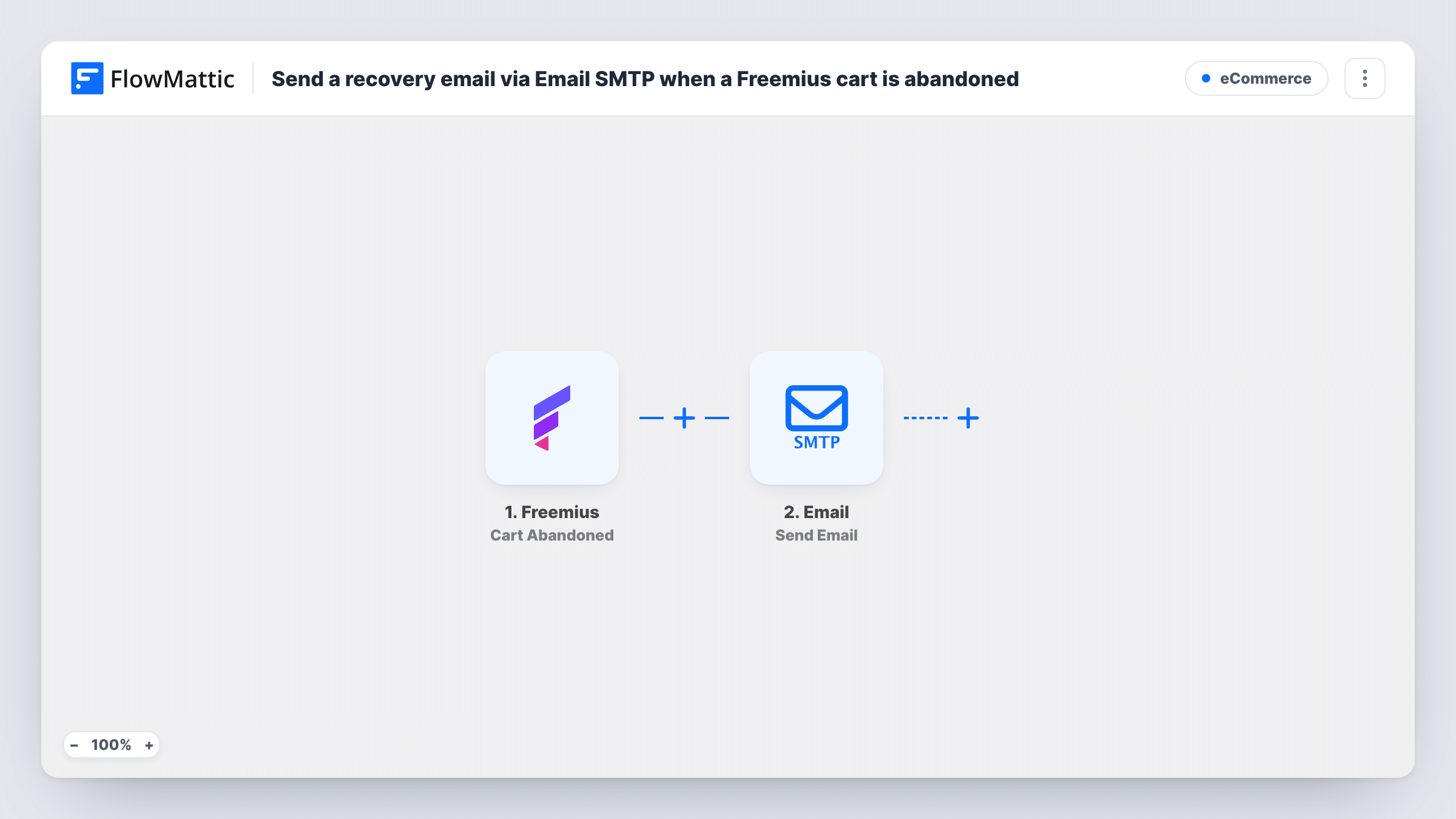
The Freemius Cart Abandoned trigger fires whenever a cart session has been abandoned. The cart data comes into FlowMattic, and the Email step sends a message using WordPress mail or the SMTP account you configure. You write the subject and body, and map the buyer's email address and any cart details into them.
Every abandoned cart triggers one email, since the template has no Filter or Delay. The message goes out as soon as Freemius reports the cart. Task History shows each run, so you can check what was sent and to whom.
Premium plugin checkout
A visitor opens the checkout for your plugin's Pro plan and leaves. They receive an email from your support address asking whether anything stopped them and how to reach you.
Answering licence questions
Buyers sometimes stop at checkout because they aren't sure which licence tier fits. Your recovery email can explain the tiers and link back to the pricing page.
Founder-signed follow-up
A small SaaS sends abandoned carts a short plain-text note signed by the founder through the company's own SMTP server, instead of a templated store email.
How this workflow runs
What happens at each step once the workflow is on, and what you need before you import it.
 Freemius Cart Abandoned
Fires whenever Freemius reports that a cart session has been abandoned. The cart data it sends, such as the buyer's details, can be mapped into the email.
 Email Send Email
Sends an email through WordPress mail or the SMTP server you set up. Map the buyer's email from the Freemius data into the recipient, then write the subject and body.
What you need
- FlowMatticCore
- Freemius AccountAccount
After importing, map your own data. To keep the template universal, not every step is pre-filled. Open each step in the builder and connect your accounts and fields (channels, lists, sheets, recipients) before you switch the workflow on.
Make it yours
Changes worth making after you import it.
- Add a Delay before the email step so the message arrives a few hours after the cart is abandoned rather than straight away.
- Add a Filter after the trigger to continue only when the Freemius data includes an email address, so the step isn't run for carts without one.
- Send yourself a test by abandoning a cart in a test checkout, then check Task History to see the Freemius fields you can mention in the email.
Questions about this workflow
Which email service sends the Freemius recovery message?
The Email step uses WordPress mail or a custom SMTP server that you set in the step. It does not send through Freemius.
When does Freemius count a cart as abandoned?
Freemius decides that. The workflow runs whenever Freemius sends the Cart Abandoned event, and FlowMattic does not apply its own timing rules.
Will a buyer who later completes the purchase still get the email?
The email goes out when the abandoned event arrives, so a later purchase doesn't cancel it. Add a Delay if you want a gap, but note that the Delay alone doesn't check whether they bought.
Can I include a link back to checkout in the email?
You can add any link you write into the body. Whether Freemius sends a ready-made checkout link depends on its event data, so check a test run before mapping one.
More E-Commerce workflows
Other ready-to-import templates from the same category.







Import this workflow into your WordPress site
Download the JSON, import it from the Workflows screen and connect your accounts. Every run stays on your server, with no per-task fees.
30-day money-back guarantee Unlimited workflows and runs Self-hosted