

When New Order in SpreadSimple, create an Invoice using the template in Crove
Each new order placed in your SpreadSimple store is sent to Crove, which fills your invoice template with the order details and generates a PDF, so every sale gets its own invoice document.
 SpreadSimple
 Crove
Crove2 steps Setup ~5 min Used on 3.3k sites Free to import
What this workflow does
SpreadSimple turns a Google Sheet into a store, which keeps selling simple, but it leaves invoicing to you. Copying each order into an invoice template takes time and invites typos in names and totals. This workflow fills the template for you as orders come in.
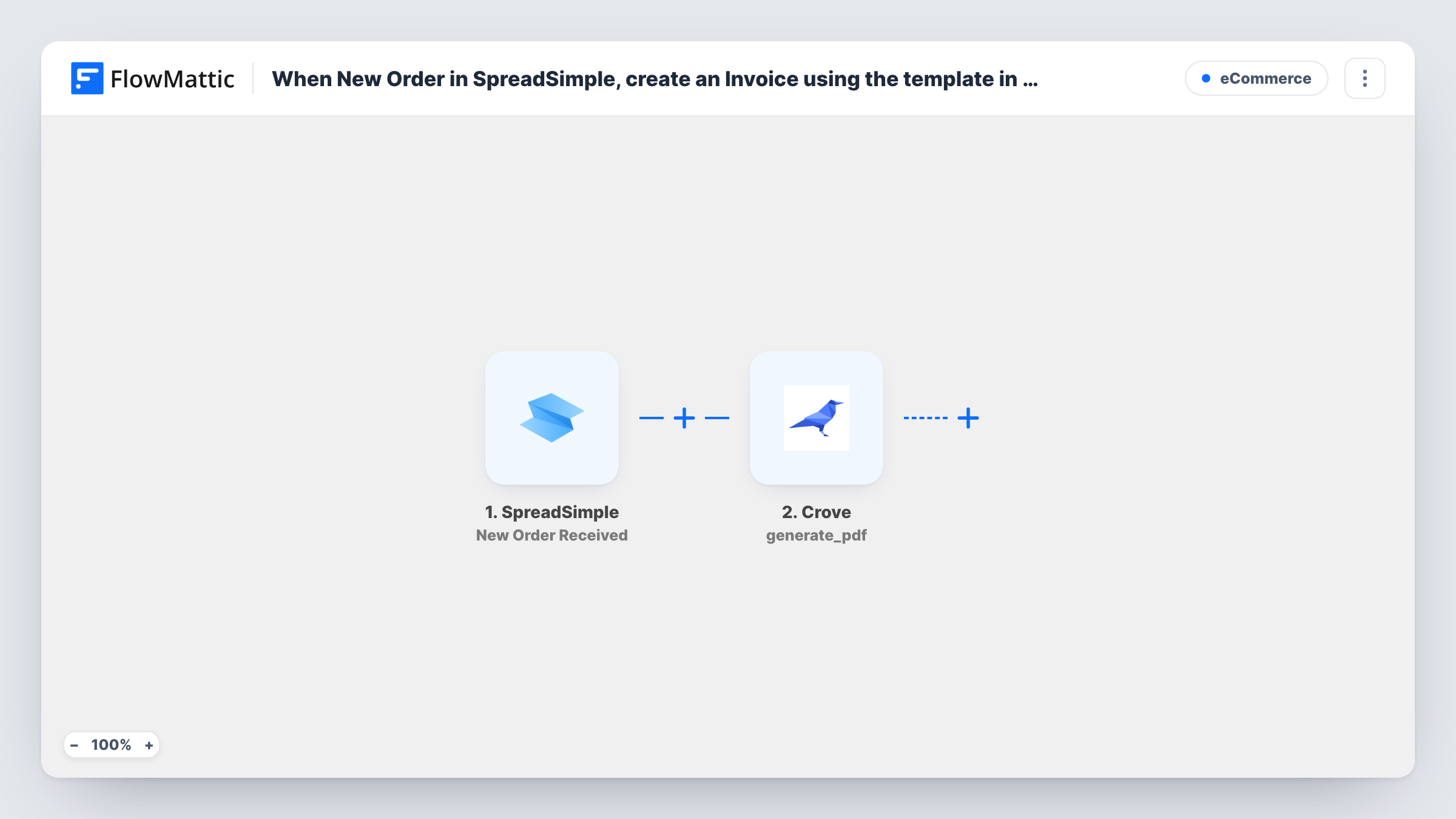
A buyer checking out in your shop starts the SpreadSimple trigger. FlowMattic receives the order data and hands it to Crove. The Generate PDF step asks Crove to produce a PDF from your invoice template, with the buyer's details and order lines you map placed into the template's fields.
The PDF is created in Crove and its response is available in FlowMattic, but nothing in this template emails it to the buyer or stores it elsewhere. Add a step for that if you need it. Every order runs once, and Task History lists each run with the data sent to Crove and the reply that came back.
Invoices for a small online shop
A maker sells prints through SpreadSimple. Each order produces a filled invoice PDF in Crove, ready to download for the records or send to the buyer.
Bookkeeping for catalogue orders
A wholesale catalogue built on SpreadSimple takes orders from trade customers. Your bookkeeper collects the Crove invoices instead of retyping each order.
Consistent paperwork for event tickets
Ticket orders placed through a SpreadSimple site each get an invoice in the same Crove layout, with the attendee's name and the ticket type filled in.
How this workflow runs
What happens at each step once the workflow is on, and what you need before you import it.
 SpreadSimple New Order Received
Starts each time a buyer completes an order in the SpreadSimple shop. The order data, such as the buyer's details and what they bought, is passed on for mapping.
- Crove Generate PDF
Asks Crove to make a PDF from your invoice template, filled with the order fields you map. Connect your Crove account and use a test order to see what Crove returns.
What you need
- FlowMatticCore
- SpreadSimple AccountAccount
- Crove AccountAccount
After importing, map your own data. To keep the template universal, not every step is pre-filled. Open each step in the builder and connect your accounts and fields (channels, lists, sheets, recipients) before you switch the workflow on.
Make it yours
Changes worth making after you import it.
- Set up the invoice template in Crove before you import, with a field for each value you want from the order, such as buyer name, items and total. Mapping is quicker when the fields already exist.
- To get the invoice to the buyer, add an email step after Crove and map the file link from Crove's response, which a test run shows you. Check that the SpreadSimple order includes the buyer's email first.
- Place an order in your own store after import. It gives FlowMattic real order data to map and shows you exactly how the Crove PDF looks.
Questions about this workflow
Does the buyer receive the Crove invoice automatically?
Not as imported. The workflow only generates the PDF in Crove. Add a step after Crove, such as an email, and map the document from Crove's response if you want the buyer to get it.
Which SpreadSimple order details can go on the invoice?
Whatever the SpreadSimple order data includes. Place a test order, then look at the order data FlowMattic received to see which fields you can map into the Crove template.
Are past SpreadSimple orders invoiced?
No. Only orders placed after you switch the workflow on reach Crove. Create invoices for earlier orders in Crove yourself.
Do I need a template ready in Crove?
Yes. Generate PDF fills a Crove template you have already built, so make the invoice layout in Crove first, then check with a test order that the step uses it.
More E-Commerce workflows
Other ready-to-import templates from the same category.





Import this workflow into your WordPress site
Download the JSON, import it from the Workflows screen and connect your accounts. Every run stays on your server, with no per-task fees.
30-day money-back guarantee Unlimited workflows and runs Self-hosted