

When user complete purchase in FluentCart, Create a member and assign a subscription in MemberPress
When a FluentCart order is paid, FlowMattic creates the buyer as a MemberPress member and then creates a subscription record for them on the membership you choose.
 FluentCart
 MemberPress
3 steps Setup ~5 min Used on 1.4k sites Free to import
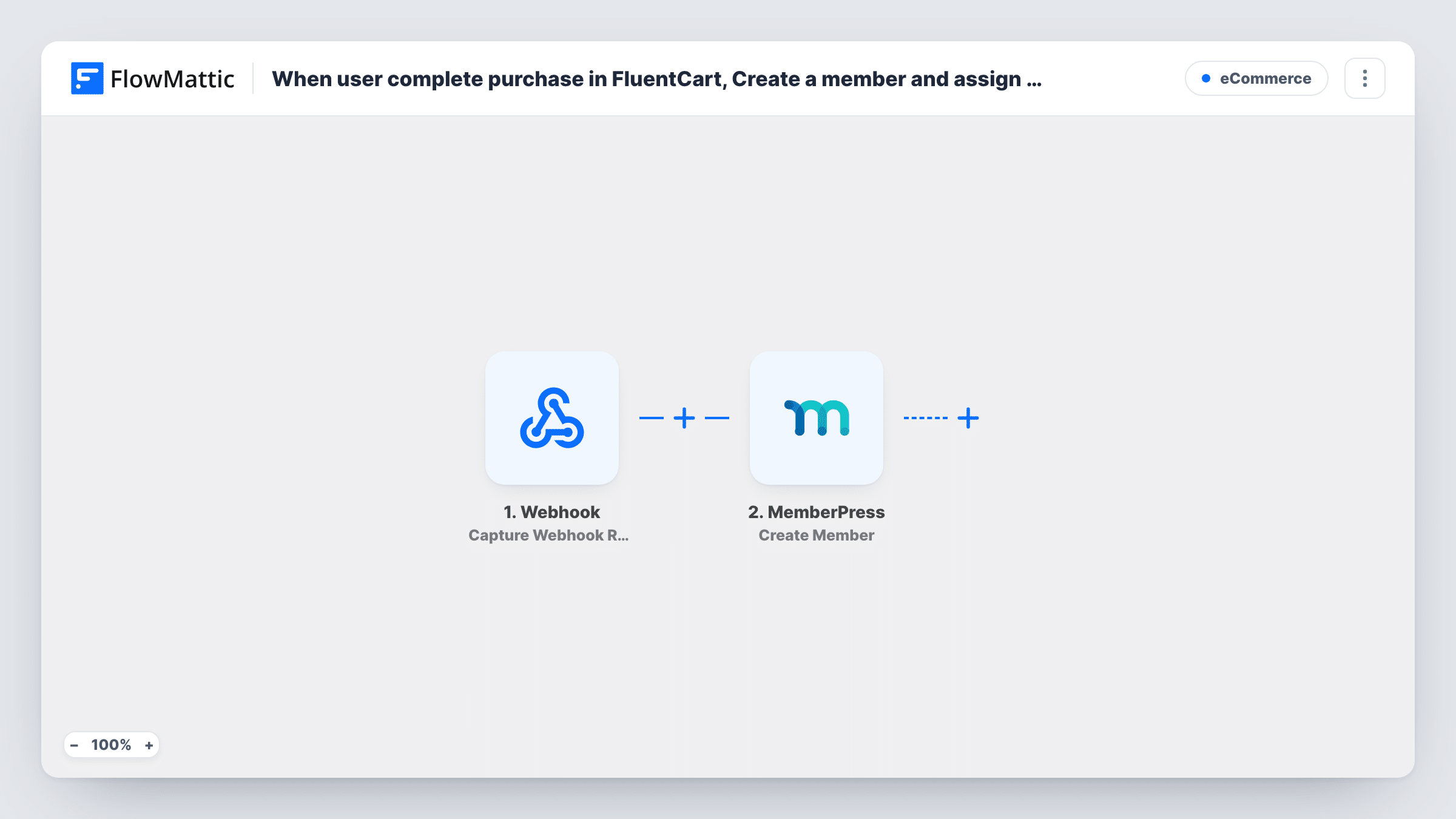
What this workflow does
Selling memberships through FluentCart means the payment lands in one plugin and the access lives in another. This workflow joins the two, so a paid order turns the buyer into a MemberPress member with a subscription, and you don't copy customer details from one admin screen to the next.
The FluentCart Order Paid trigger starts a run when an order's payment is completed. The order's customer and item details are then available to the next steps. Orders that are created but never paid don't start a run.
Two MemberPress steps follow. Create Member adds the buyer as a new member, and Create Subscription then creates a subscription record for that member. Both steps ship unmapped. After import you map the buyer's email and name into Create Member, then map the member returned by step 2 and pick the membership in Create Subscription.
Every paid order runs both steps, whatever was bought and whoever bought it. If your store also sells products that aren't memberships, or customers buy more than once, read the tips before you turn it on. Place a test order and check Task History to see what each MemberPress step returned.
Course access sold through FluentCart
An online school takes payment for its membership in FluentCart, and each paid order sets the student up in MemberPress so the protected lessons are tied to their account.
Paid community sign-ups
A private forum sells yearly access with FluentCart's checkout and uses MemberPress rules to open the forum pages to each new member.
One store, one member list
A creator who already runs FluentCart for downloads adds a membership product and keeps member records in MemberPress without a second checkout.
How this workflow runs
What happens at each step once the workflow is on, and what you need before you import it.
 FluentCart Order Paid
Starts a run when a FluentCart order's payment is completed. The customer's email, name and the order's items are passed on for mapping.
- MemberPress Create Member
Creates a new MemberPress member from the order. The step ships unmapped: after import, map the buyer's email and name from the FluentCart order into it.
- MemberPress Create Subscription
Creates a subscription record in MemberPress. Map the member that step 2 returned and choose the membership; nothing is set in the template, so confirm the result with a test order.
What you need
- FlowMatticCore
- FluentCart PluginPlugin
- MemberPress PluginPlugin
After importing, map your own data. To keep the template universal, not every step is pre-filled. Open each step in the builder and connect your accounts and fields (channels, lists, sheets, recipients) before you switch the workflow on.
Make it yours
Changes worth making after you import it.
- If FluentCart sells more than memberships, put a Filter between the Order Paid trigger and the Create Member step that continues only when the order holds your membership product. Set the product to your own.
- Repeat buyers may already be members. Place a test order with an existing member's email and check in Task History what Create Member and Create Subscription returned for that person.
- After your first test order, open the member in MemberPress and check that the membership shows the way you expect before you turn the workflow on.
Questions about this workflow
What happens when a FluentCart buyer is already a MemberPress member?
The template doesn't check first, so Create Member is sent again for that email. MemberPress may return an error for an address it already holds; Task History shows the response for each step.
Does an unpaid or pending FluentCart order create a member?
No. Order Paid fires only when the payment is completed, so orders still waiting for payment don't start a run.
Which membership does the MemberPress subscription use?
The one you pick in the Create Subscription step after import, because no membership is chosen in the shipped template. If you sell several memberships, make one copy of the workflow per membership and put a Filter on the product between the Order Paid trigger and Create Member in each copy.
Do I need anything set up in MemberPress before importing?
Yes. Create the membership product in MemberPress first, so you can choose it in the Create Subscription step, and connect MemberPress in FlowMattic.
More E-Commerce workflows
Other ready-to-import templates from the same category.





Import this workflow into your WordPress site
Download the JSON, import it from the Workflows screen and connect your accounts. Every run stays on your server, with no per-task fees.
30-day money-back guarantee Unlimited workflows and runs Self-hosted