

Create Airtable records for new Lemon Squeezy orders
Every new order placed in your Lemon Squeezy store becomes a record in Airtable, giving you a sales table you can sort, group and share with people who don’t log in to Lemon Squeezy.
 Lemon Squeezy
 Airtable
2 steps Setup ~5 min Used on 722 sites Free to import
What this workflow does
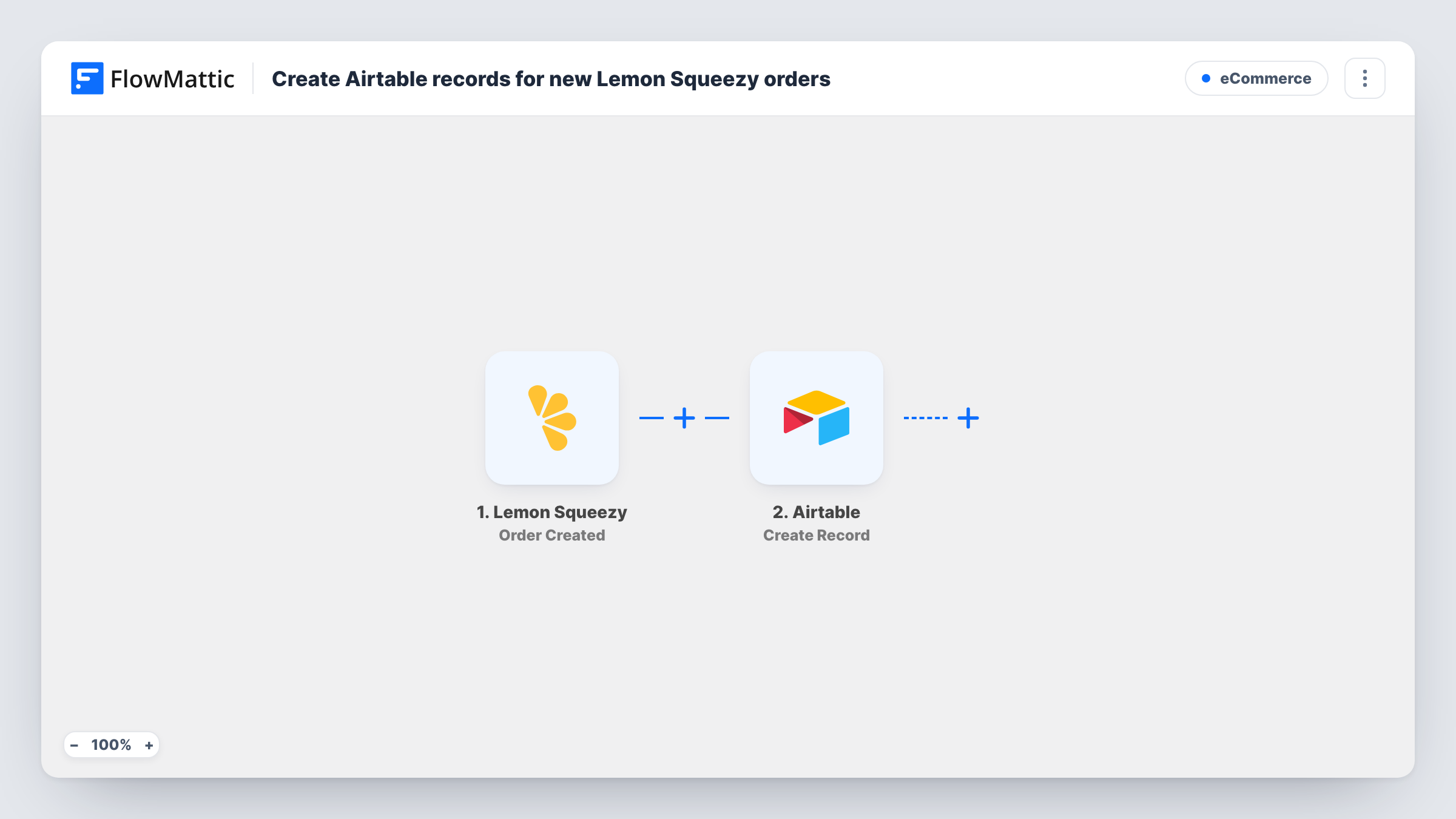
Lemon Squeezy shows your orders in its own dashboard, which is fine for checking a single sale. When you want to tag orders, add notes, join them with other business data or hand a list to a partner, a table in Airtable is easier to work with. This workflow copies each order there as it happens.
The Lemon Squeezy trigger fires when a new order is created in your store. FlowMattic takes the order data Lemon Squeezy sends and passes it to the Airtable step. Create Record then adds one record to the base and table you select, with each order value mapped to the field you choose.
Each order is written once and never touched again by this workflow, so a refund in Lemon Squeezy leaves the Airtable record as it was. Task History lists every run with the order data that came in, which helps when a record looks wrong.
Sales ledger for a digital product shop
A creator selling templates and e-books keeps a running Airtable table of orders, grouped by product, to see which items sell.
Order list for a bookkeeper
Share a read-only Airtable view of each sale with the person who does your books, without giving them access to your Lemon Squeezy account.
Customer follow-up tracking
Add a status field in Airtable next to each order record so you can mark who has received an onboarding call or a thank-you note.
How this workflow runs
What happens at each step once the workflow is on, and what you need before you import it.
 Lemon Squeezy Order Created
Runs when a new order is created in your Lemon Squeezy store. The order data sent with the event is available for mapping in the next step.
- Airtable Create Record
Adds a record to the Airtable table you pick for each order. Connect your Airtable account, choose the base and table, then map the order values into your fields.
What you need
- FlowMatticCore
- Lemon Squeezy AccountAccount
- Airtable AccountAccount
After importing, map your own data. To keep the template universal, not every step is pre-filled. Open each step in the builder and connect your accounts and fields (channels, lists, sheets, recipients) before you switch the workflow on.
Make it yours
Changes worth making after you import it.
- Place one order in your Lemon Squeezy store after import, for example with a discount code on a cheap product, so FlowMattic captures real order data before you map the Airtable fields.
- Want refunds tracked too? Build a second workflow on Lemon Squeezy's Order Refunded trigger that adds those to a separate Airtable table.
- Add a Filter after the trigger if only some products belong in this table, and continue when the product value in the order data matches.
Questions about this workflow
Does every Lemon Squeezy order create an Airtable record?
Yes. The Order Created trigger has no conditions in this template, so each new order starts a run and adds one record.
What happens in Airtable when a Lemon Squeezy order is refunded?
Nothing, as imported. The workflow only reacts to new orders and never edits records. Use the Order Refunded trigger in another workflow if you need refunds recorded.
Are orders from before I turned the workflow on added to Airtable?
No. Only orders created while the workflow is active start a run, so past sales need to be imported into Airtable another way.
Which order details can I store in Airtable?
Any value the Order Created event sends. Run a test order and look at the captured data in FlowMattic, then map the values you want into your table's fields.
More E-Commerce workflows
Other ready-to-import templates from the same category.






Import this workflow into your WordPress site
Download the JSON, import it from the Workflows screen and connect your accounts. Every run stays on your server, with no per-task fees.
30-day money-back guarantee Unlimited workflows and runs Self-hosted