

Add user to the space after WooCommerce product purchase
When a customer buys a chosen WooCommerce product, this workflow adds them to a FluentCommunity space, so buying a course, membership or bundle gives access to its community on the same WordPress site.
 WooCommerce
 Fluent Community
2 steps Setup ~5 min Used on 2.7k sites Free to import
What this workflow does
If you sell access to a community, the purchase and the membership live in two plugins. WooCommerce takes the payment, and FluentCommunity controls who sees each space. Adding every buyer by hand is slow, and customers who paid wait until you get to it. This workflow links the two.
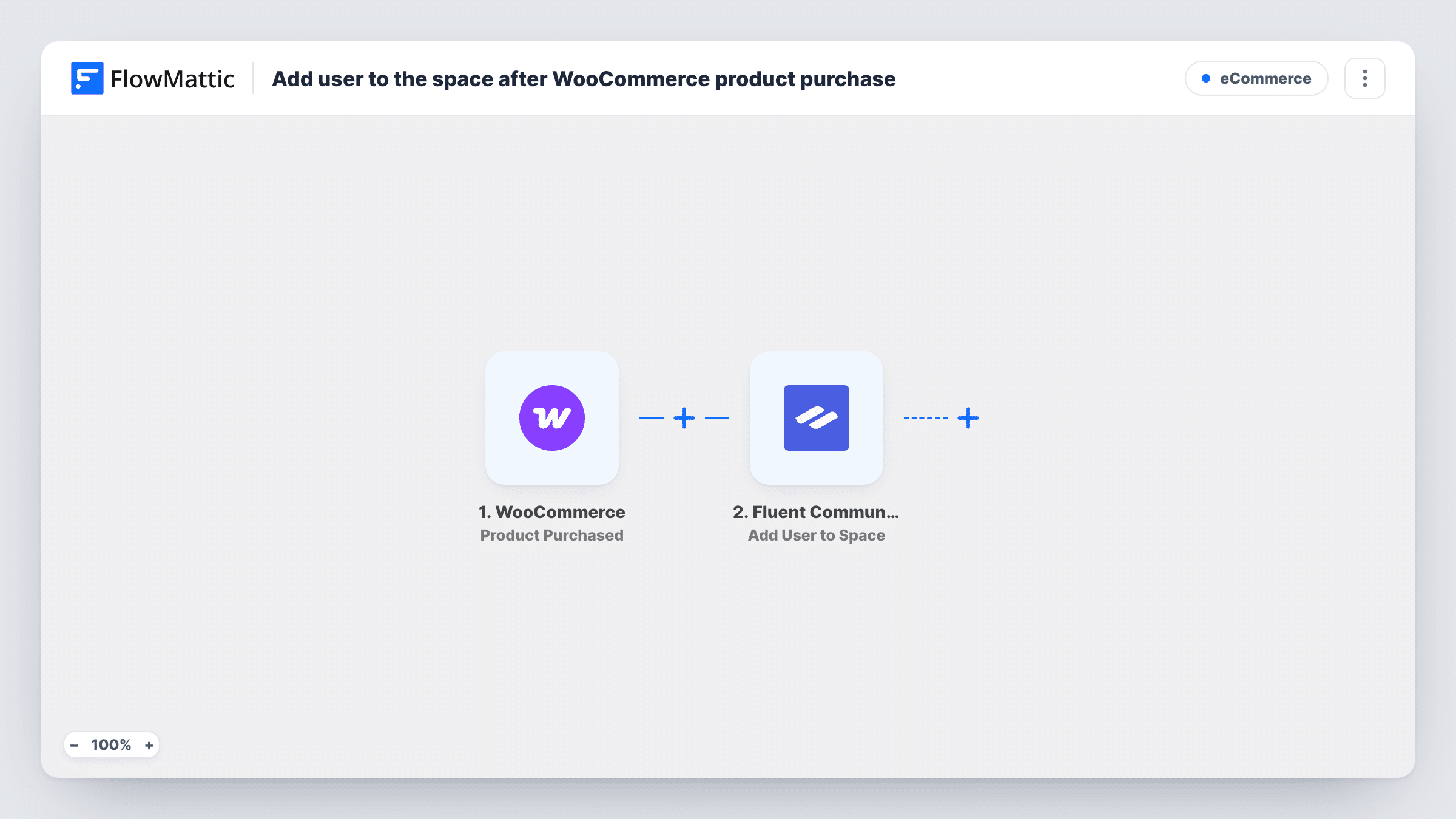
The WooCommerce trigger fires when a specific product you choose is purchased. FlowMattic passes the order and customer data to FluentCommunity, where Add User to Space adds that customer to the space you set in the step. The store and the community sit on one WordPress install, so no outside service is involved.
FluentCommunity spaces hold WordPress users. A buyer who checks out as a guest has no user account, so there is nobody to add. Turn off guest checkout in WooCommerce so buyers create an account, then test with a real purchase. Task History shows each run and whether FluentCommunity accepted the user.
Course buyers join a student space
Customers who buy your online course get added to the course's FluentCommunity space, where they ask questions and share progress.
Paid mastermind group
A WooCommerce product sells seats in a mastermind. Each buyer is placed in the private space where the group meets between calls.
Bonus community with a physical product
A craft kit sold in WooCommerce comes with access to a maker space, where buyers post photos of what they made.
How this workflow runs
What happens at each step once the workflow is on, and what you need before you import it.
 WooCommerce Product Purchased
Runs when the WooCommerce product you select in this trigger is purchased. The order and customer details become data you can map in the FluentCommunity step.
- Fluent Community Add User to Space
Adds the buying customer to a FluentCommunity space. Map the customer from the order into the step and choose the space, then confirm with a test order that the right member was added.
What you need
- FlowMatticCore
- WooCommerce PluginPlugin
- FluentCommunity PluginPlugin
After importing, map your own data. To keep the template universal, not every step is pre-filled. Open each step in the builder and connect your accounts and fields (channels, lists, sheets, recipients) before you switch the workflow on.
Make it yours
Changes worth making after you import it.
- Disable guest checkout in your WooCommerce account settings, so every buyer of this product has a WordPress user that FluentCommunity can add.
- Copy the workflow for each product that grants a different space, and change the product in the trigger and the space in the action.
- Build a second workflow on WooCommerce's Order Status Set to Refunded trigger with FluentCommunity's Remove User from Space action, plus a Filter for this product, so a refund ends access.
Questions about this workflow
Does a guest WooCommerce checkout get added to the FluentCommunity space?
No. FluentCommunity adds WordPress users to spaces, and a guest order has no user account. Require customers to create an account at checkout so the step has someone to add.
Does buying another WooCommerce product trigger it?
No. The Product Purchased trigger listens for the specific product you choose. Other products in your store don't start a run unless you build a workflow for them.
What if the customer is already a member of that FluentCommunity space?
The step runs again on each purchase of the product. Task History shows FluentCommunity's response, so a repeat buyer is easy to check.
More E-Commerce workflows
Other ready-to-import templates from the same category.





Import this workflow into your WordPress site
Download the JSON, import it from the Workflows screen and connect your accounts. Every run stays on your server, with no per-task fees.
30-day money-back guarantee Unlimited workflows and runs Self-hosted