

When new submission is received in Ninja Forms, create a new product in WooCommerce
Each Ninja Forms submission creates a new WooCommerce product from the answers in the form, so staff or suppliers can add items to your store without opening the WooCommerce product editor.
 Ninja Forms
 WooCommerce
2 steps Setup ~5 min Used on 2.9k sites Free to import
What this workflow does
The WooCommerce product editor has a lot of screens for someone who only needs to add an item now and then. A short form is easier to hand to a team member or a supplier, and it asks only for the details you care about. This workflow turns each form entry into a product in your store.
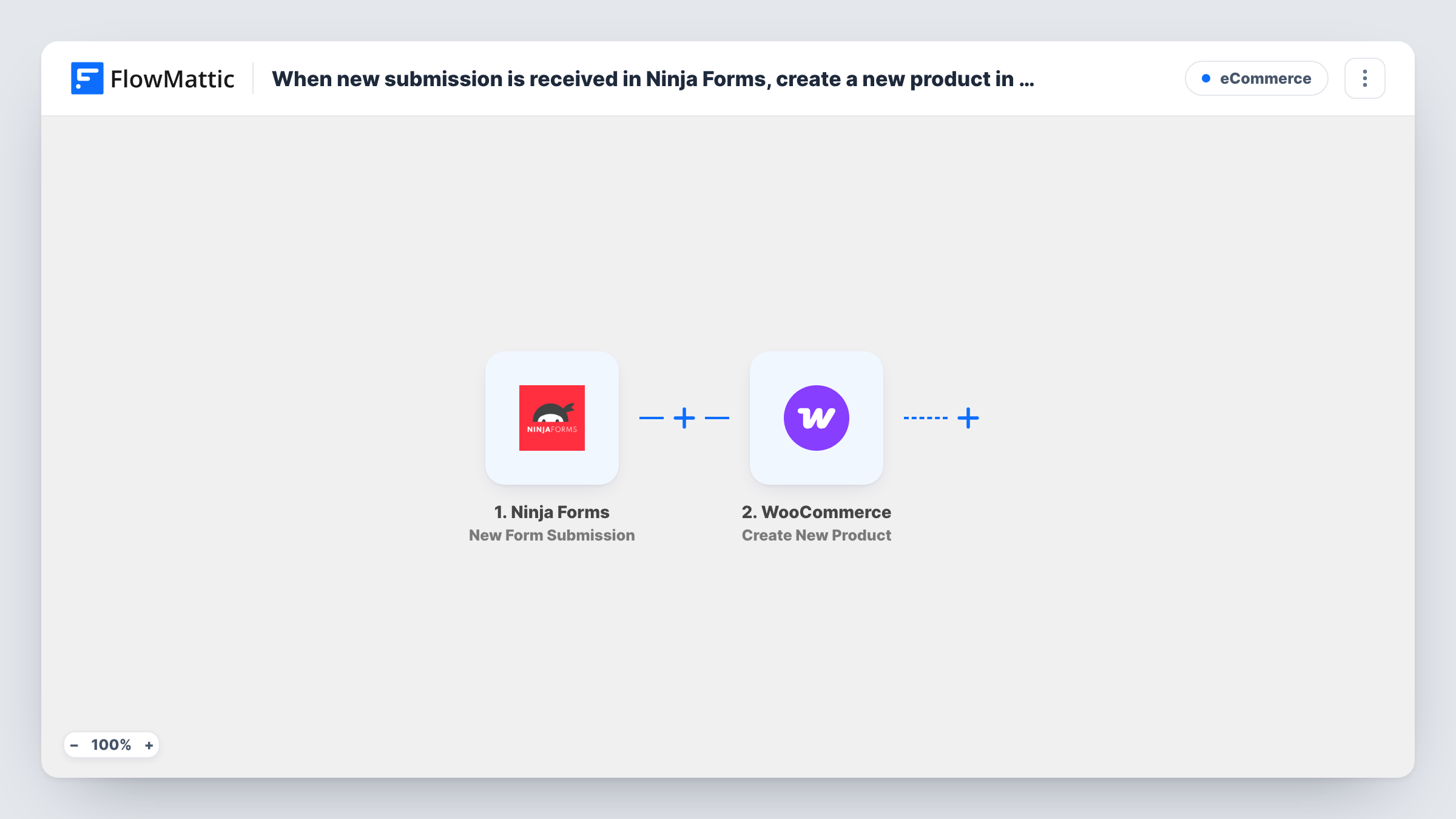
The Ninja Forms trigger fires when a visitor submits a form on your WordPress site, and every answer becomes data you can map. FlowMattic then runs Create New Product in WooCommerce, adding a product built from the answers you map into it. Both plugins run on the same site as FlowMattic, so the submission never leaves your server.
As imported, there is no check between the two steps. Anyone who can submit the form creates a product, so keep the form on a page that only trusted people can reach, or add a Filter. Make a test submission after import and look at the new product in WooCommerce to confirm how it was created before you share the form.
Suppliers adding their own stock
A local maker who sells through your shop fills in a Ninja Forms page with each new item. The product appears in WooCommerce ready for you to review.
Shop assistants without admin access
Staff who should not see the WordPress dashboard add products through a simple form on a private page, and WooCommerce receives each one.
Quick listing for one-off items
A second-hand or vintage shop lists single items often. A short form with only the needed fields is quicker than the full product screen.
How this workflow runs
What happens at each step once the workflow is on, and what you need before you import it.
 Ninja Forms New Form Submission
Runs when someone submits your chosen Ninja Forms form. Each answer in the submission is passed to the WooCommerce step for mapping.
- WooCommerce Create New Product
Adds a product to your WooCommerce store from the submission. Map the form answers into the product, then run a test to see which product details the action accepts and how the product is saved.
What you need
- FlowMatticCore
- Ninja Forms PluginPlugin
- WooCommerce PluginPlugin
After importing, map your own data. To keep the template universal, not every step is pre-filled. Open each step in the builder and connect your accounts and fields (channels, lists, sheets, recipients) before you switch the workflow on.
Make it yours
Changes worth making after you import it.
- Add a Filter after the trigger that continues only when a hidden or access-code field holds the value you expect. Stray submissions then stop before a product is made.
- Collect the price in a Ninja Forms Number field rather than a text box, so what you map into WooCommerce is a plain amount.
- Add an email step after WooCommerce to tell the shop manager a product was created from the form, with the product name in the message.
Questions about this workflow
Can any visitor create a WooCommerce product through the Ninja Forms form?
Yes, if they can reach and submit the form. The workflow has no check of its own, so place the form where only trusted people can see it, or add a Filter after the trigger.
Will the product go live in my store straight away?
That depends on how the Create New Product step saves it. Send a test entry after import and check the new product in WooCommerce before you share the form.
What if the same item is submitted twice?
Each submission runs the Create New Product action again, so a repeated entry gives you a second product. Delete the extra one in WooCommerce or add a check before the step.
Do Ninja Forms entries still save as usual?
Yes. The workflow only reads the submission after it is sent. Your form's own actions, such as notification emails, keep working as before.
More E-Commerce workflows
Other ready-to-import templates from the same category.





Import this workflow into your WordPress site
Download the JSON, import it from the Workflows screen and connect your accounts. Every run stays on your server, with no per-task fees.
30-day money-back guarantee Unlimited workflows and runs Self-hosted