

Log new Epos Now transactions in a Google Sheets spreadsheet
Add every new Epos Now transaction to a Google Sheets spreadsheet as its own row. FlowMattic copies the sale details you map, so you keep a running sales log outside the till system.
 Epos Now
 Google Sheets
2 steps Setup ~5 min Used on 1.1k sites Free to import
What this workflow does
Your point of sale records every sale, but the people who reconcile takings, plan stock or prepare the books often work from a spreadsheet. Exporting reports by hand is slow and easy to forget. This workflow writes each sale to a sheet as it happens.
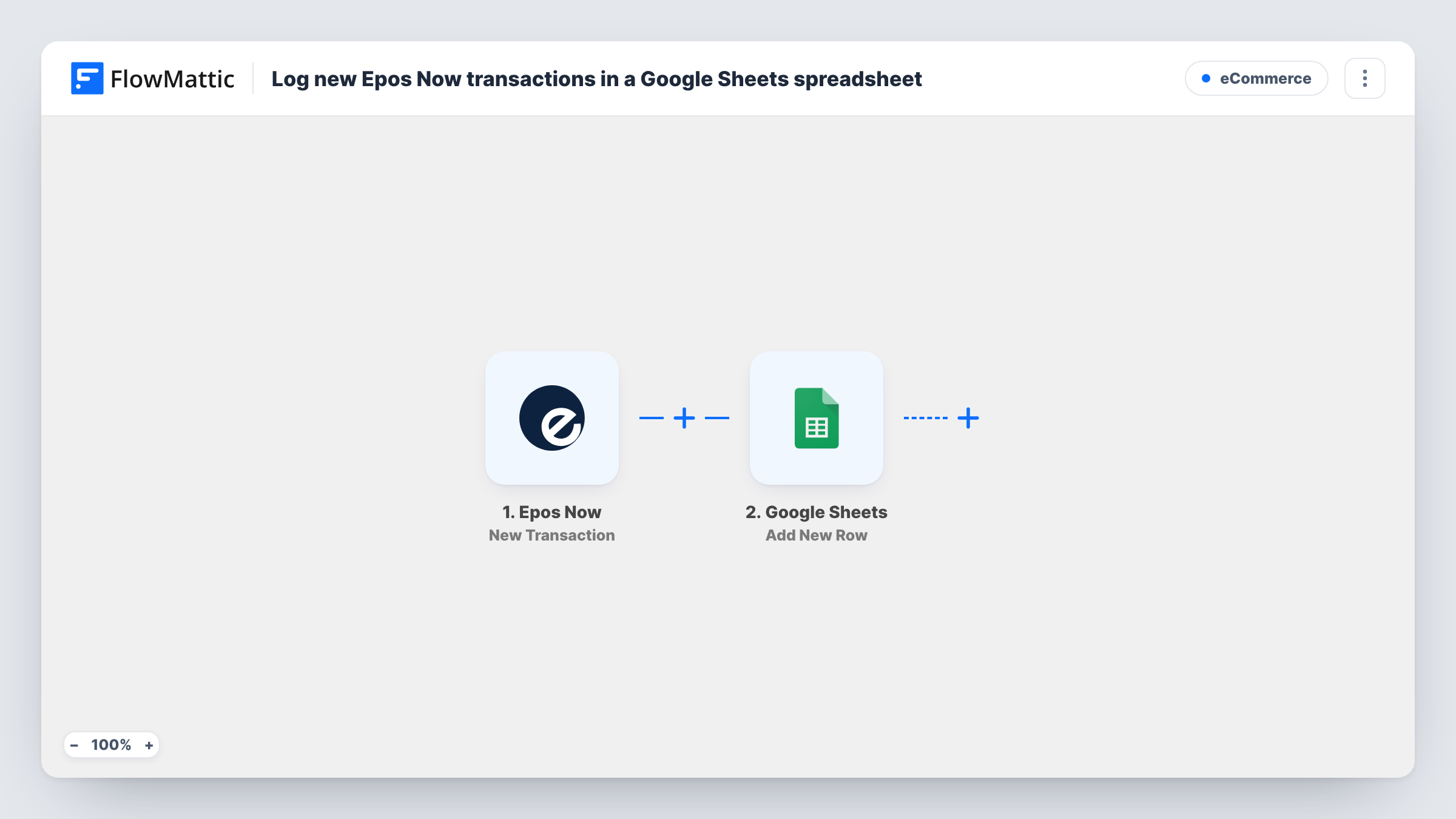
The Epos Now trigger fires when a transaction is made. FlowMattic passes the transaction data to the Google Sheets Add New Row action, which adds a row to the spreadsheet you choose. You map each column to a value from the transaction.
The sheet only grows. If a sale is later voided or refunded in Epos Now, the workflow doesn't change the row it already wrote, so reconcile those by hand or with a separate process. Task History lists each run, which is useful when a row looks wrong and you want to see what Epos Now sent.
Daily cash-up for a café
The manager opens the sheet at closing time and compares the logged transactions with the money in the till, without printing a report.
Sharing sales with a bookkeeper
An outside bookkeeper gets access to the spreadsheet instead of a login to your till system, and works from the rows each month.
Tracking sales across shifts
Add the transaction time to a column and use the sheet's own charts to see which hours of the day are busiest.
How this workflow runs
What happens at each step once the workflow is on, and what you need before you import it.
 Epos Now New Transaction
Fires when a transaction is made in Epos Now. The transaction data is passed on for mapping. Run a test sale to see which values Epos Now sends.
- Google Sheets Add New Row
Adds one row per transaction to the Google Sheets spreadsheet you pick. Connect your Google account, choose the sheet and map each column to a transaction value.
What you need
- FlowMatticCore
- Epos Now AccountAccount
- Google Sheets AccountAccount
After importing, map your own data. To keep the template universal, not every step is pre-filled. Open each step in the builder and connect your accounts and fields (channels, lists, sheets, recipients) before you switch the workflow on.
Make it yours
Changes worth making after you import it.
- Set up the sheet's header row first, with columns such as date, total and payment method, so mapping the Google Sheets step is quick.
- If you run several shops, check a test run for a value that identifies the shop or till. If one is there, give it a column so you can filter the sheet by shop.
- Use a separate sheet tab for each month by changing the target sheet at the start of the month, which keeps the log easy to read.
Questions about this workflow
Are refunds and voids reflected in the sheet?
No. The workflow adds a row when a transaction is made and never edits rows afterwards. Changes to a sale in Epos Now are not copied over.
Will my past Epos Now sales be added?
No. Only transactions made after you turn the workflow on reach the spreadsheet. Use an Epos Now report for older sales.
Can I choose what goes into each column?
Yes. You map the columns yourself in the Google Sheets step, picking from the values the Epos Now transaction sends.
Do I need anything installed on the till?
No. You connect your Epos Now account to FlowMattic when you import the workflow. The till keeps working as usual.
More E-Commerce workflows
Other ready-to-import templates from the same category.







Import this workflow into your WordPress site
Download the JSON, import it from the Workflows screen and connect your accounts. Every run stays on your server, with no per-task fees.
30-day money-back guarantee Unlimited workflows and runs Self-hosted