

Add new Mailchimp subscribers to MailerLite
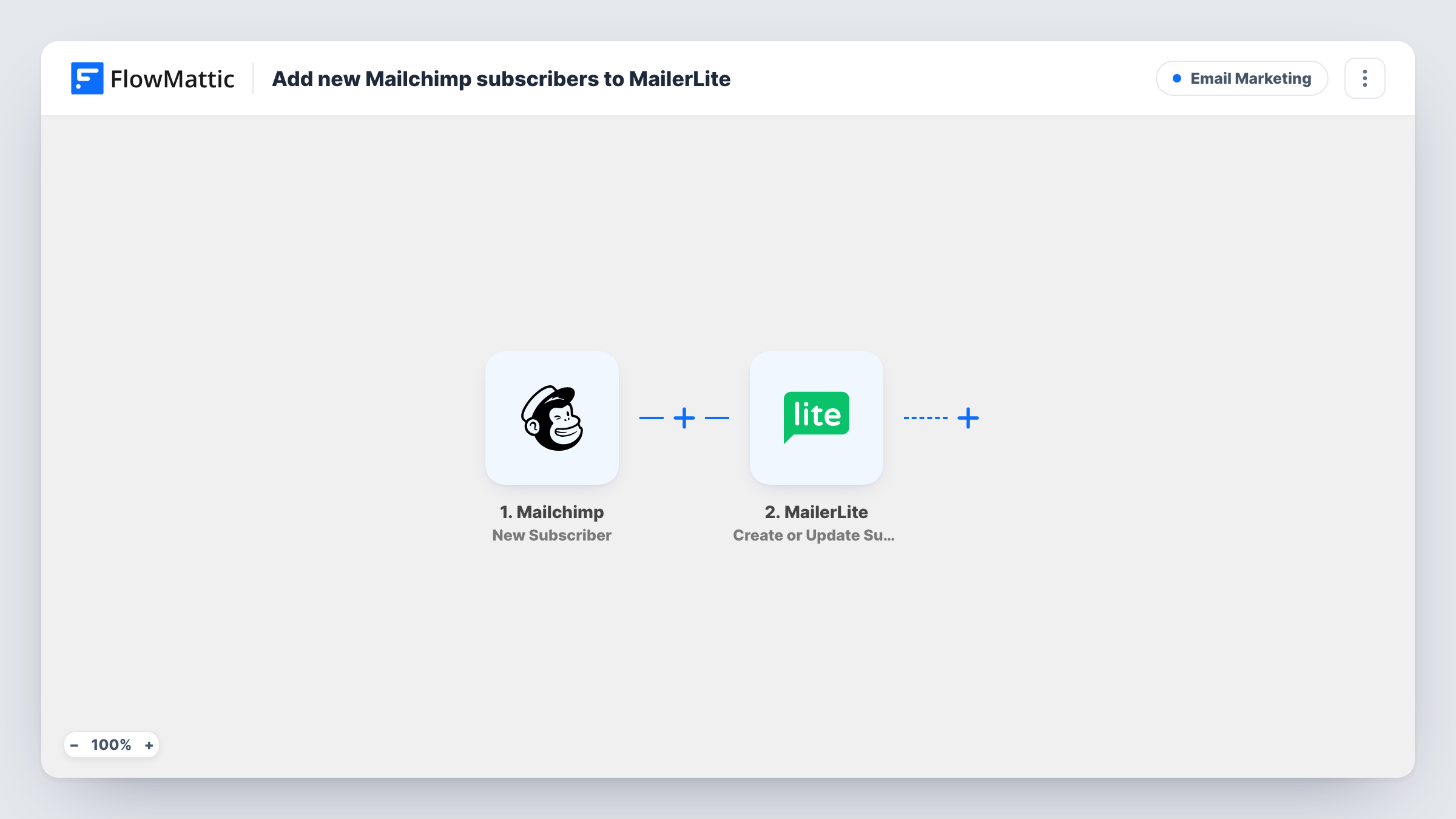
Whenever someone subscribes to your Mailchimp audience, this workflow creates them as a subscriber in MailerLite, or updates the existing MailerLite subscriber with the same email.
 Mailchimp
 MailerLite
2 steps Setup ~5 min Used on 3.0k sites Free to import
What this workflow does
Running two email tools at once is common during a move from Mailchimp to MailerLite, or when two teams each prefer their own. The hard part is keeping new sign-ups in both. This workflow copies each new Mailchimp subscriber into MailerLite as they arrive.
The Mailchimp New Subscriber trigger fires when a subscriber is added. FlowMattic passes their details to MailerLite, where Create or Update Subscriber adds them. If MailerLite already has that email, the subscriber is updated instead, so you don't end up with two records for one person.
Only new sign-ups after you turn the workflow on are copied. People already in your Mailchimp audience stay where they are, so import them into MailerLite separately if you need the full list there. Map the email and any name or custom fields you want carried over; send one test sign-up after import to see the fields Mailchimp provides.
Moving from Mailchimp to MailerLite
While your signup forms still point at Mailchimp, every new subscriber also lands in MailerLite, so the new account is current on the day you switch.
Two teams, two tools
Marketing sends newsletters from Mailchimp while the product team uses MailerLite for onboarding emails. Both see each new sign-up.
A backup list in a second tool
Keep a copy of your growing audience in MailerLite so you are not relying on a single provider for your subscriber list.
How this workflow runs
What happens at each step once the workflow is on, and what you need before you import it.
 Mailchimp New Subscriber
Starts each time Mailchimp reports a fresh sign-up on your audience. The subscriber's email and profile details are passed on for MailerLite.
- MailerLite Create or Update Subscriber
Creates the person as a MailerLite subscriber, or updates the existing one with that email. Map the email plus any name or custom fields, and connect MailerLite.
What you need
- FlowMatticCore
- Mailchimp AccountAccount
- MailerLite AccountAccount
After importing, map your own data. To keep the template universal, not every step is pre-filled. Open each step in the builder and connect your accounts and fields (channels, lists, sheets, recipients) before you switch the workflow on.
Make it yours
Changes worth making after you import it.
- Add MailerLite's Add Subscriber to a Group as a third step, so copied people land in a group you can target with their own campaign.
- Sign up with a test address after import, then check Task History to see which Mailchimp fields arrived before you map custom fields in MailerLite.
- Copying people between tools is still sending them email from a new sender. Make sure your Mailchimp sign-up wording covers the MailerLite emails too.
Questions about this workflow
Are my existing Mailchimp subscribers copied to MailerLite?
No. The trigger fires for new subscribers only, so people already on the audience before you turn it on are not copied. Export and import them once by hand.
What if the subscriber is already in MailerLite?
Create or Update Subscriber updates the existing MailerLite subscriber with the same email, so the person isn't added twice.
Does an unsubscribe in Mailchimp remove them from MailerLite?
No. This workflow only handles new subscribers. Mailchimp also has a New Unsubscriber trigger in FlowMattic if you want a separate workflow for that.
Can custom Mailchimp fields go to MailerLite?
Yes, if both sides have a matching field. Map each Mailchimp value to the MailerLite field you want it stored in.
More Email Marketing workflows
Other ready-to-import templates from the same category.






Import this workflow into your WordPress site
Download the JSON, import it from the Workflows screen and connect your accounts. Every run stays on your server, with no per-task fees.
30-day money-back guarantee Unlimited workflows and runs Self-hosted