

Add new Ordergroove subscribers to a Mailchimp audience for onboarding
When a customer creates their first subscription in Ordergroove, FlowMattic adds them to the Mailchimp audience you use for onboarding, or updates their member record if they are already there.
 Ordergroove
 Mailchimp
2 steps Setup ~5 min Used on 515 sites Free to import
What this workflow does
The first days of a subscription are when customers decide whether it fits. Onboarding emails, such as how to skip a delivery or change a product, help most in that window. To send them from Mailchimp, the new subscriber has to be in your audience first. FlowMattic adds each one as Ordergroove reports them.
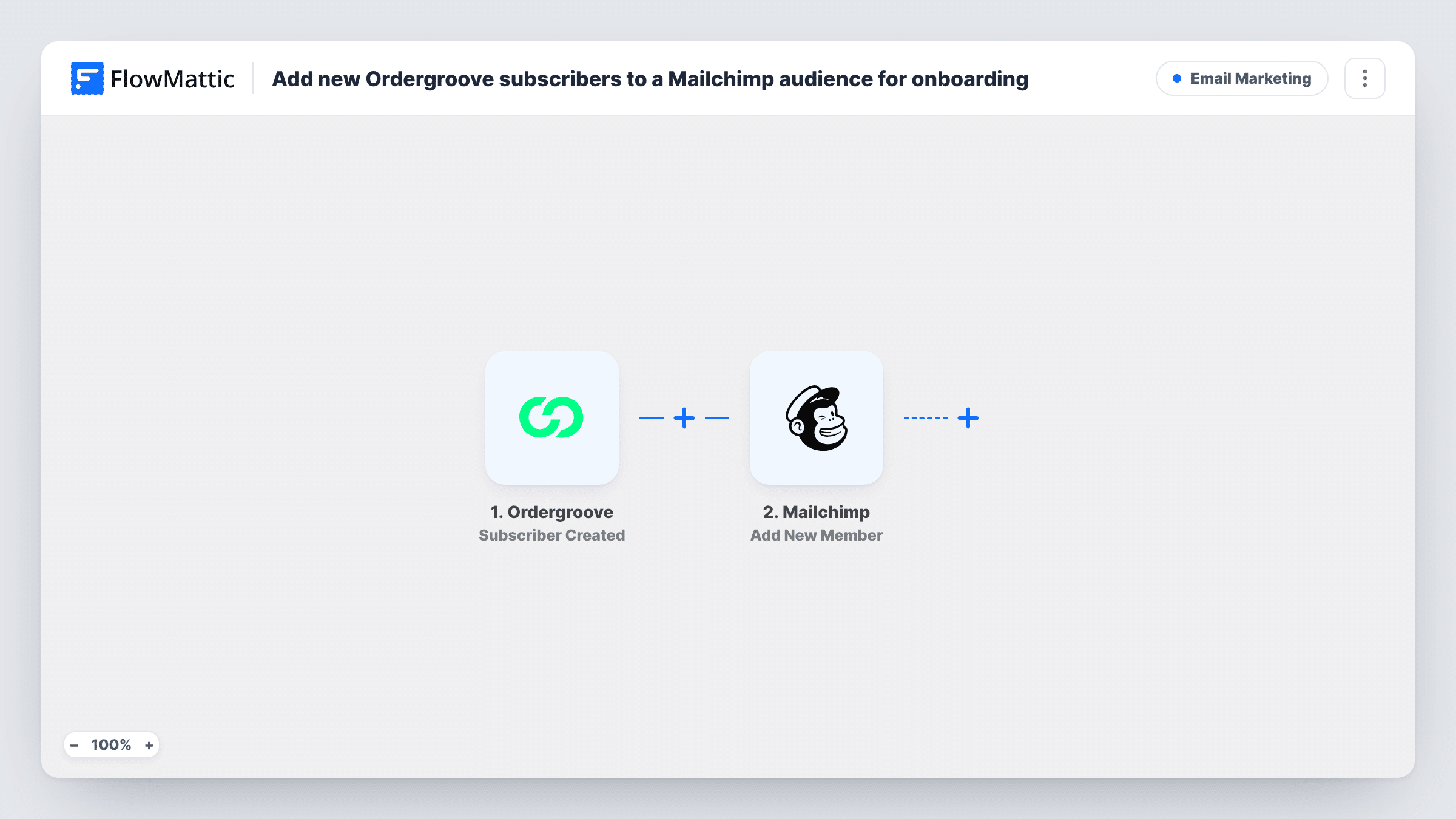
The Ordergroove trigger, Subscriber Created, fires when a customer has created their first subscription. Later subscriptions from the same customer don't fire it. The subscriber's details come into FlowMattic, and the Mailchimp step uses Add New Member to add them to the audience you pick.
If the email address is already a member, perhaps from a newsletter sign-up, Mailchimp updates that member rather than creating another. Values from Ordergroove then replace what Mailchimp held, so a blank one can overwrite a field. Your onboarding emails themselves are built in Mailchimp, since this template stops once the member is saved. Task History records each run with Mailchimp's reply.
Coffee or pet food subscriptions
A shopper starts a recurring delivery through Ordergroove and joins the Mailchimp audience that receives your getting-started emails.
Skincare replenishment programs
New subscribers are added to Mailchimp so you can send usage tips and explain how to adjust delivery timing from their account.
Moving one-off buyers onto onboarding
A past buyer already on your newsletter starts a subscription. Mailchimp updates their existing record, which you can then use to place them in an onboarding segment.
How this workflow runs
What happens at each step once the workflow is on, and what you need before you import it.
 Ordergroove Subscriber Created
Fires when a customer has created their first subscription in Ordergroove. The customer's details are passed on to map into Mailchimp.
- Mailchimp Add New Member
Adds the subscriber to your chosen Mailchimp audience, or updates the member if that email already exists. Map the Ordergroove email and any name values the event carries.
What you need
- FlowMatticCore
- Ordergroove AccountAccount
- Mailchimp AccountAccount
After importing, map your own data. To keep the template universal, not every step is pre-filled. Open each step in the builder and connect your accounts and fields (channels, lists, sheets, recipients) before you switch the workflow on.
Make it yours
Changes worth making after you import it.
- Run a test subscription after import so FlowMattic captures the Ordergroove subscriber fields, then map them into the Mailchimp step.
- Map only the values Ordergroove reliably fills. A field that arrives blank can overwrite what an existing Mailchimp member already has.
- To welcome new subscribers inside your team as well, add a Slack Send Channel Message step after Mailchimp with the customer's name.
Questions about this workflow
Does Mailchimp send the onboarding emails?
Only if you set them up there. This workflow adds or updates the member in your audience; the emails come from an automation or campaign you build in Mailchimp.
What if the Ordergroove subscriber is already in my Mailchimp audience?
Add New Member updates the existing member, so you don't get a duplicate. Ordergroove's values replace the stored ones, and a blank value can clear a field.
Does a second Ordergroove subscription add the customer again?
No. Subscriber Created fires when a customer creates their first subscription, so later subscriptions from the same customer don't start a run.
Are existing Ordergroove subscribers added?
No. Only customers who create their first subscription after you turn the workflow on reach Mailchimp.
More Email Marketing workflows
Other ready-to-import templates from the same category.




Import this workflow into your WordPress site
Download the JSON, import it from the Workflows screen and connect your accounts. Every run stays on your server, with no per-task fees.
30-day money-back guarantee Unlimited workflows and runs Self-hosted