

Add new Privy contacts to an ActiveCampaign list for nurturing
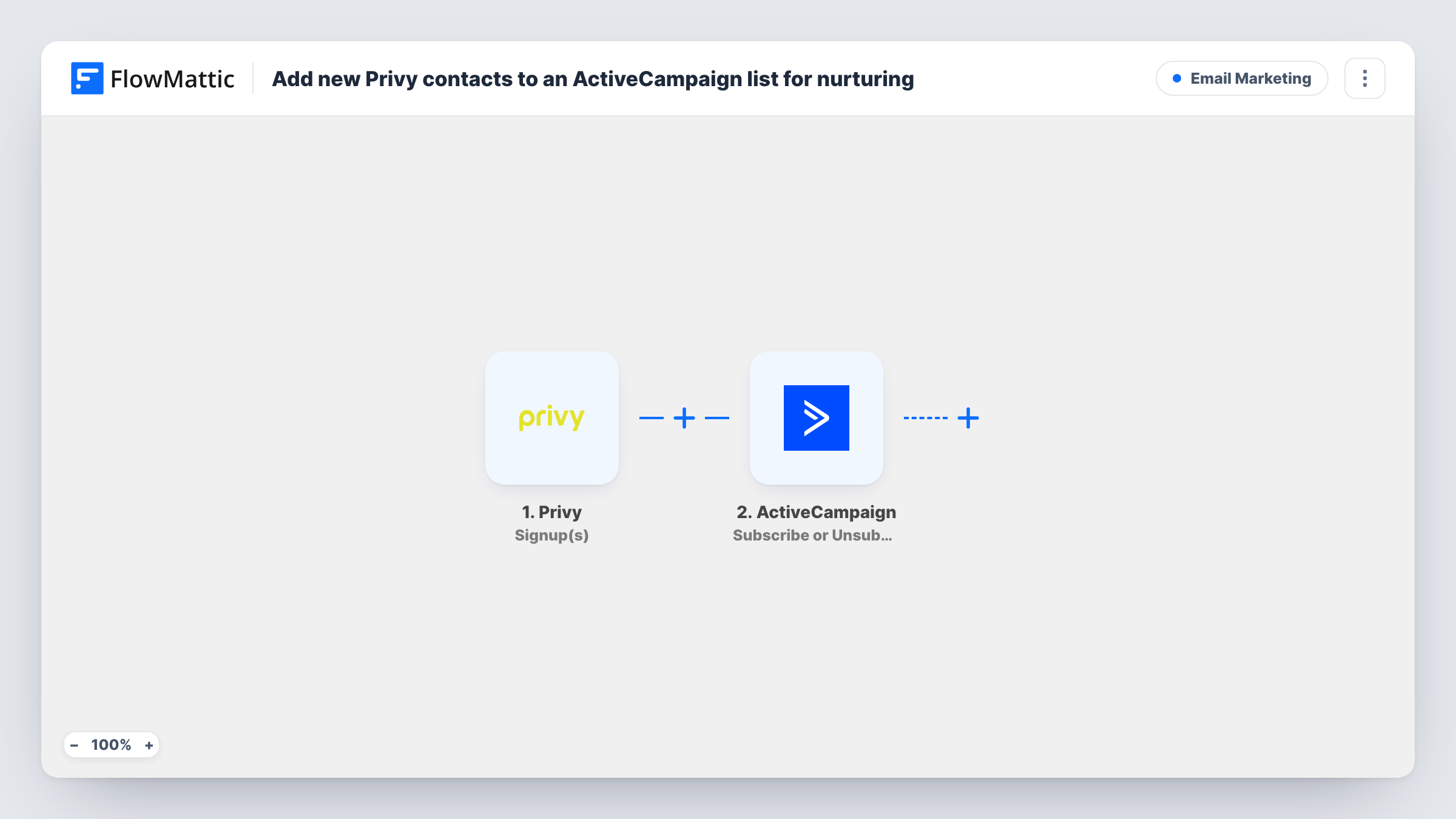
Each new Privy signup becomes an ActiveCampaign contact, created or updated by email, and is then subscribed to the list you use for nurturing new leads.
 Privy
Privy
 ActiveCampaign
3 steps Setup ~5 min Used on 3.0k sites Free to import
What this workflow does
Privy pop-ups and flyouts collect email addresses on your store, but a captured address only helps if it reaches the place where your follow-up emails live. This workflow hands every Privy signup to ActiveCampaign and puts it on a list, so the people you just captured can start receiving your nurture emails.
A run begins as soon as Privy records a fresh signup. FlowMattic then passes the signup data to ActiveCampaign, where the first action creates a contact or updates the existing one. This means a visitor who signs up twice, or who was already in your account, isn't added as a duplicate.
The last step subscribes that contact to a list. Because it runs after the contact exists, it can work on brand-new signups as well as returning ones. None of the ActiveCampaign steps are mapped in the template: after import you map the Privy email and name into the contact, then pick the list and point the subscribe step at the contact from step 2.
Each signup runs the whole workflow once. Test it with a signup of your own and look in Task History to see what ActiveCampaign returned for both actions.
Discount pop-up leads into a welcome series
A clothing store offers ten percent off through a Privy pop-up, and every address that claims it lands on an ActiveCampaign list that runs the welcome emails.
Separate list for exit-intent signups
A supplement shop sends visitors who sign up on its exit-intent form to their own ActiveCampaign list, so their nurture emails can differ from the main newsletter.
Keeping returning visitors clean
A gift shop's repeat visitors sometimes sign up again for a new offer. The create-or-update step refreshes their existing contact instead of adding a second record.
How this workflow runs
What happens at each step once the workflow is on, and what you need before you import it.
 Privy Signup(s)
Starts the workflow whenever a new signup comes in through Privy. The subscriber's details from the signup are handed to the ActiveCampaign steps.
- ActiveCampaign Create or Update Contact
Creates the person as an ActiveCampaign contact, or updates the contact that already has that email. Nothing is mapped yet: after import, map the Privy email and any name fields you collect.
- ActiveCampaign Subscribe or Unsubscribe Contact From List
Subscribes the contact from step 2 to an ActiveCampaign list. The step ships unmapped, so choose your nurture list and map the contact, then confirm the result with a test signup.
What you need
- FlowMatticCore
- Privy AccountAccount
- ActiveCampaign AccountAccount
After importing, map your own data. To keep the template universal, not every step is pre-filled. Open each step in the builder and connect your accounts and fields (channels, lists, sheets, recipients) before you switch the workflow on.
Make it yours
Changes worth making after you import it.
- Start an ActiveCampaign automation on subscription to the chosen list, so each Privy signup gets your nurture sequence without a separate step here.
- If you run several Privy campaigns, map the campaign name into a custom field in step 2 when the signup data carries it, so you can tell later which offer brought each lead in.
- Put a Filter between step 2 and step 3 if only some signups belong on the nurture list. Every signup still becomes a contact, and the Filter decides who gets subscribed.
Questions about this workflow
What happens if the Privy signup is already an ActiveCampaign contact?
The Create or Update Contact step updates the existing contact with the same email instead of making a new one. Step 3 then subscribes that contact to the list.
Does the nurture list have to exist in ActiveCampaign already?
Yes. Step 3 puts the contact on one of your existing ActiveCampaign lists, so create the list there first and pick it after import. A test signup shows whether the contact was subscribed.
Are Privy orders sent to ActiveCampaign as well?
No. This workflow uses the Signup(s) trigger only. FlowMattic also has a Privy Order(s) trigger if you want a second workflow for buyers.
Does ActiveCampaign start emailing these Privy leads on its own?
Only if you set that up in ActiveCampaign. The workflow puts each signup on the list; an automation triggered by that list sends the nurture emails.
More Email Marketing workflows
Other ready-to-import templates from the same category.






Import this workflow into your WordPress site
Download the JSON, import it from the Workflows screen and connect your accounts. Every run stays on your server, with no per-task fees.
30-day money-back guarantee Unlimited workflows and runs Self-hosted