

When a task is completed in Neaktor, add the contact to a group in MailerLite
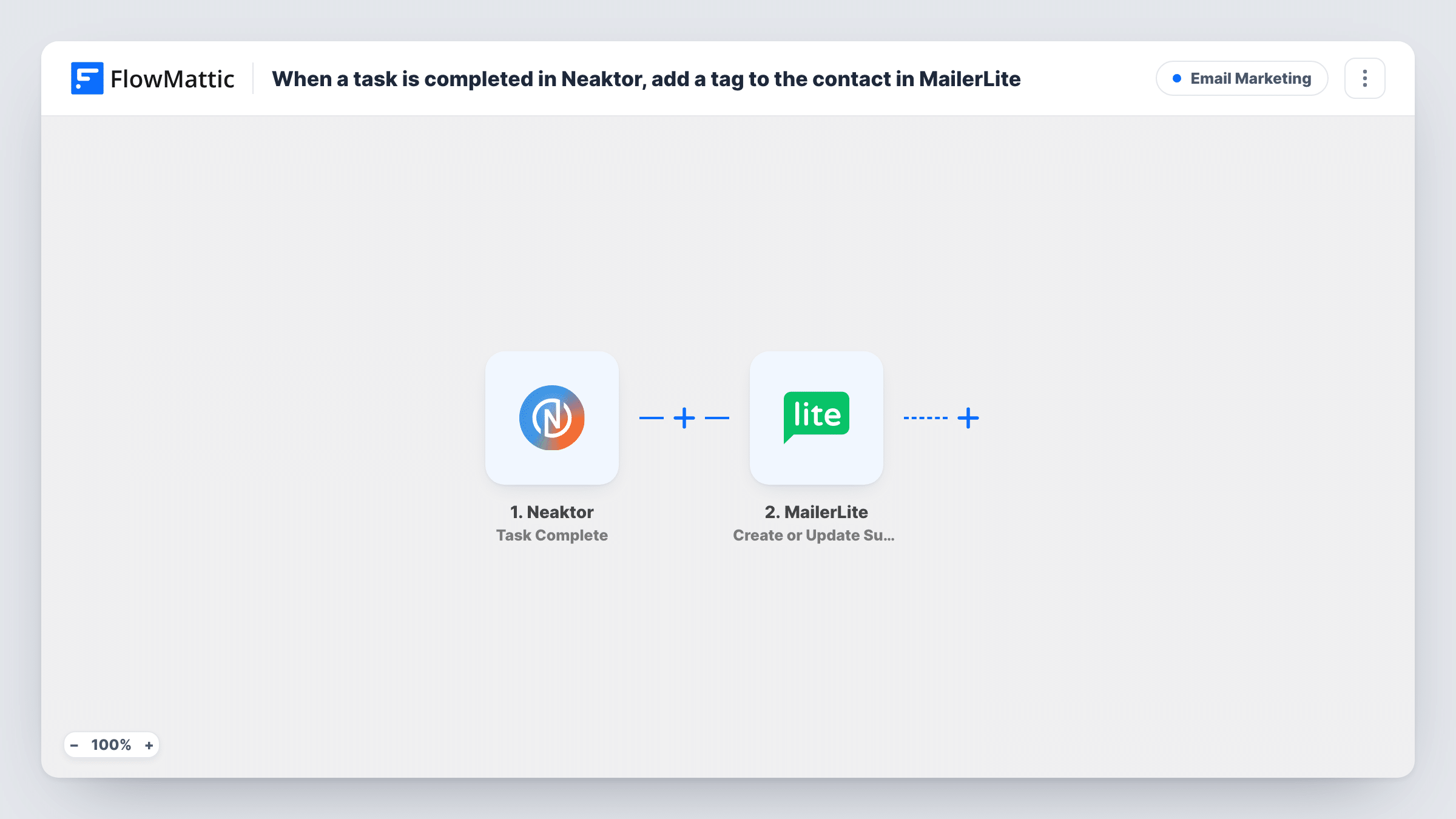
When a Neaktor task is set to completed, the contact linked to it is created or updated as a MailerLite subscriber and then added to the MailerLite group you choose.
 Neaktor
 MailerLite
3 steps Setup ~5 min Used on 2.8k sites Free to import
What this workflow does
Finishing a piece of work for a client is often the moment to start emailing them: a feedback request, an onboarding series or a check-in a month later. This workflow moves the task's contact into a MailerLite group as soon as the task is done in Neaktor, so the right email sequence can pick them up.
The Neaktor trigger fires when a task's status is set to completed, and passes the task's details on. The contact's email has to be somewhere in that task, for example in a custom field, because MailerLite needs it to find the subscriber.
The first MailerLite step creates the subscriber, or updates the one that already has that email. The second step then puts that subscriber into a group. FlowMattic describes Add Subscriber to a Group as working on an existing subscriber and an existing group, which is why the create-or-update step runs first: it makes sure the person exists before the group step.
You set up the two MailerLite steps yourself after import. After import you map the email and name from the task into the first step, then map the subscriber from step 2 and pick the group in step 3. Complete a test task and check Task History for each response.
Feedback request after project delivery
An agency marks a client's delivery task complete in Neaktor, and the client joins a MailerLite group whose automation asks for a review.
Onboarding after setup work
When the setup task for a new customer is completed, they are added to an onboarding group that sends tips on using the product.
Service follow-up for field jobs
A repair business closes each job task in Neaktor and the customer lands in a group that sends a maintenance reminder later on.
How this workflow runs
What happens at each step once the workflow is on, and what you need before you import it.
 Neaktor Task Complete
Fires when a Neaktor task's status is set to completed. The task's details, including any field that holds the contact's email and name, become available to map.
- MailerLite Create or Update Subscriber
Creates a MailerLite subscriber from the task's contact, or updates the existing one with the same email. The step ships unmapped: map the email, plus the name and any custom fields you use.
- MailerLite Add Subscriber to a Group
Puts the subscriber that step 2 created or updated into one of your MailerLite groups. The group must already exist; pick it after import and map the subscriber returned by step 2.
What you need
- FlowMatticCore
- Neaktor AccountAccount
- MailerLite AccountAccount
After importing, map your own data. To keep the template universal, not every step is pre-filled. Open each step in the builder and connect your accounts and fields (channels, lists, sheets, recipients) before you switch the workflow on.
Make it yours
Changes worth making after you import it.
- Add an email field to the Neaktor task type you use for clients, so every completed task carries an address MailerLite can use.
- If only some task types should add people to the group, put a Filter between the Neaktor trigger and the Create or Update Subscriber step, for example on the project or task type. Set the condition to your own value.
- Create the MailerLite group and its automation before you switch this on, so the first completed task already starts the email sequence.
Questions about this workflow
What if the Neaktor task has no email address?
MailerLite needs an email to create or find the subscriber, so a task without one can't be added. Check Task History for MailerLite's response on that run.
What happens if the person is already a MailerLite subscriber?
The Create or Update Subscriber step updates their existing record with the fields you map, and the next step adds them to the group.
Does reopening and completing a Neaktor task again run it twice?
The trigger fires whenever the task status is set to completed, so completing the same task again starts another run for the same contact.
Can I add the contact to more than one MailerLite group?
Yes. Add another Add Subscriber to a Group step after step 3 and pick the second group, mapping the same subscriber from step 2.
More Email Marketing workflows
Other ready-to-import templates from the same category.





Import this workflow into your WordPress site
Download the JSON, import it from the Workflows screen and connect your accounts. Every run stays on your server, with no per-task fees.
30-day money-back guarantee Unlimited workflows and runs Self-hosted