

Add new Stripe sales to Airtable
Every successful Stripe charge is added to Airtable as a new record, so you have a table of sales you can sort, filter and link to the rest of your base.
 Stripe
 Airtable
2 steps Setup ~5 min Used on 1.2k sites Free to import
What this workflow does
Stripe's dashboard shows your payments, but it doesn't sit next to your customers, projects or inventory. If you run the business from Airtable, sales need to be there too. This workflow adds a record to your Airtable base each time a charge goes through.
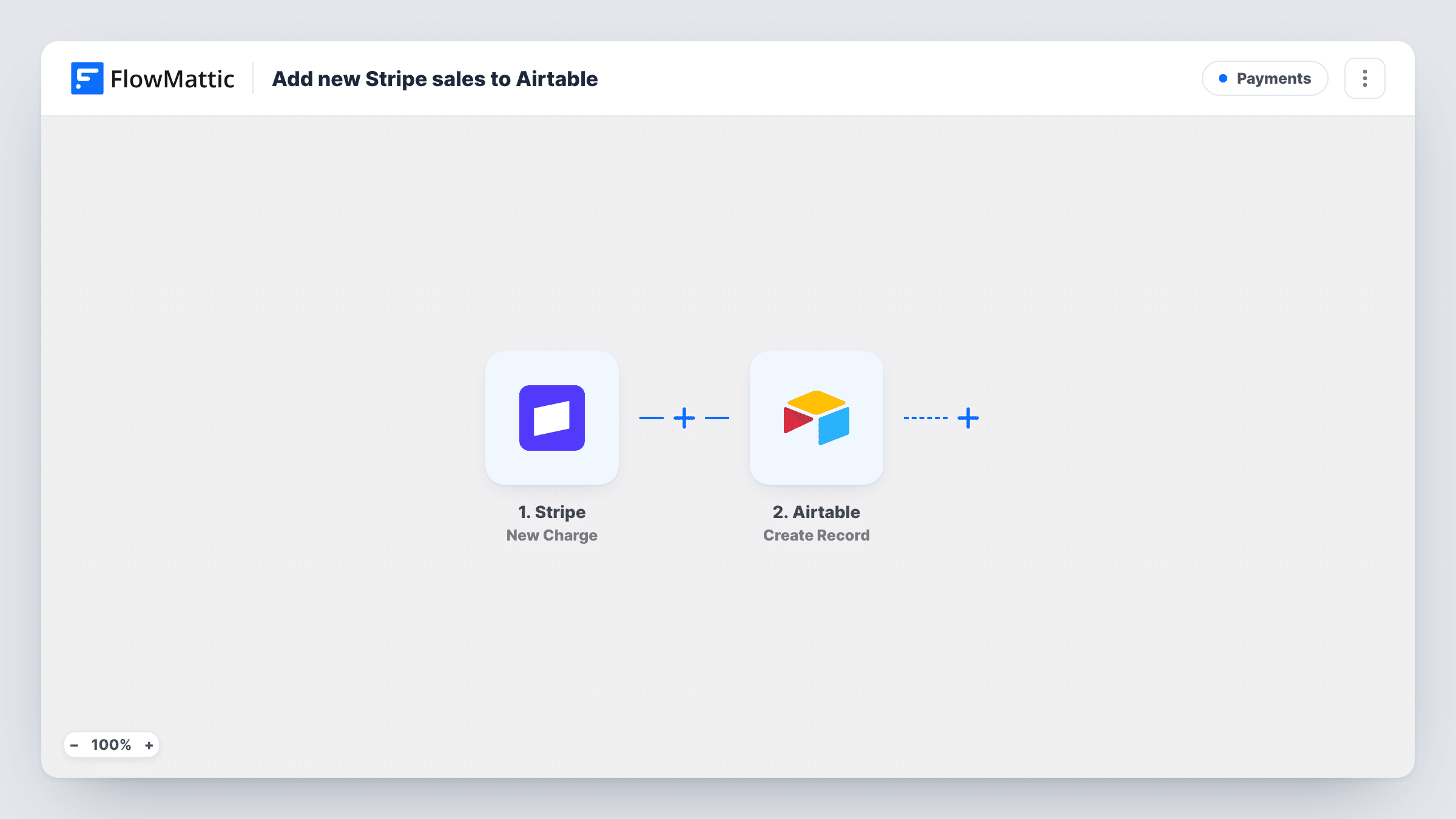
The Stripe trigger, New Charge, fires whenever a charge is created and succeeds. FlowMattic then runs Create Record in Airtable, filling the table fields you map with values from the charge, such as the amount, currency, customer email and description.
Each successful charge gives one new record. Failed payments don't fire this trigger, and a later refund in Stripe doesn't change the record you already have. Every run is listed in Task History, so you can check what reached Airtable.
Freelancer tracking client payments
Each paid Stripe invoice or payment link lands in an Airtable table where you link it to the client and project it belongs to.
Small shop reviewing daily takings
An Airtable view grouped by date shows each day's Stripe charges without opening the Stripe dashboard.
Team that plans fulfilment in Airtable
Each paid charge becomes a record that the team updates with status fields as they deliver the order.
How this workflow runs
What happens at each step once the workflow is on, and what you need before you import it.
 Stripe New Charge
Starts a run for every Stripe payment that goes through as a successful charge. The charge's details become available to map into the Airtable record.
- Airtable Create Record
Adds the sale as one new row-style record in your Airtable sales table. Connect your Airtable account and map each field you want filled from the Stripe charge.
What you need
- FlowMatticCore
- Stripe AccountAccount
- Airtable AccountAccount
After importing, map your own data. To keep the template universal, not every step is pre-filled. Open each step in the builder and connect your accounts and fields (channels, lists, sheets, recipients) before you switch the workflow on.
Make it yours
Changes worth making after you import it.
- Set the Airtable field for the amount as a number or currency field. Check a test charge first, since Stripe may send amounts in the smallest currency unit, such as cents.
- Make a small test payment in Stripe after import so FlowMattic captures real charge data, then map it to your Airtable fields.
- Add a status field in Airtable with a default value, so every new sale shows up in your team's to-do view until someone updates it.
Questions about this workflow
Do failed Stripe payments create Airtable records?
No. New Charge fires only for charges that succeed, so declined or failed attempts never reach Airtable.
Will refunds update the Airtable record?
No. The workflow only creates records for new charges. A refund in Stripe leaves the Airtable record as it was.
Are my earlier Stripe charges copied into Airtable?
No. Only charges that succeed after you turn the workflow on create records.
Does each Stripe subscription renewal add a record?
If the renewal produces a successful charge, yes. Each charge that succeeds starts its own run, whatever created it.
More Payments workflows
Other ready-to-import templates from the same category.




Import this workflow into your WordPress site
Download the JSON, import it from the Workflows screen and connect your accounts. Every run stays on your server, with no per-task fees.
30-day money-back guarantee Unlimited workflows and runs Self-hosted