

Add new Typeform entries to Airtable as new record
Every new Typeform submission creates a record in Airtable, with the answers you map in their own fields, so responses sit in a base you can sort, link and share with your team.
 Typeform
 Airtable
2 steps Setup ~5 min Used on 2.7k sites Free to import
What this workflow does
Typeform is good at collecting answers one question at a time, but its results view isn't where most teams run their work. If your project tracking, content calendar or applicant pipeline lives in Airtable, copying responses across is slow and easy to get wrong. This workflow copies each one for you.
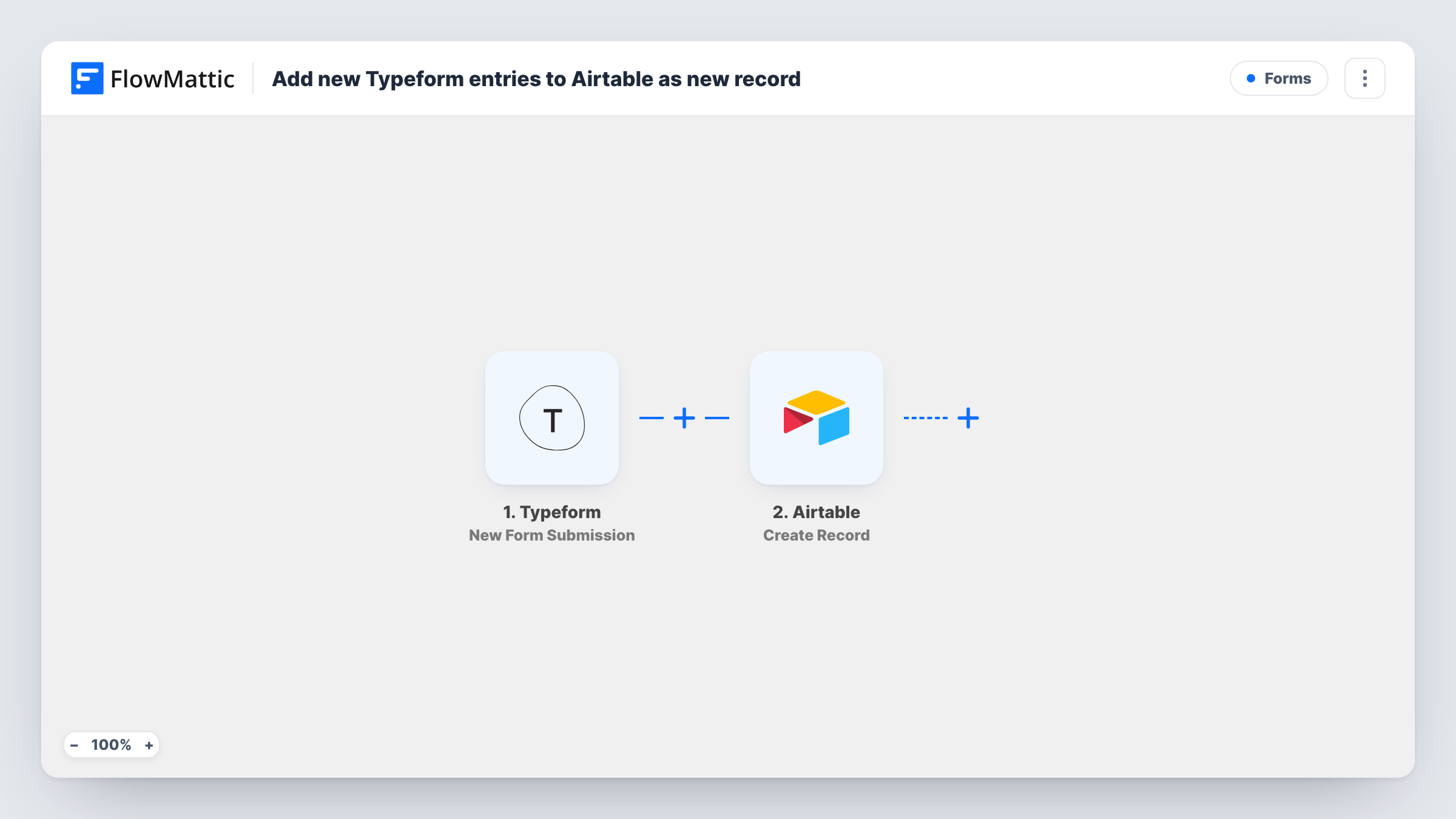
The Typeform trigger, New Form Submission, starts a run each time someone completes your typeform. Their answers become data you can map. The Airtable step, Create Record, then adds a record to the base and table you pick, placing each answer in the field you assign.
One submission makes one record. Nothing is matched against earlier records, so a person who submits twice appears twice. If you later rename a question in Typeform, check the mapping in the Airtable step. Task History lists each run with what was sent to Airtable.
Podcast guest applications
A Typeform asks would-be guests about their topic and links, and each application becomes an Airtable record you move through a booking view.
Product feedback triage
Feedback from an in-app Typeform lands in Airtable, where the product team tags each record by feature and links it to roadmap items.
Agency onboarding questionnaires
New clients complete a Typeform brief, and the account team works from the Airtable record instead of hunting through Typeform results.
How this workflow runs
What happens at each step once the workflow is on, and what you need before you import it.
 Typeform New Form Submission
Starts a run each time a respondent submits your Typeform. Every answer is passed on so you can map it into an Airtable field in the next step.
- Airtable Create Record
Adds a record to the Airtable base and table you select. Map each Typeform answer to an Airtable field and connect your Airtable account when you import.
What you need
- FlowMatticCore
- Typeform AccountAccount
- Airtable AccountAccount
After importing, map your own data. To keep the template universal, not every step is pre-filled. Open each step in the builder and connect your accounts and fields (channels, lists, sheets, recipients) before you switch the workflow on.
Make it yours
Changes worth making after you import it.
- Use Airtable single select fields for Typeform multiple choice answers, and make the option names match, so the values land without manual fixes.
- Add a hidden field to your typeform, such as the page or campaign the person came from, then map it into Airtable so you can see where responses come from.
- Complete the typeform once after import so FlowMattic records the answer fields, then finish the Airtable mapping using that sample.
Questions about this workflow
Are old Typeform responses sent to Airtable?
No. Only submissions made after you turn the workflow on create records. Older responses stay in Typeform unless you import them into Airtable yourself.
What if someone fills in my Typeform twice?
Airtable gets two records. Create Record adds a new record every time and does not check whether the respondent already has one.
Can I send one Typeform to two Airtable tables?
Yes. Add a second Airtable Create Record step after the first and point it at the other table, mapping the answers that table needs.
Will the Typeform response still show in Typeform?
Yes. Nothing in this workflow edits or removes the response. Typeform keeps the response in its results as usual, and Airtable gets a copy of the answers you mapped.
More Forms workflows
Other ready-to-import templates from the same category.





Import this workflow into your WordPress site
Download the JSON, import it from the Workflows screen and connect your accounts. Every run stays on your server, with no per-task fees.
30-day money-back guarantee Unlimited workflows and runs Self-hosted