

Add new Waalaxy leads to a Zoho CRM pipeline
Prospects that Waalaxy sends to this workflow’s webhook become new leads in Zoho CRM, so the people from your LinkedIn outreach land in your sales pipeline without exporting and importing lists.
 Waalaxy
 Zoho CRM
2 steps Setup ~5 min Used on 1.2k sites Free to import
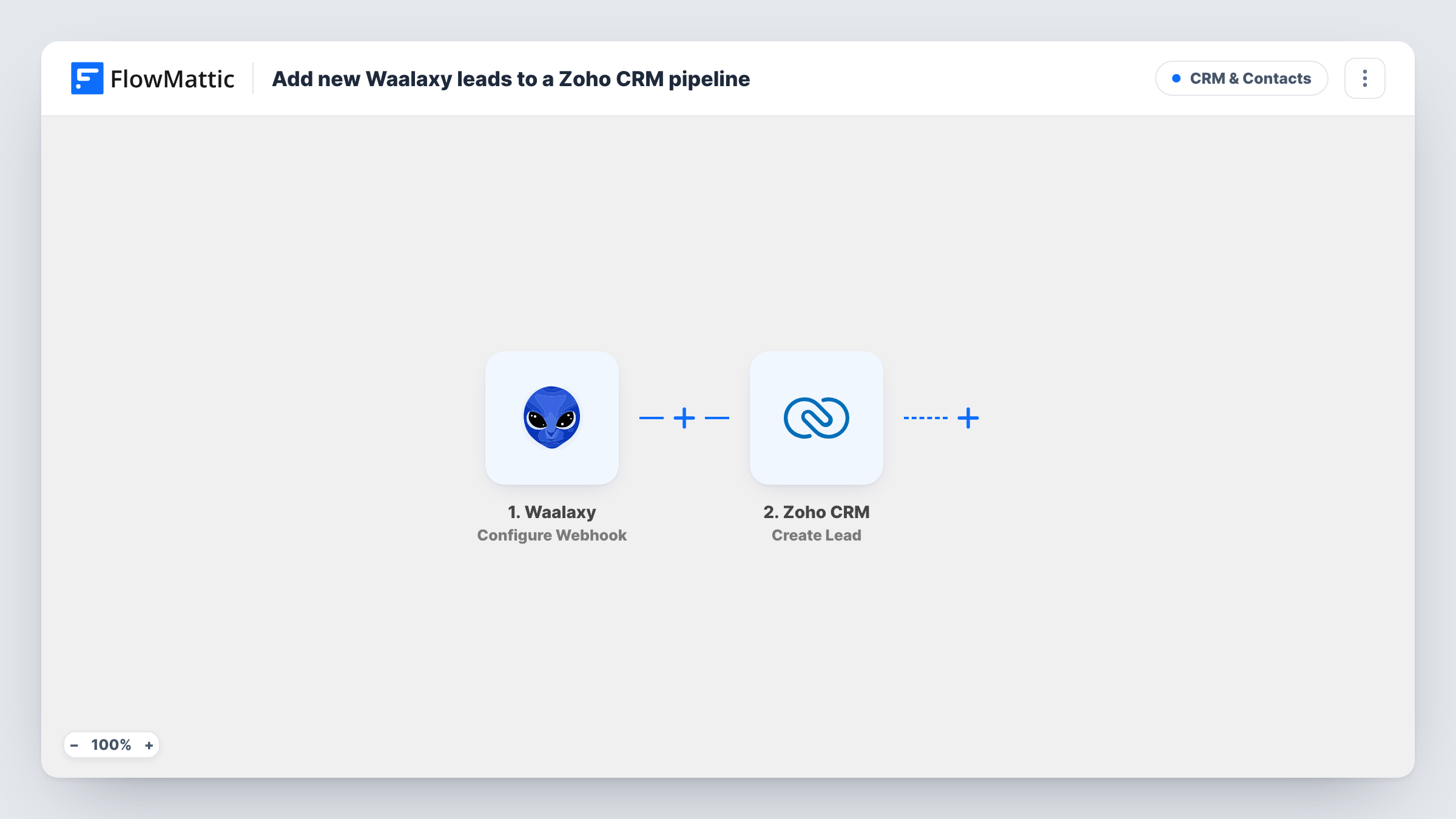
What this workflow does
Waalaxy finds and contacts prospects on LinkedIn, but your sales team works in Zoho CRM. Moving people between the two by CSV export is slow and easy to put off. This workflow creates the Zoho CRM lead for each prospect Waalaxy hands over.
The Waalaxy trigger, Configure Webhook, gives you a webhook URL and fires each time a response is captured there. You set Waalaxy to send prospects to that URL, and every field in the prospect data it sends becomes available to map. The Zoho CRM step, Create Lead, then adds a new lead record built from those fields.
Which prospects arrive depends on where and when you add the webhook in Waalaxy, so the flow follows your Waalaxy setup rather than choosing leads itself. Create Lead always makes a new record, and it does not create a deal. Run a test and check Task History to see the data Waalaxy sends and the lead Zoho creates.
LinkedIn campaign follow-up
A rep runs a Waalaxy campaign for a new market. Prospects sent to the webhook show up as Zoho CRM leads the rep can call, email and score.
Agency prospecting for clients
An agency runs outreach in Waalaxy and hands warm prospects to a client's Zoho CRM, so the client's team sees them in their own lead list.
Single source for sales reporting
Leads from LinkedIn sit in Zoho CRM next to leads from your website and events, so lead source reports include your outreach.
How this workflow runs
What happens at each step once the workflow is on, and what you need before you import it.
 Waalaxy Configure Webhook
Gives you a webhook URL to add in Waalaxy and fires each time Waalaxy sends prospect data to it. The fields in that payload become available to map.
- Zoho CRM Create Lead
Adds the prospect to Zoho CRM as a lead. Map the Waalaxy fields, such as name, company and email when Waalaxy has one, and check the lead in Zoho after a test run.
What you need
- FlowMatticCore
- Waalaxy AccountAccount
- Zoho CRM AccountAccount
After importing, map your own data. To keep the template universal, not every step is pre-filled. Open each step in the builder and connect your accounts and fields (channels, lists, sheets, recipients) before you switch the workflow on.
Make it yours
Changes worth making after you import it.
- To avoid duplicate leads when the same prospect comes through twice, swap Create Lead for Zoho CRM's Find or Create Lead action, which finds a lead by email or creates one if none exists.
- If your pipeline lives in Zoho CRM deals, add Zoho's Convert Lead action after this step to turn the lead into a contact, account and deal.
- Send one test prospect from Waalaxy after import so FlowMattic captures the payload, then map it in the Create Lead step before turning the workflow on.
Questions about this workflow
Does this put Waalaxy prospects into a Zoho CRM deal pipeline?
Not directly. Create Lead adds a lead record. Zoho CRM's Convert Lead and Create Deal actions are in FlowMattic if you want a deal in a pipeline too.
Which Waalaxy prospects reach Zoho CRM?
The ones Waalaxy sends to the webhook URL. The trigger fires for every response it captures, so control which prospects go through in your Waalaxy setup or with a Filter after the trigger.
What if the prospect already exists as a Zoho CRM lead?
Create Lead makes a new record each time, so Zoho may end up with a duplicate. Use Find or Create Lead instead if your Waalaxy data includes an email.
Do Waalaxy prospects always come with an email address?
Not necessarily, since many prospects come from LinkedIn profiles. Look at a test payload, map only the fields Waalaxy actually sends, and check that Zoho CRM accepted the lead.
More CRM & Contacts workflows
Other ready-to-import templates from the same category.






Import this workflow into your WordPress site
Download the JSON, import it from the Workflows screen and connect your accounts. Every run stays on your server, with no per-task fees.
30-day money-back guarantee Unlimited workflows and runs Self-hosted