

Create a HubSpot CRM contact from each new Builder.io form submission
Turn every Builder.io form submission into a HubSpot CRM contact, using the name, email and other answers you map, so leads from your Builder.io pages start in your CRM.
 Builder.io
 HubSpot CRM
2 steps Setup ~5 min Used on 3.2k sites Free to import
What this workflow does
Pages built in Builder.io often carry lead forms, but the answers do not reach HubSpot on their own. Exporting and importing them in batches means sales follows up late, and some leads never make it across. This workflow sends each submission into HubSpot as it arrives.
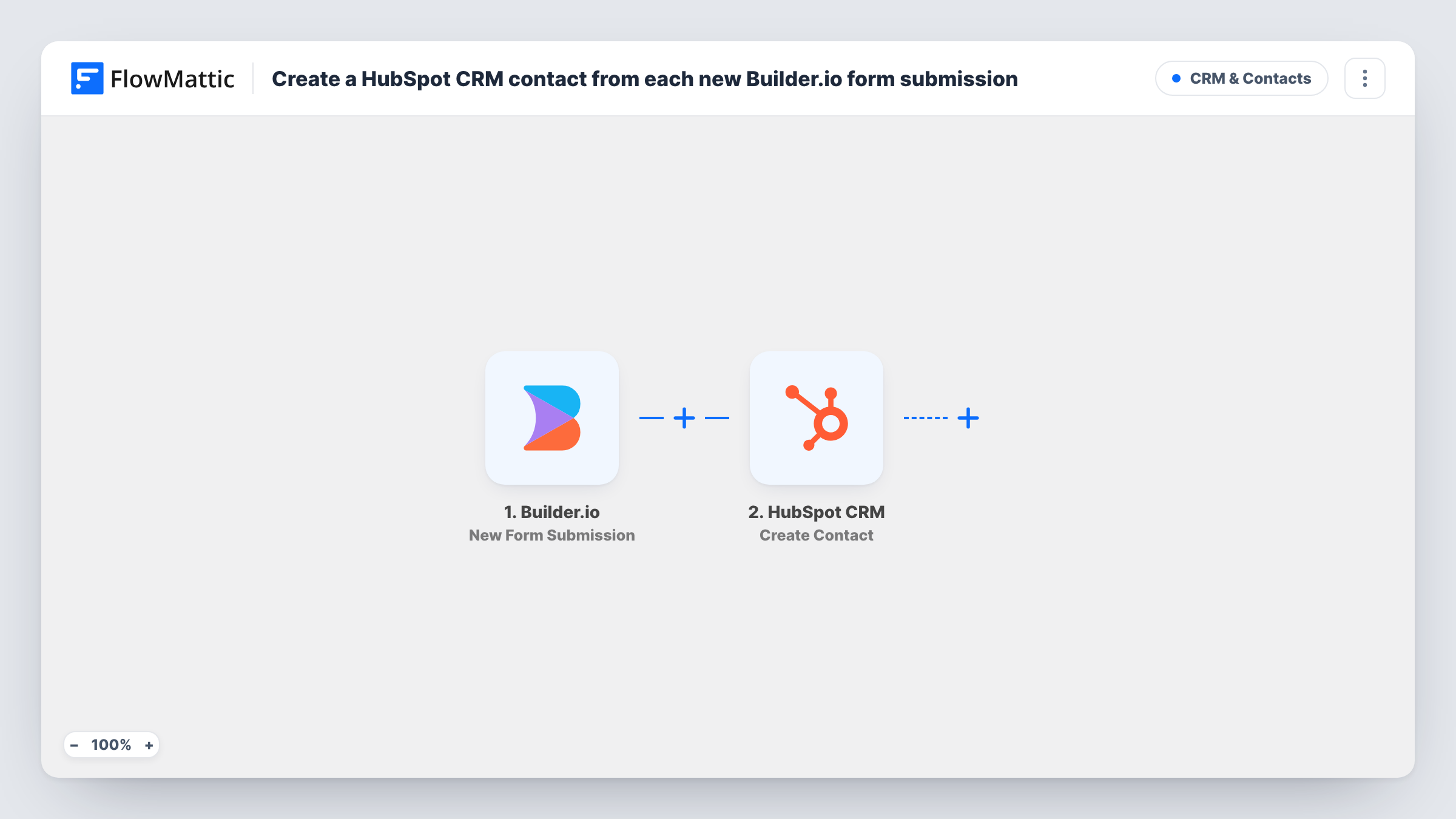
The Builder.io trigger, New Form Submission, starts a run for each entry a visitor sends. FlowMattic passes the answers to HubSpot CRM, where Create Contact creates a contact. You map the form's email, name and any other answers into the contact's properties.
HubSpot's Create Contact action has no update path. If the address already belongs to a HubSpot contact, HubSpot may refuse the duplicate, and the error is shown on that step in Task History. The contact you already have is not changed. Keep that in mind if the same people fill in your forms more than once.
Gated content on a marketing page
A Builder.io page offers a report in return for an email. Each download request becomes a HubSpot contact that marketing can add to a nurture sequence.
Contact-us form on a startup site
Enquiries sent through the Builder.io contact form arrive as HubSpot contacts, so the founder can log calls against them.
Partner applications
Agencies applying to a partner programme through a Builder.io form are added to HubSpot, where the partnerships team reviews them.
How this workflow runs
What happens at each step once the workflow is on, and what you need before you import it.
 Builder.io New Form Submission
Runs when someone submits a form on your Builder.io content. The submitted answers are passed on for mapping into HubSpot.
- HubSpot CRM Create Contact
Creates a new contact in HubSpot CRM from the form answers. Connect your HubSpot account and map the email field, plus any name or company answers, to contact properties.
What you need
- FlowMatticCore
- Builder.io AccountAccount
- HubSpot CRM AccountAccount
After importing, map your own data. To keep the template universal, not every step is pre-filled. Open each step in the builder and connect your accounts and fields (channels, lists, sheets, recipients) before you switch the workflow on.
Make it yours
Changes worth making after you import it.
- Include an email field in every Builder.io form that feeds this workflow, since HubSpot needs an address to create each contact.
- Map a fixed value such as Builder.io form into a HubSpot property you use for lead source, so you can report on where these contacts came from.
- Add a Slack step after HubSpot to let your sales channel know a new contact has come in from the website.
Questions about this workflow
What if the Builder.io visitor is already a HubSpot contact?
This HubSpot step only ever adds contacts, never edits them. HubSpot may refuse a duplicate email, and Task History shows that response on the HubSpot step. Your earlier HubSpot record keeps its current values.
Which Builder.io answers can become HubSpot properties?
Whatever the Builder.io entry contains. Send a test entry after import and map the captured fields to the properties you want filled.
Are past Builder.io submissions added to HubSpot?
No. Only submissions made after you turn on the workflow create contacts.
Can the HubSpot contact get a lifecycle stage on creation?
If the Create Contact step offers that property after import, map a fixed value into it. Run a test to confirm it is set on the new contact.
More CRM & Contacts workflows
Other ready-to-import templates from the same category.




Import this workflow into your WordPress site
Download the JSON, import it from the Workflows screen and connect your accounts. Every run stays on your server, with no per-task fees.
30-day money-back guarantee Unlimited workflows and runs Self-hosted