

Add new WordPress and user and FluentCRM contact for new Google Ads leads
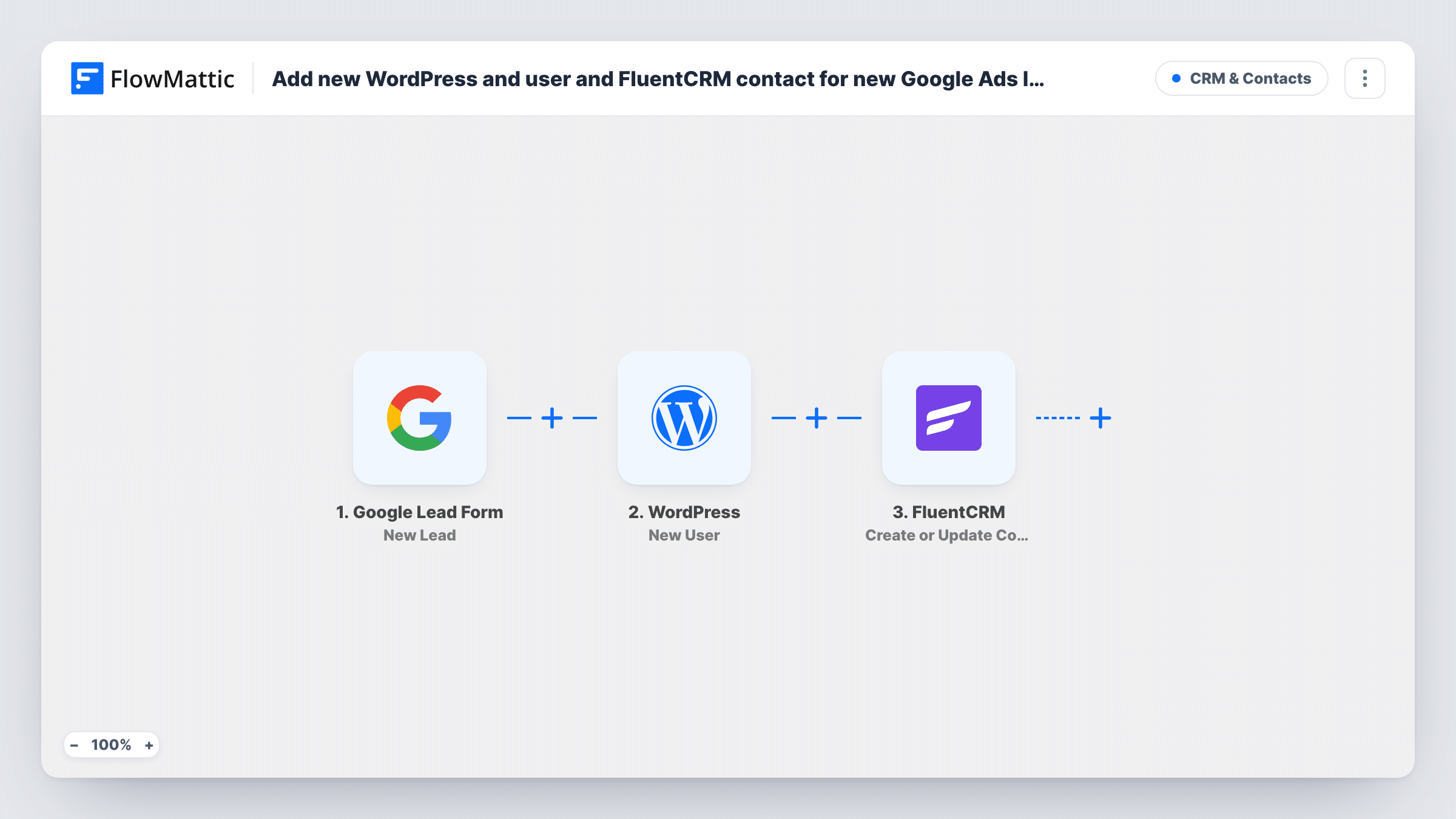
Each lead from a Google Ads lead form becomes a new user on your WordPress site and a contact in FluentCRM, created or updated by email, so ad leads can sign in and receive your emails.
 Google Lead Form
 WordPress
 FluentCRM
3 steps Setup ~5 min Used on 1.6k sites Free to import
What this workflow does
Leads from a Google Ads lead form arrive with a name and email but no account on your site. If you run a membership, a course or a client portal, you then create the login and the CRM contact by hand. This workflow does both for each new lead.
Each new lead from the Google Lead Form trigger starts a run. FlowMattic passes the lead's answers to the WordPress New User action, which creates a user account on the site where FlowMattic runs. Next, FluentCRM Create or Update Contact adds the person as a contact, or updates the contact that already has that email.
A returning lead doesn't get a second WordPress user: the step returns the ID of the account that already has that email, and Task History shows it. FluentCRM then updates that lead's existing contact.
Free trial accounts from ads
A course site runs a Google Ads lead form for a free lesson. Each lead gets a WordPress account for the lesson area and a FluentCRM contact for the welcome emails.
Client portal for service enquiries
An accountant's ad asks for contact details. Each lead gets a portal login on the WordPress site and lands in FluentCRM for follow-up.
Community sign-ups from a campaign
A membership site turns ad leads into members right away, with FluentCRM holding them for the onboarding sequence.
How this workflow runs
What happens at each step once the workflow is on, and what you need before you import it.
 Google Lead Form New Lead
Fires when a new lead is submitted through your Google Ads lead form. The lead's name, email and other answers are passed to WordPress and FluentCRM.
- WordPress New User
Creates a new user account on your WordPress site from the lead's details. Map the lead's email and name into it, then send a test lead to see what the step needs.
- FluentCRM Create or Update Contact
Adds the lead to FluentCRM as a contact, or updates the contact with the same email. Map the email and name, plus any other answers you want stored.
What you need
- FlowMatticCore
- Google Lead Form AccountAccount
- FluentCRM PluginPlugin
After importing, map your own data. To keep the template universal, not every step is pre-filled. Open each step in the builder and connect your accounts and fields (channels, lists, sheets, recipients) before you switch the workflow on.
Make it yours
Changes worth making after you import it.
- Add FluentCRM's Add Tags to Contact after the contact step, with a tag such as Google Ads, so you can send these leads their own email sequence.
- Send a test lead from Google Ads after import, then check Task History to confirm both the WordPress user and the FluentCRM contact were created.
- If some leads shouldn't get an account, add a Filter between the Google Lead Form trigger and the WordPress step on one of the form's answers. It also stops the FluentCRM step for those leads.
Questions about this workflow
What if the Google Ads lead already has a WordPress account?
WordPress won't add another user for that email. The New User step returns the existing user's ID, which you can see in Task History, and the FluentCRM step updates the contact that has that address.
Does FluentCRM create a duplicate contact for a repeat Google lead?
No. Create or Update Contact matches by email address, so a repeat lead updates the contact already in FluentCRM.
Do Google Ads leads get a password for their new WordPress account?
That depends on what you map in the New User step and how your site handles new accounts. Send a test lead and check the result before using it live.
How does a Google Ads lead form send data to FlowMattic?
Google Ads can post lead form submissions to a webhook URL set in the form's settings. Follow the connection steps in the FlowMattic trigger and send a test lead to confirm.
More CRM & Contacts workflows
Other ready-to-import templates from the same category.




Import this workflow into your WordPress site
Download the JSON, import it from the Workflows screen and connect your accounts. Every run stays on your server, with no per-task fees.
30-day money-back guarantee Unlimited workflows and runs Self-hosted