

Add or update LeadConnector opportunities with new Jotform submissions
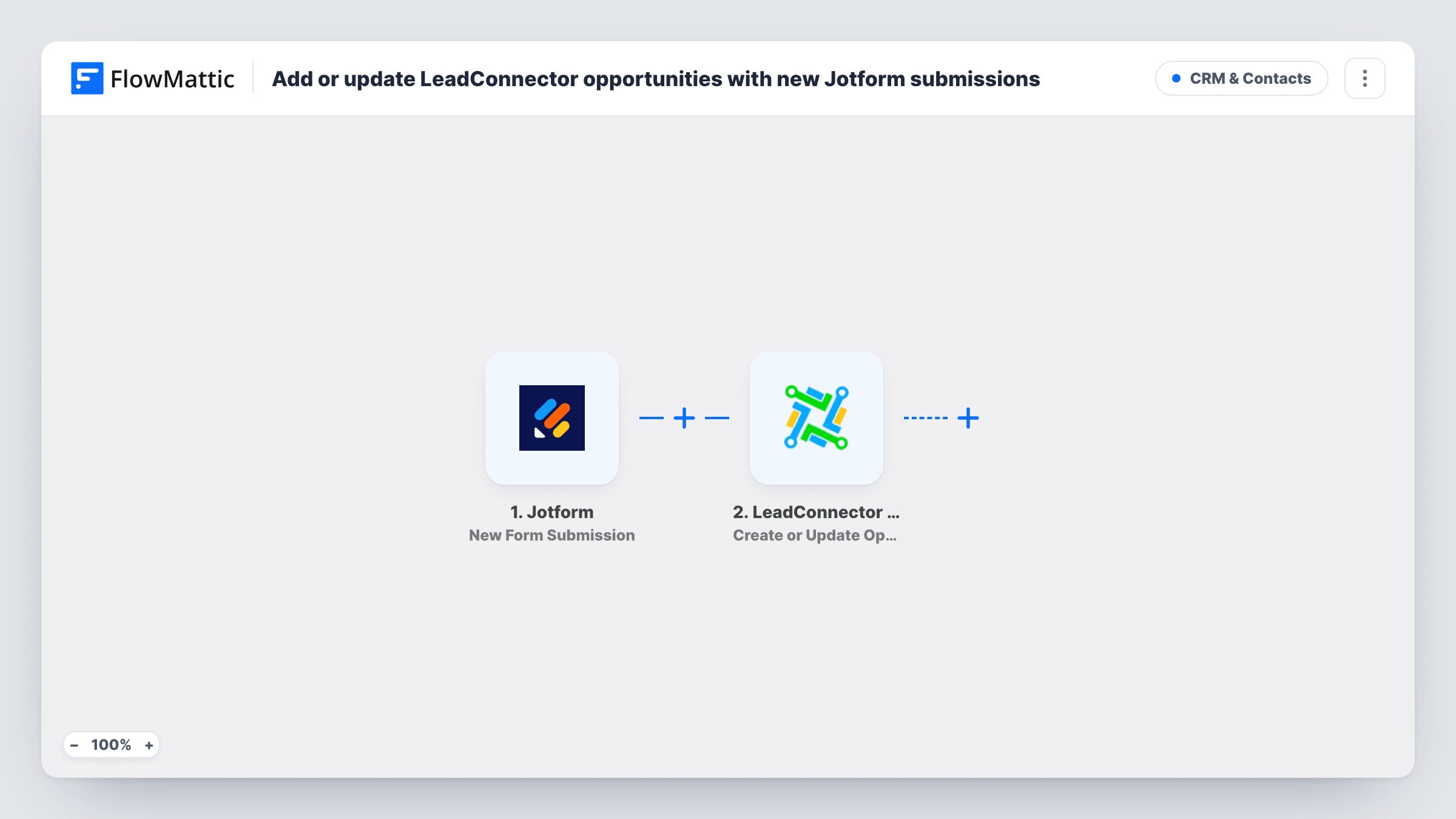
Each new Jotform submission creates or updates the person as a contact in LeadConnector, then creates or updates an opportunity for them in your pipeline.
 Jotform
 LeadConnector V2
3 steps Setup ~5 min Used on 1.2k sites Free to import
What this workflow does
When enquiries come in through Jotform but your sales process lives in LeadConnector (GoHighLevel), each one needs a contact and a deal before anyone can work it. This workflow builds both from the submission, so every enquiry shows up in your pipeline ready for follow-up.
The Jotform trigger runs whenever one of your forms receives a new submission and passes the answers on. The first LeadConnector V2 step creates the contact in your sub-account, or updates the existing contact, so repeat enquirers don't pile up as duplicates.
The second step creates an opportunity, or updates an existing one, also at sub-account level. Both steps ship unmapped. After import, connect LeadConnector, map the name, email and phone from the form into the contact step, then link the opportunity to that contact and choose the pipeline and stage. A test submission shows which values each step expects.
Every submission starts a run, whatever the answers. Task History lists what Jotform sent and what LeadConnector returned for the contact and the opportunity.
Quote requests into a sales pipeline
A roofing company's Jotform quote form drops each request into the New Lead stage of its LeadConnector pipeline, with the contact attached.
Agency client intake
A marketing agency runs a client intake form in Jotform and keeps each prospect as an opportunity in the sub-account it uses for sales.
Consultation bookings follow-up
A clinic collects consultation requests with Jotform and works them from LeadConnector, where staff move each opportunity through the stages.
How this workflow runs
What happens at each step once the workflow is on, and what you need before you import it.
 Jotform New Form Submission
Starts each time your Jotform form receives a new submission. The answers, such as name, email and phone, are passed to LeadConnector.
- LeadConnector V2 Create or Update a Contact
Creates the person as a contact in your LeadConnector sub-account, or updates the existing contact. Map the name, email and phone from Jotform after import.
- LeadConnector V2 Create or Update Opportunity
Creates an opportunity, or updates an existing one, in your sub-account. After import, map the contact from the previous step and pick the pipeline and stage; check a test run for what it requires.
What you need
- FlowMatticCore
- Jotform AccountAccount
- LeadConnector V2 AccountAccount
After importing, map your own data. To keep the template universal, not every step is pre-filled. Open each step in the builder and connect your accounts and fields (channels, lists, sheets, recipients) before you switch the workflow on.
Make it yours
Changes worth making after you import it.
- Map a Jotform answer such as budget or service type into the opportunity's name or value, so your team can read the enquiry at a glance in the pipeline.
- If only some answers deserve a deal, put a Filter between the contact step and the opportunity step. Every submitter is still saved as a contact, and only matching ones get an opportunity.
- Use LeadConnector's Add Tags to Contact step after the contact step to tag people with the form they used.
Questions about this workflow
Will a repeat Jotform submission create a second LeadConnector contact?
The contact step creates or updates, so a known person is normally updated rather than duplicated. Check Task History after a test with an existing email to see how LeadConnector matched them.
Which pipeline and stage does the LeadConnector opportunity go into?
The ones you set in the Create or Update Opportunity step after import. The template leaves that step empty, so choose them before turning the workflow on.
Does a second Jotform submission from the same person add another opportunity?
The opportunity step creates or updates, and LeadConnector decides whether an opportunity already exists for that contact. Submit twice with the same email during testing and compare both runs in Task History.
More CRM & Contacts workflows
Other ready-to-import templates from the same category.




Import this workflow into your WordPress site
Download the JSON, import it from the Workflows screen and connect your accounts. Every run stays on your server, with no per-task fees.
30-day money-back guarantee Unlimited workflows and runs Self-hosted