

Create a FluentCRM contact for each new Masteriyo student registration
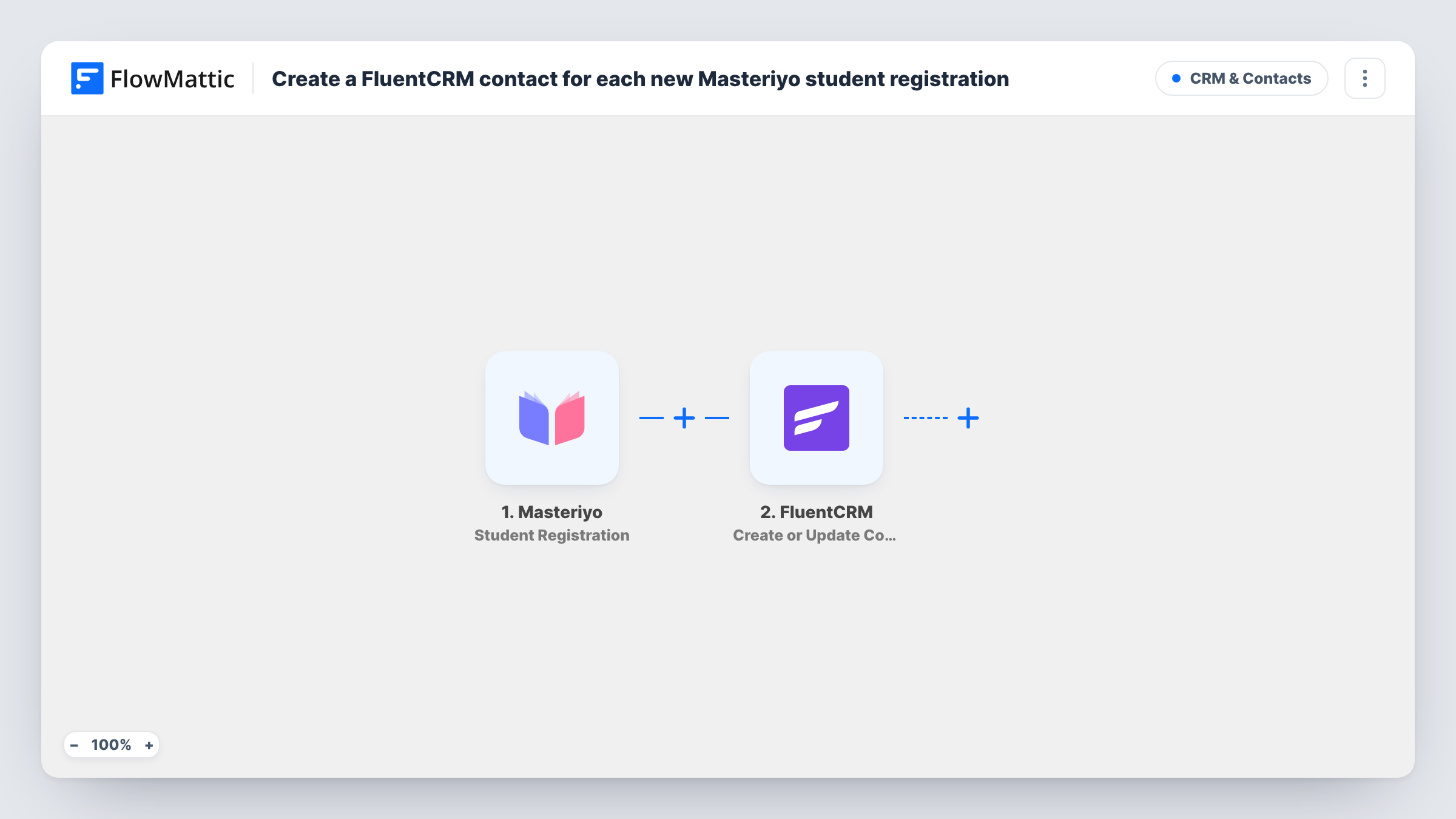
Each time a new student registers in Masteriyo, this workflow creates a FluentCRM contact for them, or updates the existing one with the same email, so every learner is ready for your course emails and campaigns.
 Masteriyo
 FluentCRM
2 steps Setup ~5 min Used on 2.3k sites Free to import
What this workflow does
When you sell or run courses with Masteriyo, your students are also the audience for course announcements, new lessons and future offers. If those emails go out from FluentCRM, each new learner has to be added there first, and doing that by hand means some slip through. This workflow adds them as soon as they register.
The Masteriyo trigger fires when a new student registers. FlowMattic passes the student's registration details to FluentCRM, whose Create or Update Contact action matches on email address. A new email becomes a new contact, and an email FluentCRM already holds updates that contact instead of creating a duplicate.
Both plugins run on your WordPress site, so the student's data stays on your own server. Keep in mind that blank values in a registration can overwrite details already stored on an existing contact, so map only fields Masteriyo fills in. Task History records each run with the data sent to FluentCRM.
Welcome sequence for new learners
New students land in FluentCRM, where an automation you build there sends a welcome series about how to get started with your courses.
Announcing a new course to past students
Every registered learner is a FluentCRM contact, so when you publish a new Masteriyo course you can email them all from one segment.
Moving newsletter readers into the student group
A reader already on your newsletter registers as a student. FluentCRM updates their existing contact rather than adding a second one.
How this workflow runs
What happens at each step once the workflow is on, and what you need before you import it.
 Masteriyo Student Registration
Fires when a new student registers in Masteriyo on your site. The student's registration details, such as the email, are passed to the FluentCRM step.
- FluentCRM Create or Update Contact
Creates a FluentCRM contact from the student's details, or updates the existing contact with the same email. Map the email and any name fields Masteriyo sends, and check the result with a test registration.
What you need
- FlowMatticCore
- Masteriyo AccountAccount
- FluentCRM PluginPlugin
After importing, map your own data. To keep the template universal, not every step is pre-filled. Open each step in the builder and connect your accounts and fields (channels, lists, sheets, recipients) before you switch the workflow on.
Make it yours
Changes worth making after you import it.
- To tell students apart from other contacts, add a FluentCRM step after this one that adds the contact to a Students list or tag. The contact exists by then, so the list or tag step has someone to work on.
- Use a second workflow on Masteriyo's Course Completed trigger to tag graduates in FluentCRM, so you can send follow-up courses only to people who finished.
- Register a test student after import so FlowMattic captures the Masteriyo fields, then map them in the FluentCRM step before you turn the workflow on.
Questions about this workflow
What if the Masteriyo student is already a FluentCRM contact?
The step matches on email address, so the existing contact is updated instead of a new one being created. Blank values in the registration can overwrite stored details, so map only fields that are filled in.
Are students who registered before I set this up added to FluentCRM?
No. Only registrations made after you turn the workflow on start a run. Import earlier students into FluentCRM with its own import tool.
Does enrolling in a course also add the student to FluentCRM?
Not with this template, which listens for student registration only. Masteriyo's Student Enrolled trigger can feed FluentCRM in a second workflow.
Does FluentCRM send the student anything when the contact is created?
The workflow only creates or updates the contact. Any email depends on the automations you have set up in FluentCRM.
More CRM & Contacts workflows
Other ready-to-import templates from the same category.






Import this workflow into your WordPress site
Download the JSON, import it from the Workflows screen and connect your accounts. Every run stays on your server, with no per-task fees.
30-day money-back guarantee Unlimited workflows and runs Self-hosted