

Add or Update Mailchimp subscribers when a new Razorpay payment made
When a Razorpay payment is captured, this workflow adds the payer to your Mailchimp audience, or updates them if they are already a member, so paying customers end up on your email list without manual exports.
 Razorpay
 Mailchimp
2 steps Setup ~5 min Used on 2.1k sites Free to import
What this workflow does
Razorpay shows you who paid, and Mailchimp is where you email them. Without a link between the two, customers only reach your list when someone downloads payments and imports them, so thank-you notes, onboarding emails and product updates go out late or not at all. This workflow passes each payer to Mailchimp when the money is captured.
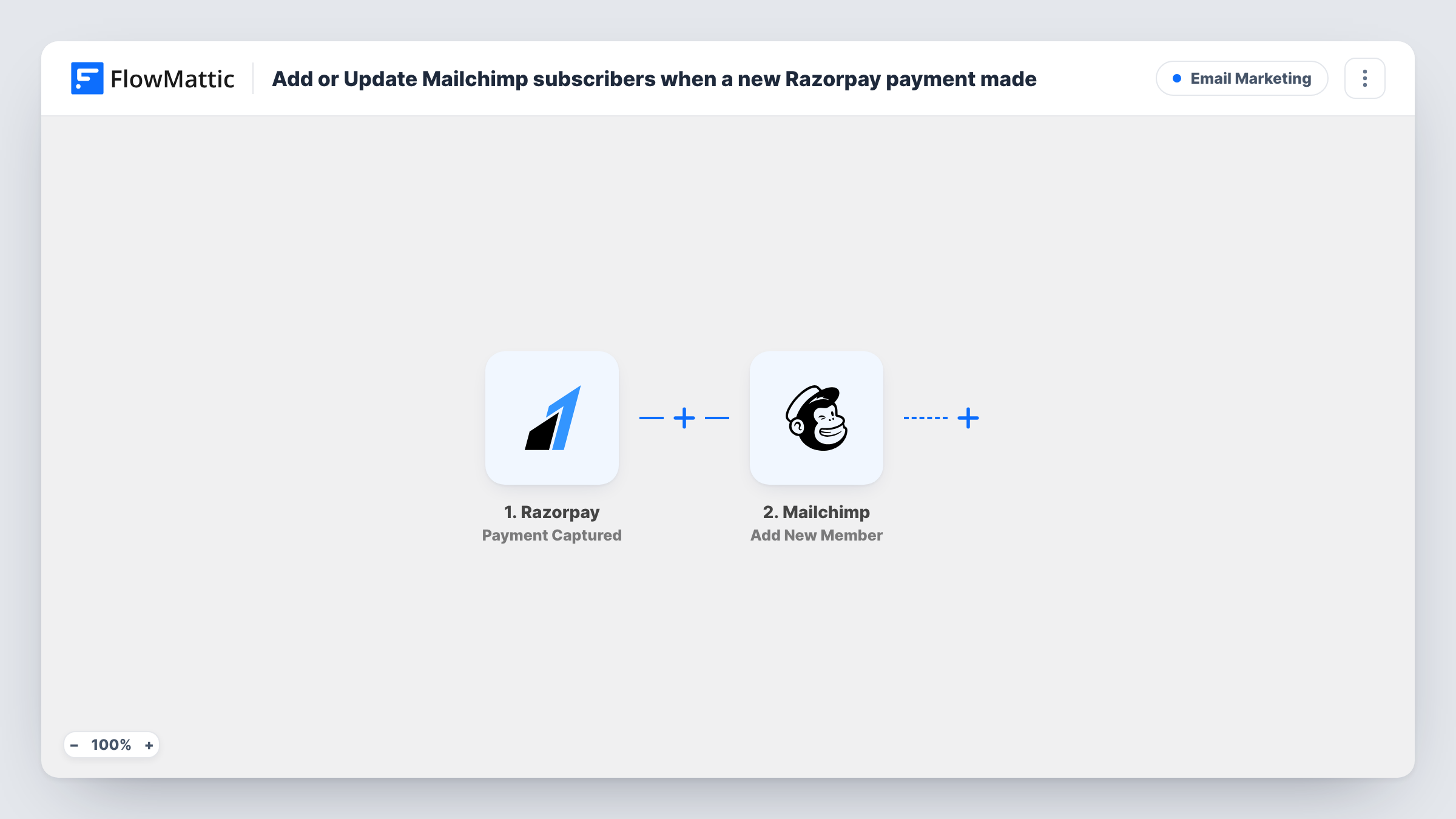
The Razorpay trigger fires when a payment is captured on your account. FlowMattic receives the payment details and passes them to Mailchimp. The Add New Member action adds that person to the audience you choose, or updates their record if the email address is already there.
Because the Mailchimp step works as add-or-update, a customer who pays more than once does not create a duplicate. Each captured payment still runs the workflow, so a repeat buyer's member record is updated again with whatever you map. Map the payer's email from the payment data, and check with a test payment that Razorpay sends the details you expect.
Online course or digital product sales
Buyers who pay through Razorpay join your Mailchimp audience, ready for the welcome sequence that delivers access details and tips.
Service bookings paid in advance
Clients who pay a deposit through Razorpay are added to Mailchimp, so appointment reminders and follow-up offers reach them.
Donations for a non-profit
Each donor whose Razorpay payment is captured becomes a Mailchimp member, letting you send thank-you notes and campaign updates.
How this workflow runs
What happens at each step once the workflow is on, and what you need before you import it.
 Razorpay Payment Captured
Fires when a payment is captured in your Razorpay account. The payment details, including whatever customer contact data Razorpay sends, become available for mapping.
- Mailchimp Add New Member
Adds the payer to the Mailchimp audience you pick, or updates the existing member with the same email. Connect Mailchimp, choose the audience and map the email from the Razorpay payment.
What you need
- FlowMatticCore
- Razorpay AccountAccount
- Mailchimp AccountAccount
After importing, map your own data. To keep the template universal, not every step is pre-filled. Open each step in the builder and connect your accounts and fields (channels, lists, sheets, recipients) before you switch the workflow on.
Make it yours
Changes worth making after you import it.
- Add a Filter after the trigger that continues only when the amount is greater than a set value, if only larger payments should reach Mailchimp. Razorpay amounts are in the smallest currency unit, so check a test run.
- Insert a Router when different products feed different audiences, with conditions on a field that tells the products apart, such as a description or notes value.
- Make a small test payment after import so FlowMattic captures the payment fields, then map the email in the Mailchimp step before you turn the workflow on.
Questions about this workflow
What happens if the Razorpay customer is already in my Mailchimp audience?
Mailchimp's Add New Member action updates an existing member instead of adding a second one, so the person stays in the audience once.
Does every Razorpay payment trigger the workflow, including repeat purchases?
Yes. Each captured payment starts a run. A repeat buyer is matched by email and their member record is updated rather than duplicated.
Are past Razorpay payments added to Mailchimp?
No. Only payments captured after the workflow is turned on start a run. Import older customers into Mailchimp separately if you need them.
Does the payer have to agree to marketing emails?
That is up to you, not the workflow. Collect consent at checkout, and run a test to see which subscription options the Mailchimp step offers so new members match what each customer agreed to.
More Email Marketing workflows
Other ready-to-import templates from the same category.





Import this workflow into your WordPress site
Download the JSON, import it from the Workflows screen and connect your accounts. Every run stays on your server, with no per-task fees.
30-day money-back guarantee Unlimited workflows and runs Self-hosted