

Add subscribers to Sender groups from new Mailchimp subscribers
Every new Mailchimp subscriber is created as a subscriber in Sender and then assigned to the Sender group you choose, so the same people can receive campaigns from either tool.
 Mailchimp
 Sender
3 steps Setup ~5 min Used on 1.4k sites Free to import
What this workflow does
Moving from Mailchimp to Sender, or running both side by side, means your audience has to exist in two places. Exporting and importing CSV files every week leaves new sign-ups out until the next batch. This workflow copies each new Mailchimp subscriber into Sender as it happens and files them in a group.
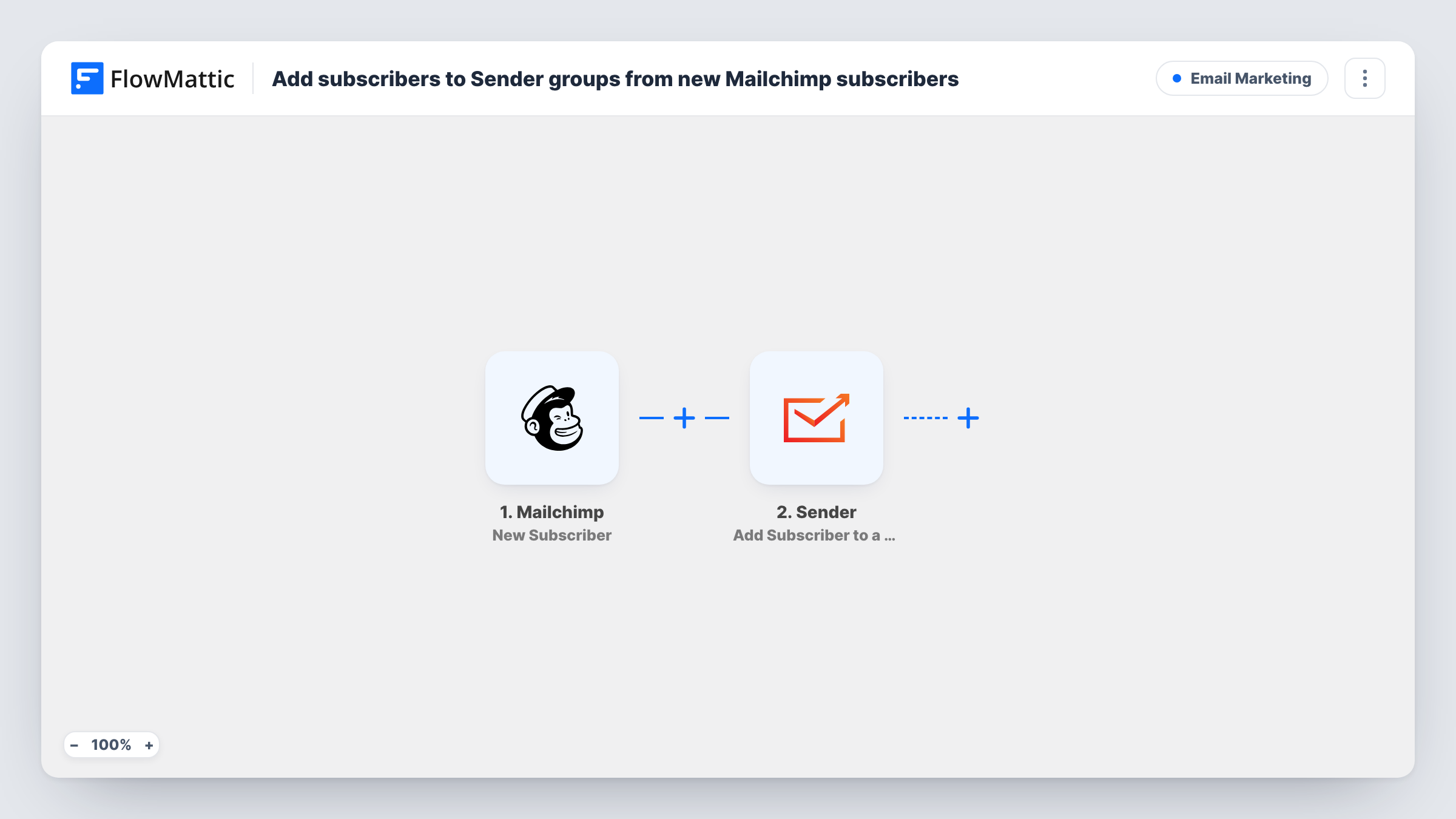
The Mailchimp trigger starts a run when a new subscriber is added. FlowMattic passes the subscriber's details on, such as the email address and merge fields like the first name. The first Sender step creates a subscriber from them, and the second assigns that subscriber to a group.
Sender's group action works on an existing subscriber, which is why the template creates the person first. Neither Sender step ships with mapping. After import you connect Sender, map the email and name into Create New Subscriber, then choose the group and map the subscriber from step 2 into the group step.
Only people who subscribe after you switch the workflow on are copied. Unsubscribes and profile edits in Mailchimp don't reach Sender. Test with your own address and open Task History to read each Sender response.
Gradual move to Sender
A newsletter writer keeps the Mailchimp sign-up form live during a switch to Sender, and every new reader lands in a Sender group automatically.
Separate tools for different emails
A shop sends its newsletter from Mailchimp and its product announcements from Sender, using a Sender group that mirrors new Mailchimp sign-ups.
Segmenting new sign-ups
A course creator puts every new Mailchimp subscriber into a Sender group called New this month and sends that group an introduction email.
How this workflow runs
What happens at each step once the workflow is on, and what you need before you import it.
 Mailchimp New Subscriber
Starts the workflow whenever a new subscriber is added in Mailchimp. Their email address and merge fields, such as first and last name, are passed to the Sender steps.
- Sender Create New Subscriber
Creates a subscriber in Sender from the Mailchimp details. The template has no mapping here, so connect your Sender account and map the email address and the name fields you want to carry over.
- Sender Add Subscriber to a Group
Assigns the subscriber from step 2 to a Sender group. Pick the group after import and map the subscriber from the Create New Subscriber result, then confirm with a test sign-up.
What you need
- FlowMatticCore
- Mailchimp AccountAccount
- Sender AccountAccount
After importing, map your own data. To keep the template universal, not every step is pre-filled. Open each step in the builder and connect your accounts and fields (channels, lists, sheets, recipients) before you switch the workflow on.
Make it yours
Changes worth making after you import it.
- Create the destination group in Sender before you import, so you can select it straight away in the Add Subscriber to a Group step.
- If you subscribe people in Mailchimp from several sources, put a Filter between the Mailchimp trigger and the Create New Subscriber step that checks a merge field or tag in the trigger data. A test sign-up shows which fields Mailchimp sends.
- Copy your existing Mailchimp audience into Sender once with an export and import, since this workflow only handles people who subscribe from now on.
Questions about this workflow
Are my current Mailchimp subscribers copied to Sender?
No. People already in your audience never trigger it; only new sign-ups do. Move your existing audience with a one-time export from Mailchimp and an import into Sender.
What if the Mailchimp subscriber already exists in Sender?
Sender handles an email it already holds in its own way when Create New Subscriber runs. Try it once with an address already in Sender and look at the response in Task History.
Does unsubscribing in Mailchimp remove the person from Sender?
No. This workflow reacts only to new subscribers. Remove them in Sender yourself, or build a second workflow with Sender's Remove Subscriber from a Group action.
Can I send new Mailchimp subscribers to different Sender groups?
Yes. Add a Router between Create New Subscriber and the group step, move the group step into one route and copy it into the others, each with its own group and conditions that can't both match.
More Email Marketing workflows
Other ready-to-import templates from the same category.






Import this workflow into your WordPress site
Download the JSON, import it from the Workflows screen and connect your accounts. Every run stays on your server, with no per-task fees.
30-day money-back guarantee Unlimited workflows and runs Self-hosted