

Email a confirmation via Gmail when an EasySend signature is applied
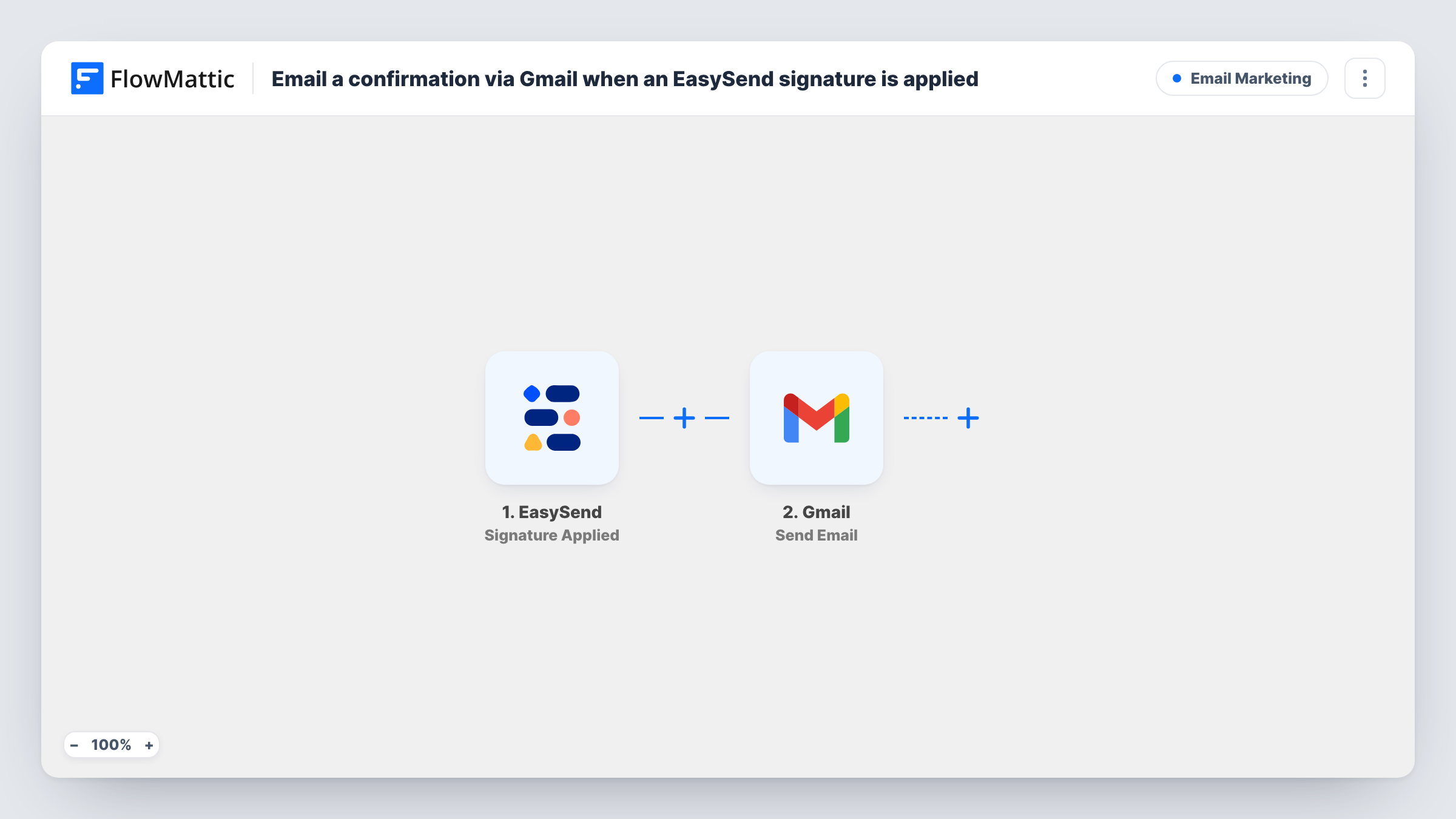
When an end-user adds an eSignature to an EasySend form, this workflow sends an email from your Gmail account to the address you map, confirming the signature was received.
 EasySend
 Gmail
Gmail2 steps Setup ~5 min Used on 3.1k sites Free to import
What this workflow does
People who sign a form online often wonder whether it went through. A short email from your own address answers that and gives them something to keep. This workflow sends that email through Gmail each time a signature is applied in EasySend.
The EasySend trigger fires when an end-user adds an eSignature to a form, and the event's details reach FlowMattic as fields. The Gmail step then runs Send Email from the Google account you connect. You set the recipient, subject and body, and map in details from EasySend so each email names the person or form.
Note what the trigger means: a signature was added, which may come before the rest of the form is finished. Word the email as a signature confirmation, not a completed application. To email someone, the address must be in the data EasySend sends, so check a test run. Every email sent appears in Task History.
Insurance applications signed online
An applicant signs the declaration in an EasySend form, and receives a Gmail message from your agency confirming their signature was recorded.
Account opening forms
A bank or credit union sends a signature confirmation to the customer's address, with the form name in the subject so it's easy to find later.
Internal copy for the case owner
Send the email to the staff member handling the case instead of the customer, so they know a signature has been added and can check the transaction.
How this workflow runs
What happens at each step once the workflow is on, and what you need before you import it.
 EasySend Signature Applied
Fires when an end-user adds an eSignature to an EasySend form. The details EasySend sends with the event become fields you can use in the email.
- Gmail Send Email
Emails the confirmation through the Gmail account you connect. Set the recipient, subject and message, mapping EasySend details into them, and send yourself a test before going live.
What you need
- FlowMatticCore
- EasySend AccountAccount
- Gmail AccountAccount
After importing, map your own data. To keep the template universal, not every step is pre-filled. Open each step in the builder and connect your accounts and fields (channels, lists, sheets, recipients) before you switch the workflow on.
Make it yours
Changes worth making after you import it.
- Use EasySend's Transaction Completed trigger instead if you want the confirmation to go out only after the whole form is finished, not at the moment of signing.
- Add a Filter after the trigger that continues only when the email field is not empty, so runs without an address don't try to send.
- Keep a record by adding a Google Sheets step after Gmail that logs each signer's details next to the confirmation you sent.
Questions about this workflow
Does the EasySend signature event include the signer's email?
It depends on your form and what EasySend sends with the event. Apply a test signature, look at the fields in Task History, and map the address if it's there.
Is the Gmail confirmation sent when the whole EasySend form is complete?
No. It goes out when a signature is applied. For a message after completion, build the workflow on EasySend's Transaction Completed trigger.
Which Gmail address does the EasySend confirmation come from?
The Gmail or Google Workspace account you connect in the Gmail step, so replies come back to that inbox.
Can I attach the signed document to the Gmail email?
Nothing is attached as imported; the email carries the text you write. Check a test run to see whether EasySend's event includes a document link you could add to the message.
More Email Marketing workflows
Other ready-to-import templates from the same category.





Import this workflow into your WordPress site
Download the JSON, import it from the Workflows screen and connect your accounts. Every run stays on your server, with no per-task fees.
30-day money-back guarantee Unlimited workflows and runs Self-hosted