

Add Userpilot form submitters to an ActiveCampaign list for follow-up
When someone submits a Userpilot in-app form, FlowMattic creates or updates them as an ActiveCampaign contact and subscribes them to the list you choose, ready for your follow-up emails.
 Userpilot
 ActiveCampaign
3 steps Setup ~5 min Used on 1.2k sites Free to import
What this workflow does
In-app forms catch users while they're inside your product: a feedback prompt, a beta sign-up or a request for a demo. The answers are more useful when the person can then hear back from you by email. This workflow moves each Userpilot form submitter into ActiveCampaign and onto a list, so your follow-up campaigns or automations can reach them.
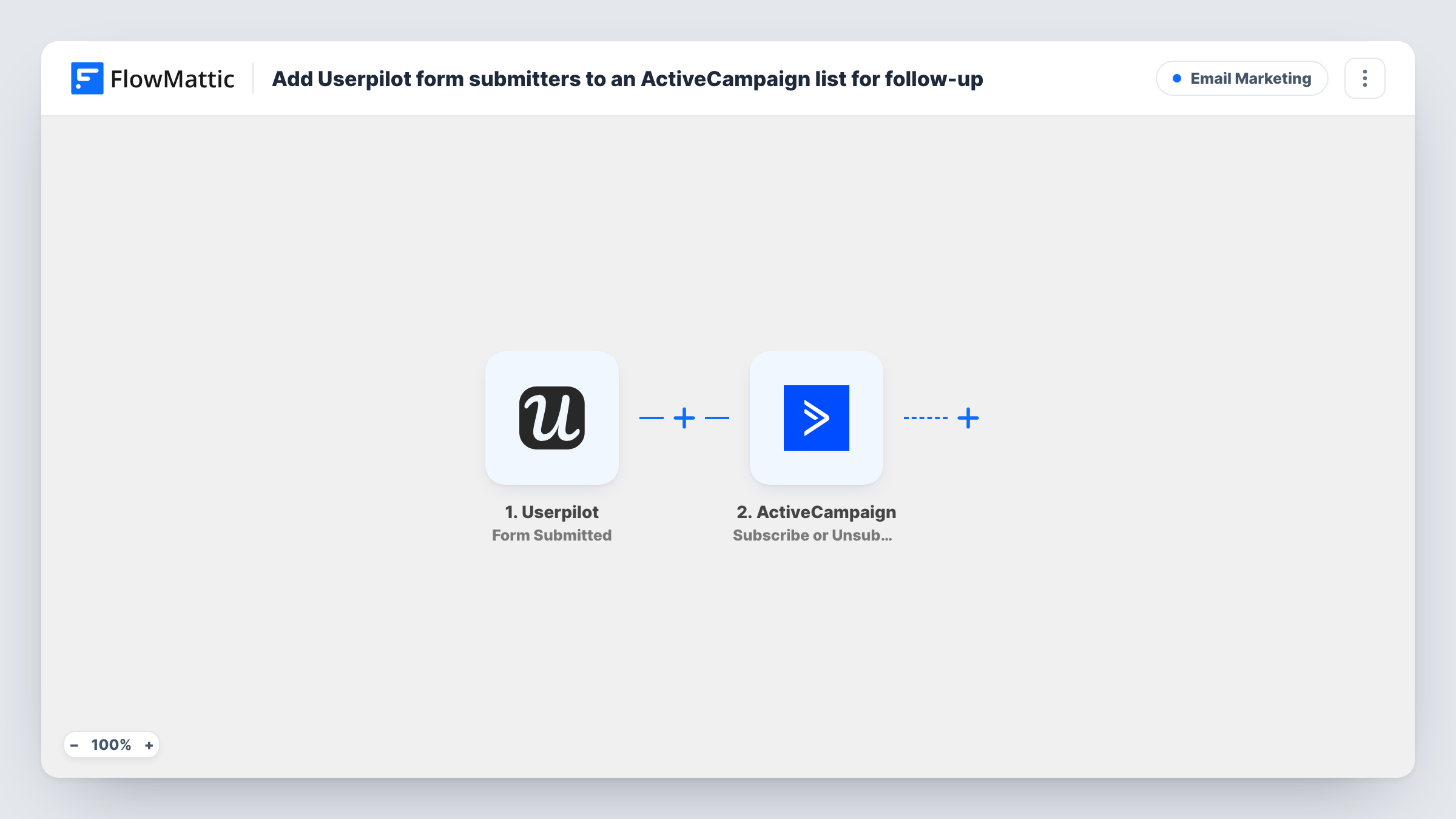
The Userpilot trigger, Form Submitted, starts a run whenever a user submits one of your Userpilot forms. The submission data, including the answers and the details Userpilot holds about that user, passes to the next steps.
The first ActiveCampaign step, Create or Update Contact, adds the person as a contact or updates them if they're already there. The second step, Subscribe or Unsubscribe Contact From List, can do either, so set it to subscribe and choose your list. Running the contact step first means the list step always has a contact to subscribe.
Both steps ship unmapped. ActiveCampaign identifies contacts by email, so check a test submission to make sure Userpilot sends the user's email address, then map it into the contact step and connect the list step to that contact. Each run's entry in Task History records what both ActiveCampaign actions sent back.
Beta programme sign-ups
A product team runs an in-app Userpilot form inviting users to join a beta, and everyone who submits it lands on an ActiveCampaign list that receives beta updates.
Demo requests from trial users
A B2B SaaS company's trial users ask for a demo through a Userpilot form, and the ActiveCampaign list starts an automation that sends a booking link.
Feedback respondents for a research panel
A UX team adds users who answer an in-app feedback form to a research list, then emails them invitations to interviews.
How this workflow runs
What happens at each step once the workflow is on, and what you need before you import it.
 Userpilot Form Submitted
Starts a run when a user submits a Userpilot form. The form answers and the user's details from Userpilot pass to the ActiveCampaign steps.
- ActiveCampaign Create or Update Contact
Adds the Userpilot submitter to ActiveCampaign as a contact, or refreshes their record when the address is already known. The step ships unmapped: map the user's email from the Userpilot data, plus name or other fields you keep.
- ActiveCampaign Subscribe or Unsubscribe Contact From List
Puts the contact from step 2 on one of your ActiveCampaign lists. After import, set the action to subscribe, choose the list and map the contact created or updated in step 2.
What you need
- FlowMatticCore
- Userpilot AccountAccount
- ActiveCampaign AccountAccount
After importing, map your own data. To keep the template universal, not every step is pre-filled. Open each step in the builder and connect your accounts and fields (channels, lists, sheets, recipients) before you switch the workflow on.
Make it yours
Changes worth making after you import it.
- Send a test submission first and check that the Userpilot data carries the user's email address, since ActiveCampaign needs it to create the contact.
- If you run several Userpilot forms, put a Filter between the Userpilot trigger and the Create or Update Contact step that checks which form was submitted. Use a field your test run shows.
- Map a form answer into an ActiveCampaign custom field in the contact step, so your follow-up emails can refer to what the user told you.
Questions about this workflow
What if the Userpilot user is already an ActiveCampaign contact?
Create or Update Contact updates the existing contact instead of creating a duplicate, and the list step then subscribes that contact to your list.
Does the Userpilot form submission include an email address?
It depends on the data your Userpilot setup sends about each user. Run a test submission and look at the trigger's data in FlowMattic; ActiveCampaign can only create the contact if an email is there.
Why does the ActiveCampaign list step say subscribe or unsubscribe?
The same ActiveCampaign action handles both. For this workflow, set it to subscribe so each Userpilot form submitter joins the list.
Can each Userpilot form feed a different ActiveCampaign list?
Yes. Import one copy per form with a Filter on the form, each pointing at its own list, so a submitter only joins the list that matches the form they filled in.
More Email Marketing workflows
Other ready-to-import templates from the same category.





Import this workflow into your WordPress site
Download the JSON, import it from the Workflows screen and connect your accounts. Every run stays on your server, with no per-task fees.
30-day money-back guarantee Unlimited workflows and runs Self-hosted