

Auto-Update Inventory in Google Sheets When Product Stock Changes in FluentCart
When a product’s stock quantity changes in FluentCart, FlowMattic looks up that product’s row in your Google Sheets inventory sheet and updates the row with the new stock figure.
 FluentCart
 Google Sheets
3 steps Setup ~5 min Used on 3.0k sites Free to import
What this workflow does
Plenty of shops keep a stock sheet beside their store: for purchasing, for a supplier, or for a team that never logs in to WordPress. Keeping it current by hand means it is always a little out of date. This workflow updates the right row each time stock changes in FluentCart, so the sheet matches the store.
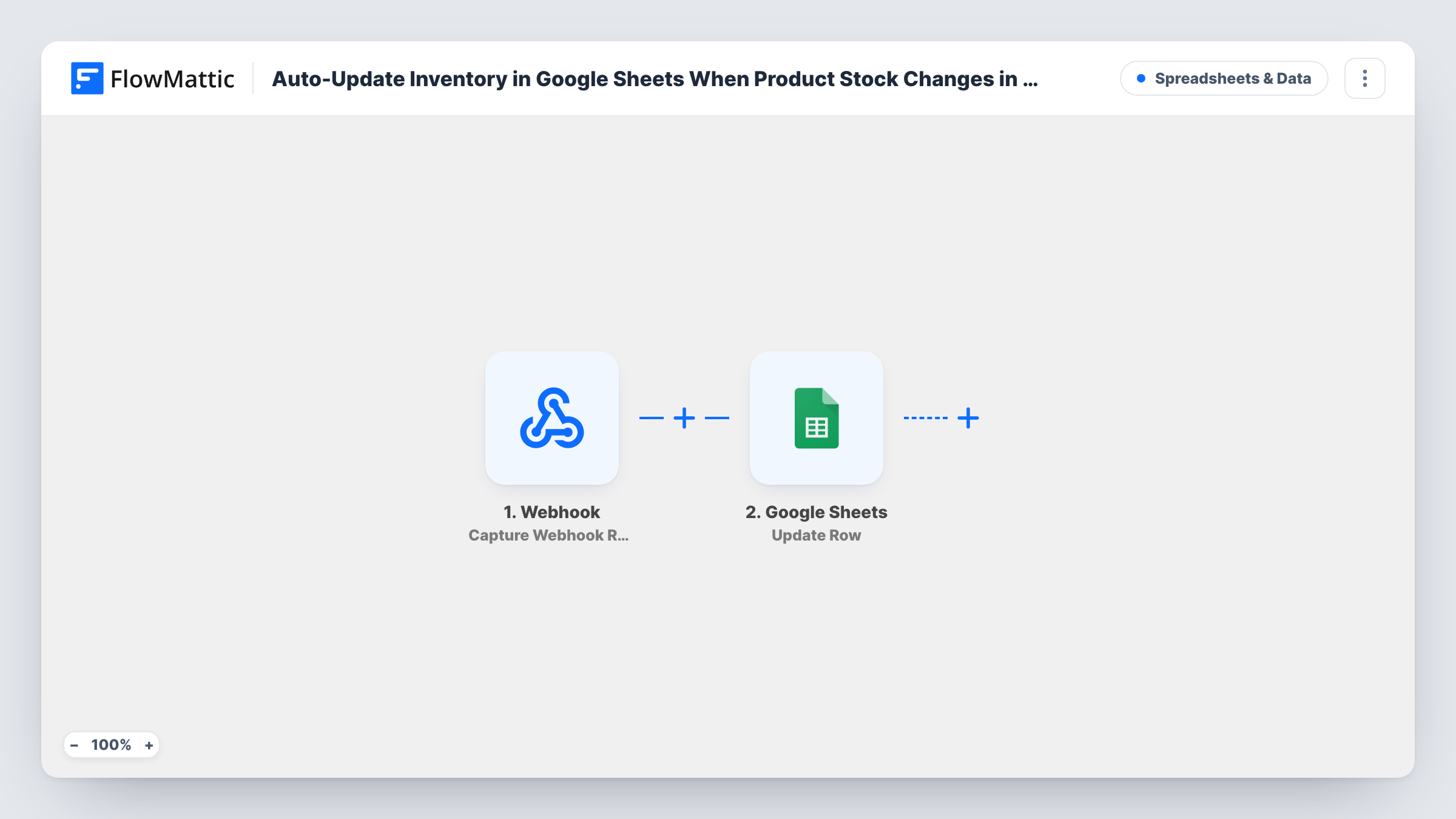
The FluentCart Product Stock Changed trigger fires whenever a product's stock quantity changes in your store. The product's details and new quantity are passed on.
Two Google Sheets steps follow. Lookup Row Data searches your inventory sheet for the product, for example by a product ID or SKU column. Update Row then writes the new quantity into the row the lookup found. Both steps ship unmapped: after import you choose the sheet, the column to search and the value from FluentCart, then map the found row and the stock figure into Update Row.
The sheet must already hold one row per product, with a column whose values match what FluentCart sends. This flow updates rows; it doesn't add new products to the sheet. Change a test product's stock and check Task History to see which row was found and updated.
Purchasing sheet for reorders
A homeware store's buyer works from a Google Sheet of products and stock, and sees quantities drop as orders come in so she knows what to reorder.
Stock levels shared with a supplier
A shop shares a read-only sheet with its manufacturer, who checks current FluentCart stock before planning the next production run.
Inventory dashboard in Sheets
An owner builds charts and conditional colours on top of the stock column, so low-stock products turn red as FluentCart quantities change.
How this workflow runs
What happens at each step once the workflow is on, and what you need before you import it.
 FluentCart Product Stock Changed
Fires when a product's stock quantity changes in FluentCart. The product's details and new quantity are handed to the Google Sheets steps.
- Google Sheets Lookup Row Data
Searches your inventory sheet for the product's row. The step ships unmapped: pick the sheet, the column to search, such as product ID or SKU, and map the matching value from FluentCart.
- Google Sheets Update Row
Updates the row the lookup found with the new stock quantity. Map that row from step 2 and the quantity from the trigger into your stock column.
What you need
- FlowMatticCore
- FluentCart PluginPlugin
- Google Sheets AccountAccount
After importing, map your own data. To keep the template universal, not every step is pre-filled. Open each step in the builder and connect your accounts and fields (channels, lists, sheets, recipients) before you switch the workflow on.
Make it yours
Changes worth making after you import it.
- Search on a column that never changes, such as the FluentCart product ID, rather than the product name, so renamed products still match.
- Map a Date/Time Formatter Modify Current Date step's result into a "last updated" column of the row, adding it between the Lookup Row Data step and the Update Row step.
- Put a Filter between Lookup Row Data and Update Row that continues only when the lookup found a row, so products missing from the sheet stop before the update.
Questions about this workflow
Does this add new FluentCart products to the Google Sheet?
No. The workflow changes product rows you have already added, and never creates one. Add each product to the sheet once, with the value the lookup searches on, before you turn the workflow on.
What if the product isn't in my Google Sheet?
The lookup returns no row for that product, and Task History shows what each Google Sheets step returned. A Filter on the lookup result between the two Google Sheets steps keeps the update from running for it.
Do FluentCart sales and manual stock edits both update the sheet?
The trigger fires whenever the stock quantity changes. Make a test sale and a manual edit after import and check Task History to confirm both start a run in your store.
More Spreadsheets & Data workflows
Other ready-to-import templates from the same category.




Import this workflow into your WordPress site
Download the JSON, import it from the Workflows screen and connect your accounts. Every run stays on your server, with no per-task fees.
30-day money-back guarantee Unlimited workflows and runs Self-hosted