

Compress images received via webhook from Canva
When a webhook request delivers the URL of an image exported from Canva, FlowMattic compresses that image and saves the smaller copy to your WordPress media library.
 Webhook
 Image Compressor
2 steps Setup ~5 min Used on 795 sites Free to import
What this workflow does
Designs exported from Canva are made for quality, not page speed, so a social graphic or banner can be much heavier than your site needs. This workflow takes an image URL that arrives by webhook, compresses the image and stores the lighter version in WordPress, ready to use in posts and pages.
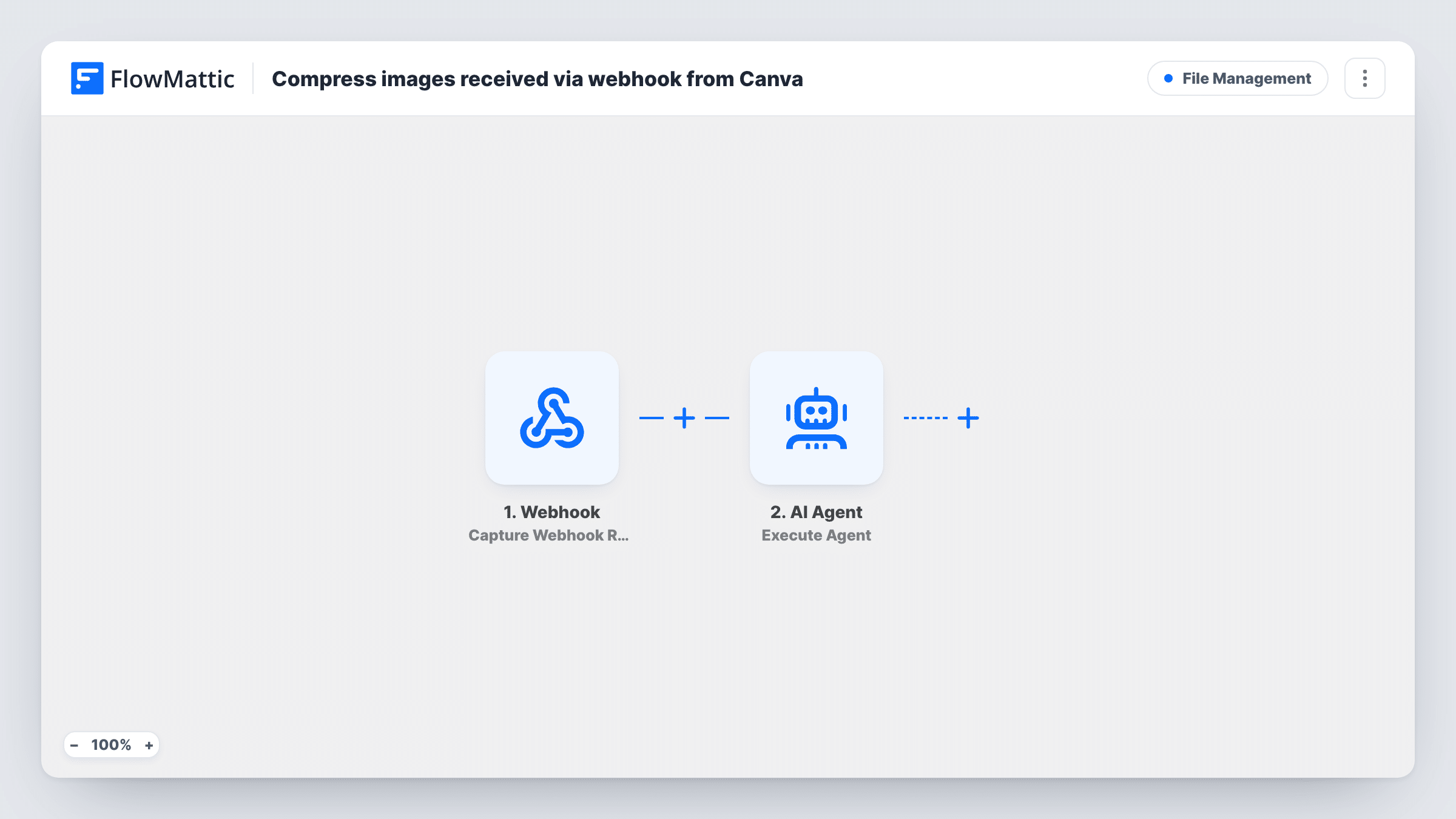
The first step is FlowMattic's Webhook trigger, which gives you a unique URL. FlowMattic has no Canva trigger, so Canva itself doesn't start this workflow. The request has to come from whatever exports your designs, such as another automation tool or a script, and it must include the image's public URL. Send one test request so FlowMattic can read its fields. Anyone holding the webhook URL can start a run unless you turn on the trigger's authentication setting.
The Image Compressor step then compresses the image and saves it as a new file in your media library. It ships unmapped: after import, map the image URL from the webhook data into it.
That's the whole flow. The compressed image stays in the media library until you use it, and nothing else happens to it unless you add a step after the compressor. Task History shows each request and the compressor's response, including the new media URL.
Lighter blog graphics
A content team exports featured graphics from Canva, sends each image URL to the webhook, and picks the compressed version from the media library when publishing.
Batch of social images for a landing page
A marketer reuses Canva social graphics on a WordPress landing page and sends them through the webhook first, so the page loads lighter files.
Design handoff from an agency tool
An agency's own export script posts each finished Canva image URL to the client's webhook, which stores a compressed copy in the client's WordPress site.
How this workflow runs
What happens at each step once the workflow is on, and what you need before you import it.
 Webhook Capture Webhook Response
Gives you a webhook URL and starts a run for each request it receives. Send a test request that includes the Canva image's public URL, so its fields can be mapped in the next step.
- Image Compressor Compress Image
Compresses the image and saves the compressed copy to your WordPress media library. The step ships unmapped: map the image URL from the webhook data, then check a test run for the new media URL it returns.
What you need
- FlowMatticCore
After importing, map your own data. To keep the template universal, not every step is pre-filled. Open each step in the builder and connect your accounts and fields (channels, lists, sheets, recipients) before you switch the workflow on.
Make it yours
Changes worth making after you import it.
- Turn on "Require authentication on incoming requests" in the Webhook trigger and send the key with each request, so only your export tool can start runs.
- Make sure the image URL in each request is publicly reachable, because the compressor has to download the image before it can shrink it.
- To keep a record of each compressed file, add a Google Sheets step after Image Compressor and map the new media URL and title into a row.
Questions about this workflow
Can Canva send images to this webhook by itself?
FlowMattic has no Canva trigger, so plan for another tool or script to post the image URL to the webhook. Whatever sends the request decides when runs start.
Where does the compressed Canva image end up?
In your WordPress media library, as a new file. The Image Compressor step returns its media URL, which you can map into any step you add after it.
What does the request need to include for the Canva image to be compressed?
At least the image's public URL. Send a test request, then map that field into the Image Compressor step. Other fields, such as a title, can travel with it for later steps.
More File Management workflows
Other ready-to-import templates from the same category.







Import this workflow into your WordPress site
Download the JSON, import it from the Workflows screen and connect your accounts. Every run stays on your server, with no per-task fees.
30-day money-back guarantee Unlimited workflows and runs Self-hosted