

Create new PDF's with PDF.co from new Gravity Forms submissions
Every Gravity Forms submission is turned into a PDF by PDF.co, using HTML you write with the submitted answers mapped in, so each entry has a printable document of its own.
 Gravity Forms
 PDF.co
2 steps Setup ~5 min Used on 2.9k sites Free to import
What this workflow does
Some form entries need to exist as a document: an application, a quote request, a signed agreement or a registration you print for an event. This workflow takes each Gravity Forms submission and has PDF.co build a PDF from it, so you don't have to copy entries into a document by hand.
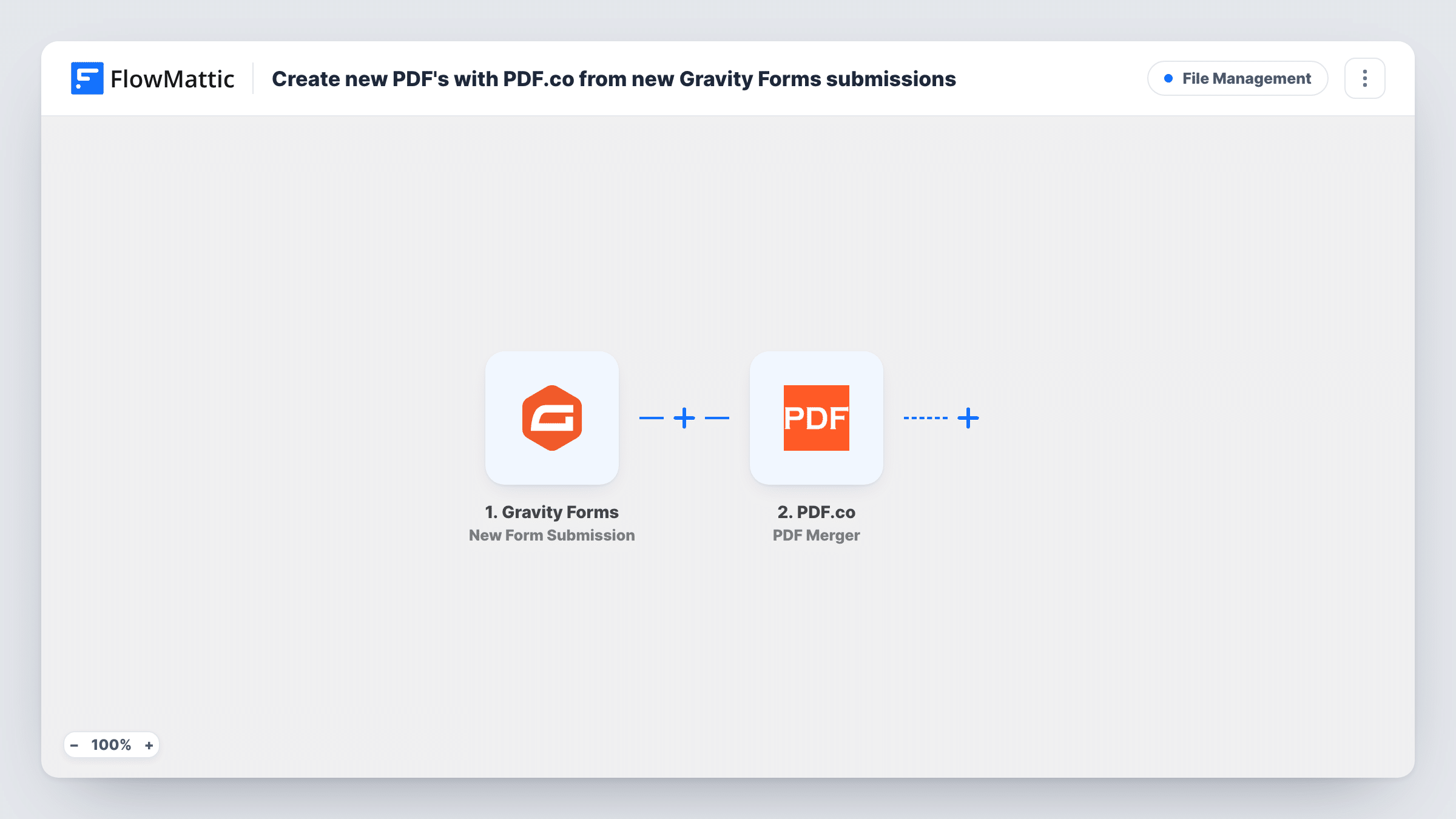
The Gravity Forms New Form Submission trigger starts a run when someone submits your form, and the entry's fields are passed on. The PDF.co HTML to PDF Converter step then converts HTML into a PDF. FlowMattic describes it as converting HTML or a URL, with layout and orientation options and support for Handlebars and Mustache templates.
The PDF.co step ships unmapped. After import you connect PDF.co and write the HTML for the document, placing the submitted fields where they belong, such as the applicant's name in a heading and their answers in a table. Simple inline styles keep the layout predictable.
The template ends once the PDF is made. Check a test run in Task History to see what PDF.co returned, such as a link to the file. Nothing sends or stores that file until you add a step after PDF.co, for example an email to your team with the link.
Application forms as printable files
A school turns each Gravity Forms admission application into a PDF so staff can review it offline or print it for the file.
Quote requests in a standard layout
A contractor's quote form produces a tidy PDF with the client's details and project notes, ready to attach to a proposal.
Event registration slips
An organiser creates a PDF for every registration form and prints them for the check-in desk.
How this workflow runs
What happens at each step once the workflow is on, and what you need before you import it.
 Gravity Forms New Form Submission
Starts the workflow when a visitor submits your Gravity Forms form. Every field in the entry becomes available to place into the PDF's HTML.
- PDF.co HTML to PDF Converter
Converts HTML into a PDF with PDF.co. The step ships empty: connect your PDF.co account, write the document's HTML and map the submitted fields into it, then check a test run for the returned file.
What you need
- FlowMatticCore
- Gravity Forms PluginPlugin
- PDF.co AccountAccount
After importing, map your own data. To keep the template universal, not every step is pre-filled. Open each step in the builder and connect your accounts and fields (channels, lists, sheets, recipients) before you switch the workflow on.
Make it yours
Changes worth making after you import it.
- Add an Email step after the PDF.co step that sends the PDF link to your team or to the person who filled in the form, mapping their email from the submission.
- Log each PDF link in Google Sheets with a step after PDF.co, so you have a list of every generated document next to the submitter's name.
- If several forms use this workflow, put a Filter between the Gravity Forms trigger and the PDF.co step that checks the form, so only the right one creates PDFs.
Questions about this workflow
Do I need to write HTML for the PDF.co document?
Yes. The HTML to PDF Converter builds the PDF from HTML, and the template doesn't include any. Write a simple page and map your Gravity Forms fields into it.
Is the PDF emailed to anyone after a Gravity Forms entry?
Not as imported. PDF.co's converter is the last step, so the file isn't sent anywhere. Add an Email or Gmail step after it and map the link PDF.co returns to send it on.
Can I use a PDF.co template instead of raw HTML?
FlowMattic's PDF.co integration also has an HTML Template to PDF Converter action. You could swap it in for the HTML to PDF Converter step if you keep your layout as a template.
More File Management workflows
Other ready-to-import templates from the same category.







Import this workflow into your WordPress site
Download the JSON, import it from the Workflows screen and connect your accounts. Every run stays on your server, with no per-task fees.
30-day money-back guarantee Unlimited workflows and runs Self-hosted