

Save a copy in Google Drive when an Oneflow contract is signed
When Oneflow reports a contract as signed, this workflow uploads a file to the Google Drive folder you choose, so you can keep copies of signed agreements in your own Drive.
 Oneflow
 Google Drive
2 steps Setup ~5 min Used on 603 sites Free to import
What this workflow does
Signed contracts get looked up long after the deal closes: at renewal, during an audit, or when someone asks what was agreed. If the only copy lives in Oneflow, everyone who needs it needs an Oneflow login. Saving each one to Google Drive puts it beside the rest of your company files.
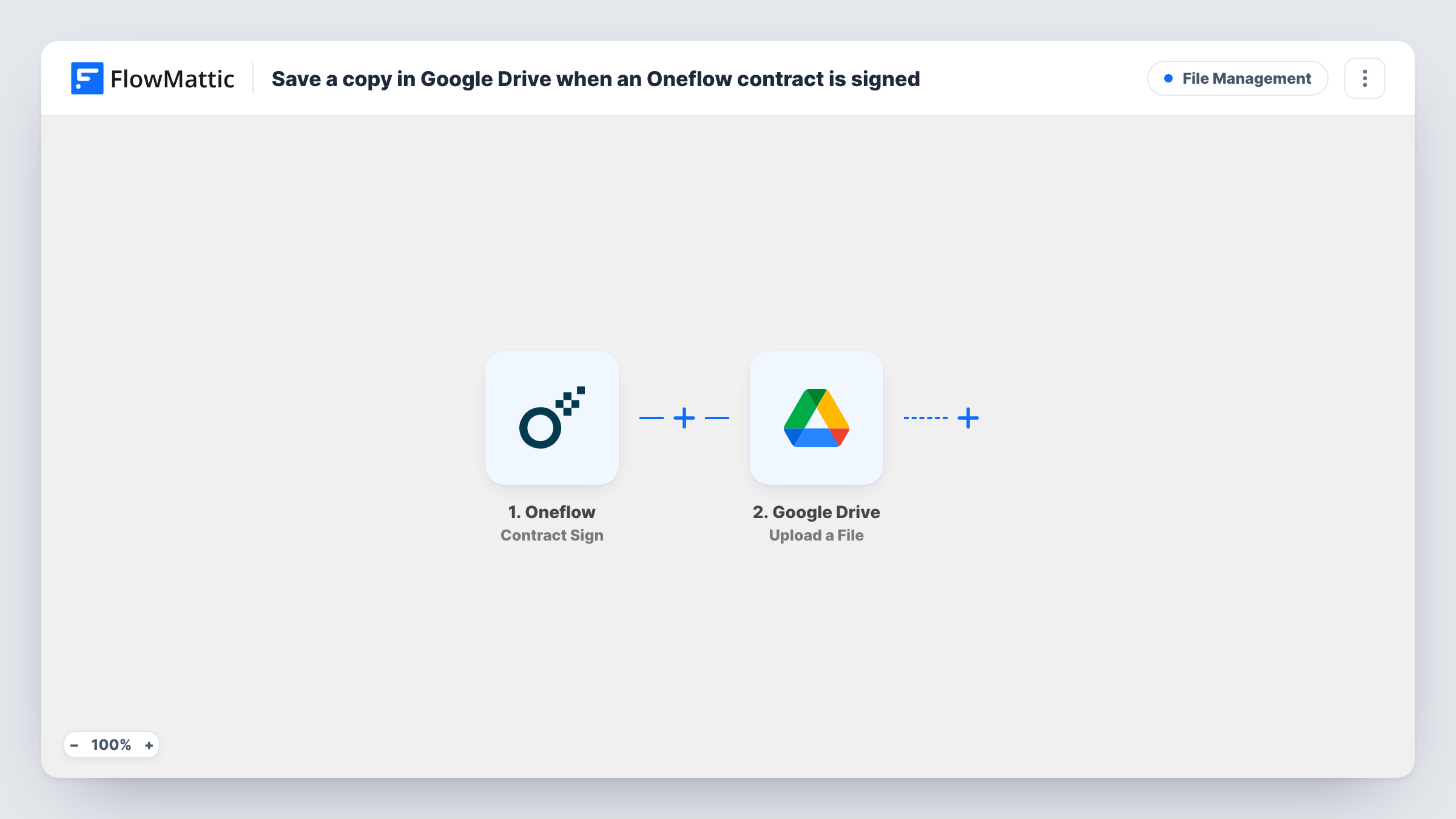
The Oneflow trigger here is Contract Sign, Oneflow's contract-level signing event. Oneflow also has a Participant Sign event for each person's signature, which this template doesn't use. When Contract Sign arrives, FlowMattic runs Upload a File in Google Drive, which uploads a file to the folder you select. You map the file from the Oneflow event data into that step.
The upload needs an actual file or a link to one. Before you rely on the workflow, sign a test contract and open the run in Task History. Check that the Oneflow data includes the signed document or a link to it, and that Drive received the file in the right folder.
Client agreements in a shared Drive
Account managers sign service agreements in Oneflow. A copy lands in a Drive folder the whole client team can open, without anyone downloading it by hand.
Employment contracts for HR records
Offer letters and contracts signed in Oneflow are saved into an HR folder in Drive, where they sit with the rest of each employee's paperwork.
Supplier contracts for finance
Finance checks payment terms in Drive, not in Oneflow. Each signed supplier contract is uploaded to the folder they already use.
How this workflow runs
What happens at each step once the workflow is on, and what you need before you import it.
 Oneflow Contract Sign
Starts the workflow when Oneflow sends its Contract Sign event for one of your contracts. The contract data in that event becomes available to map in the Google Drive step.
- Google Drive Upload a File
Saves a file into the Drive folder chosen in this step. Connect your Google account, map the signed document from the Oneflow data, and confirm with a test signing that the file arrives.
What you need
- FlowMatticCore
- Oneflow AccountAccount
- Google Drive AccountAccount
After importing, map your own data. To keep the template universal, not every step is pre-filled. Open each step in the builder and connect your accounts and fields (channels, lists, sheets, recipients) before you switch the workflow on.
Make it yours
Changes worth making after you import it.
- If the Upload a File step lets you name the file, build the name from Oneflow event values such as the contract title, so the Drive folder sorts and searches well.
- If you also want a written record, add a Google Sheets step after the upload that logs the contract and the date it was signed.
- If the Oneflow event doesn't include the signed file, Task History shows the upload error. Check the event data from a test signing before you turn the workflow on for real contracts.
Questions about this workflow
Does this run when only one person has signed the Oneflow contract?
The trigger is Contract Sign, the contract-level event, not Participant Sign, which Oneflow sends for each individual signature. Sign a test contract with two parties to see when it fires.
Which Google Drive folder do the contracts go to?
The one you choose in the Upload a File step after import. Every signed contract from this workflow goes to that folder.
Will contracts signed before I turn this on be copied to Drive?
No. Only Contract Sign events received after the workflow is active start a run, so earlier contracts stay in Oneflow only.
What if the Oneflow data has no file to upload?
The Google Drive step has nothing to save and Task History shows its response. Test with a real signing first and check what the event carries.
More File Management workflows
Other ready-to-import templates from the same category.



Import this workflow into your WordPress site
Download the JSON, import it from the Workflows screen and connect your accounts. Every run stays on your server, with no per-task fees.
30-day money-back guarantee Unlimited workflows and runs Self-hosted