

Create a ClickUp task from each new Flock message
Every message that Flock passes to this workflow becomes a new ClickUp task, so requests raised in team chat land in the list where your team plans its work.
 Flock
Flock
 ClickUp
2 steps Setup ~5 min Used on 3.1k sites Productivity Free to import
What this workflow does
Requests get lost in chat. Someone asks for a fix in a Flock channel, a colleague says they'll look at it, and a week later nobody remembers. This workflow turns each Flock message it receives into a ClickUp task, so the request sits in a list with an owner and a status instead of scrolling away.
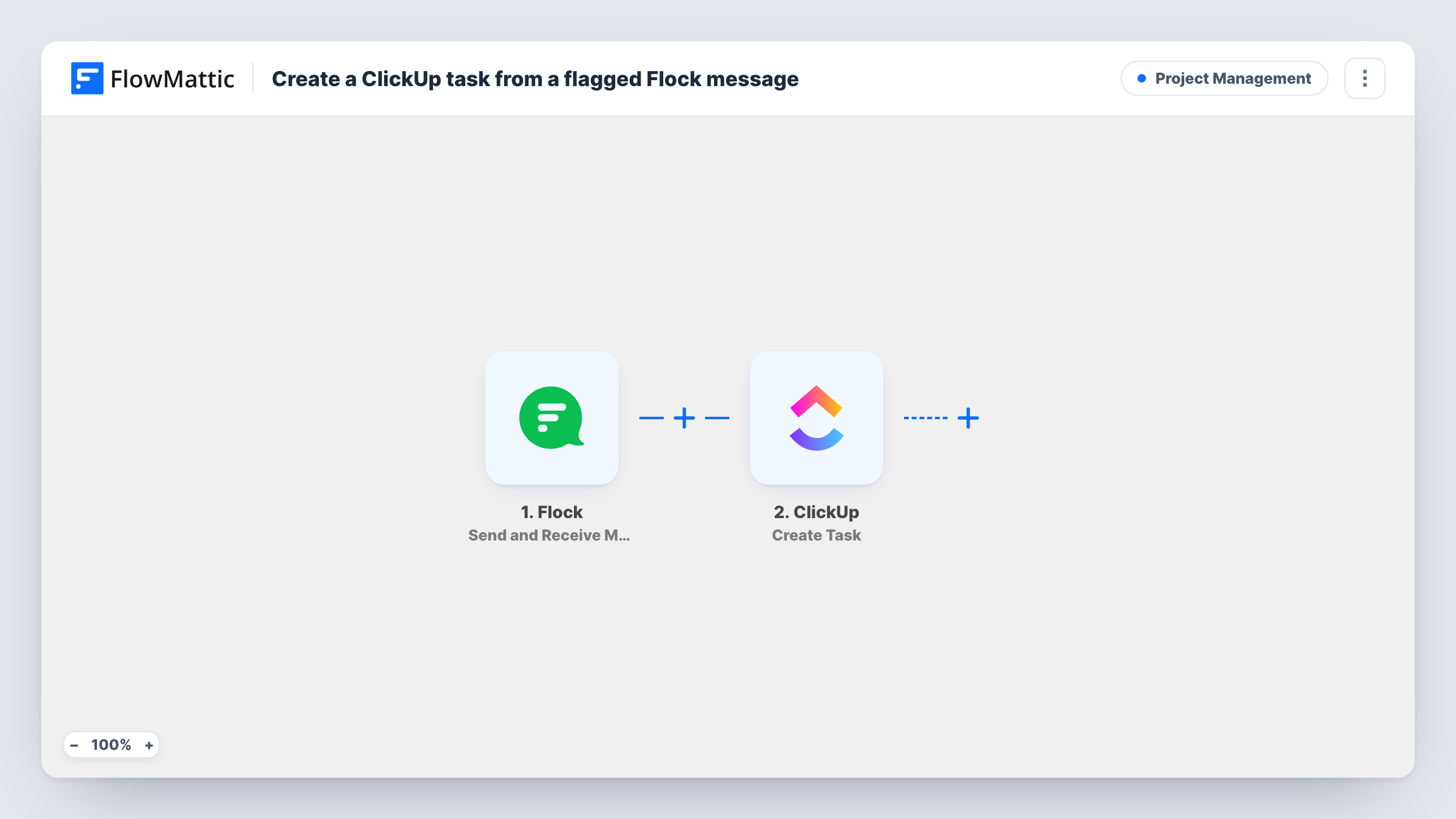
This workflow starts from the Flock Send and Receive Messages trigger. FlowMattic describes it as firing when messages are sent and received from external services as JSON packets, so the run starts when Flock delivers a message to the workflow. Which messages arrive depends on how you connect Flock when you set up the trigger, so send a test message and look at what comes through.
The second step creates a task in ClickUp. It ships unmapped: after import, connect ClickUp, choose where in ClickUp the task should go, and map the message text into the task name or description. If the Flock data includes the sender, map that too so the task shows who asked.
There's no condition in the template. Every message that reaches the trigger creates one task, chit-chat included. If only some messages should become tasks, add a Filter between the Flock trigger and the ClickUp step.
Bug reports from a support channel
A product team routes messages from its Flock support channel into a ClickUp triage list, where each report gets a priority and an assignee.
Content requests from the marketing team
Marketers post blog or design requests in Flock, and each one appears in the content team's ClickUp list ready to schedule.
Office and IT requests
Staff ask for a new laptop or a desk move in a Flock channel set up for requests, and the office manager works through them as ClickUp tasks.
How this workflow runs
What happens at each step once the workflow is on, and what you need before you import it.
 Flock Send and Receive Messages
Starts the workflow when Flock delivers a message to FlowMattic through the Send and Receive Messages trigger. The message arrives as JSON, and its fields become available to the ClickUp step.
- ClickUp Create Task
Creates a new ClickUp task for each message. The step ships unmapped: choose where the task goes, then map the Flock message text into the task name or description and add any other details you want on it.
What you need
- FlowMatticCore
- Flock AccountAccount
- ClickUp AccountAccount
After importing, map your own data. To keep the template universal, not every step is pre-filled. Open each step in the builder and connect your accounts and fields (channels, lists, sheets, recipients) before you switch the workflow on.
Make it yours
Changes worth making after you import it.
- Put a Filter between the Flock trigger and the ClickUp step that continues only when the message contains a keyword such as todo. The check ignores upper and lower case, and people can type the word to file a task.
- Start the task name with a fixed label such as Flock request, followed by the mapped message text, so these tasks are easy to spot in a busy ClickUp list.
- If the Flock data names the sender, map it into the task description, so whoever picks up the task knows whom to ask.
Questions about this workflow
Does every Flock message create a ClickUp task?
Every message that reaches the trigger does, since the template has no condition. To limit it, put a Filter between the Flock trigger and the ClickUp Create Task step that checks the message for a keyword.
Where in ClickUp do the Flock tasks go?
You decide that when you set up the ClickUp step after import. The template doesn't set a destination, so pick where Flock requests should land before you turn the workflow on.
Which details from the Flock message can I put on the task?
Anything the Flock trigger hands over. Send a test message after setting up the trigger and look at the JSON in Task History to see the fields, such as the text, then map them into the task.
More Project Management workflows
Other ready-to-import templates from the same category.





Import this workflow into your WordPress site
Download the JSON, import it from the Workflows screen and connect your accounts. Every run stays on your server, with no per-task fees.
30-day money-back guarantee Unlimited workflows and runs Self-hosted