

Create a ClickUp task when a Helpjuice comment is created
Each new comment on your Helpjuice knowledge base creates a task in the ClickUp list you choose, so reader feedback on articles is assigned and followed up instead of waiting to be noticed.
 Helpjuice
 ClickUp
2 steps Setup ~5 min Used on 1.6k sites Productivity Free to import
What this workflow does
Comments on help articles are often the first sign that something is out of date: a step that changed, a screenshot that no longer matches, a question the article doesn't answer. If nobody checks Helpjuice regularly, those comments sit there. This workflow turns each one into a ClickUp task your documentation team can work through.
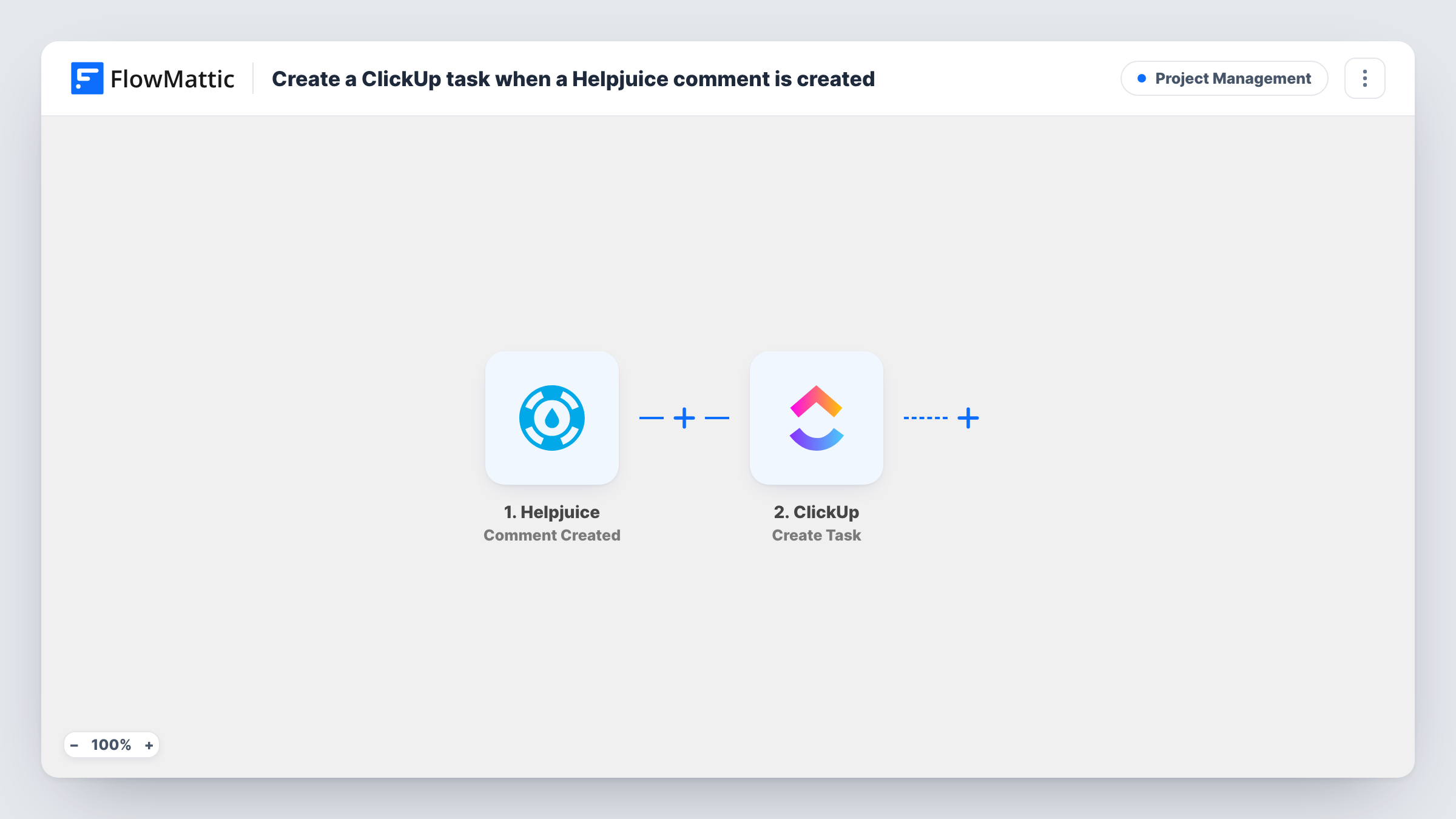
The Helpjuice trigger, Comment Created, fires when a comment is created. FlowMattic captures the comment data Helpjuice sends. The ClickUp step, Create Task, then adds a new task to the list you select, with a name and description built from the Helpjuice details you map in.
Every comment creates its own task, including short thank-you notes. Edited or deleted comments don't start a run, because Helpjuice reports those through separate triggers. Use Task History in FlowMattic to see what each run received and which task it created.
Keeping help articles accurate
A SaaS support team sends every Helpjuice comment to a docs backlog in ClickUp, so writers see when readers say a step no longer matches the product.
Answering questions left on articles
Readers sometimes ask questions in comments. A ClickUp task lets a support agent pick it up, reply, and close the task when done.
Collecting ideas for new articles
Comments asking about topics the knowledge base doesn't cover become tasks in a content-ideas list for the next planning meeting.
How this workflow runs
What happens at each step once the workflow is on, and what you need before you import it.
 Helpjuice Comment Created
Runs when a comment is created in your Helpjuice knowledge base. The comment details Helpjuice sends can be mapped into the ClickUp task.
- ClickUp Create Task
Creates a task in the ClickUp list you select. Map the comment text and article details into the task name and description, and connect your ClickUp account.
What you need
- FlowMatticCore
- Helpjuice AccountAccount
- ClickUp AccountAccount
After importing, map your own data. To keep the template universal, not every step is pre-filled. Open each step in the builder and connect your accounts and fields (channels, lists, sheets, recipients) before you switch the workflow on.
Make it yours
Changes worth making after you import it.
- Start the task name with the article title from the Helpjuice data, if your test run includes it, so the ClickUp list shows which page each comment is about.
- Add a Filter after the trigger that continues only when the comment text contains a question mark, if questions are what your team acts on. Other comments then stop before ClickUp.
- Post a test comment on an article after import and check Task History to see which Helpjuice fields arrive before you map the task.
Questions about this workflow
Does every Helpjuice comment become a ClickUp task?
Yes, as imported. There's no Filter, so each new comment creates one task. Add a Filter after the trigger to leave some out.
What happens when a Helpjuice comment is edited?
Nothing in this workflow. Edits fire Helpjuice's separate Comment Updated trigger, which this template doesn't use, so the ClickUp task keeps the original text.
Can the task be assigned to someone automatically?
Open the Create Task step after connecting ClickUp to see what it lets you set. Otherwise, assign tasks in ClickUp or use a list your docs owner already watches.
Will older Helpjuice comments be turned into tasks?
No. Only comments created after you turn the workflow on reach ClickUp.
More Project Management workflows
Other ready-to-import templates from the same category.






Import this workflow into your WordPress site
Download the JSON, import it from the Workflows screen and connect your accounts. Every run stays on your server, with no per-task fees.
30-day money-back guarantee Unlimited workflows and runs Self-hosted