

Create a FluentCRM contact from each new OptiMonk subscriber
People who sign up through an OptiMonk popup are created as FluentCRM contacts, or updated if their email is already in your CRM, so popup leads join your WordPress email marketing.
 OptiMonk
 FluentCRM
2 steps Setup ~5 min Used on 1.5k sites Free to import
What this workflow does
OptiMonk popups collect sign-ups on your site, but those people still have to reach the CRM you email from. Exporting lists and importing them into FluentCRM by hand leaves gaps and delays. This workflow sends each new OptiMonk subscriber to FluentCRM as their data comes in.
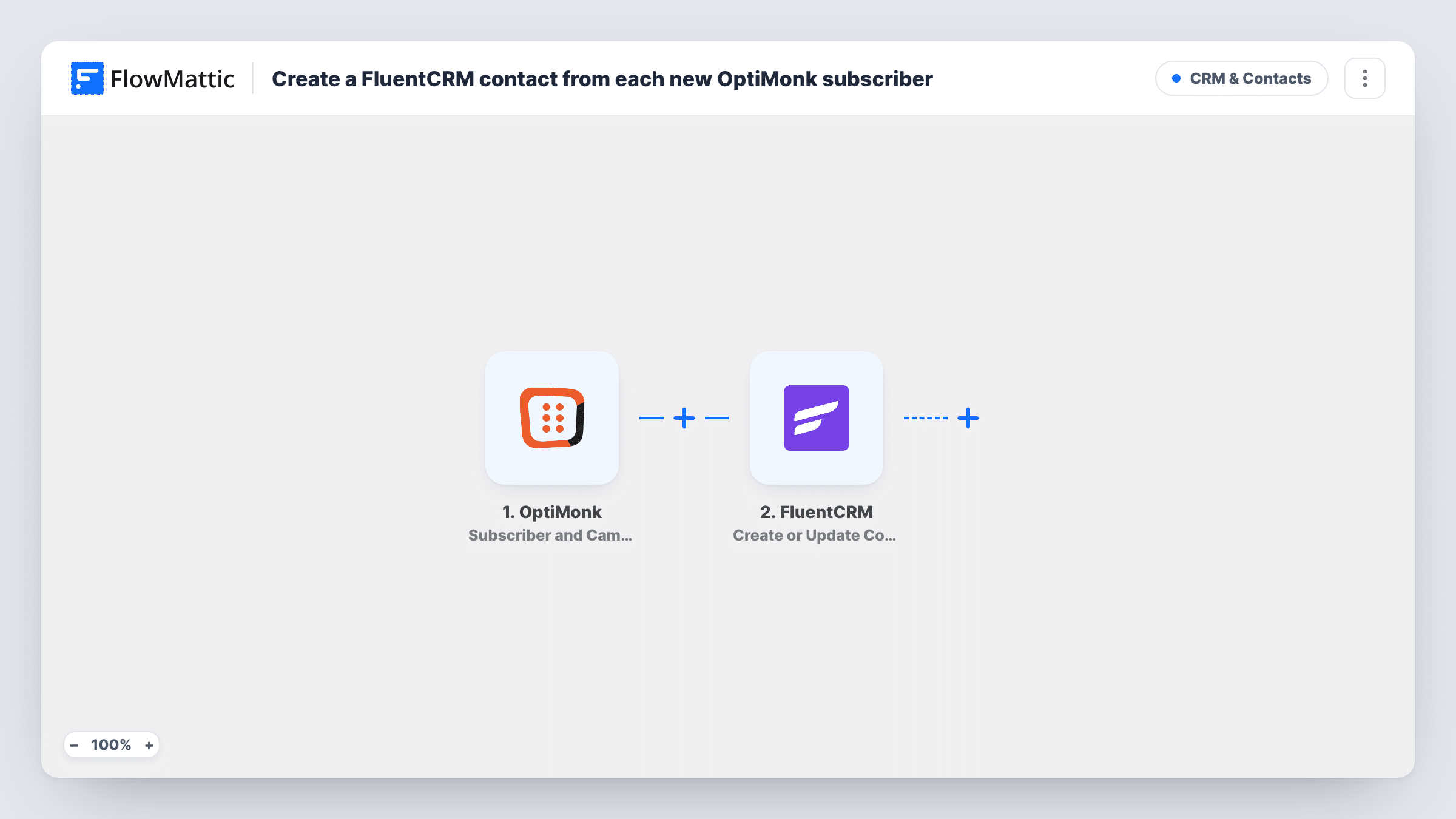
The OptiMonk trigger, Subscriber and Campaign Data, fires when new subscriber or campaign data is added. FlowMattic passes that data to FluentCRM, whose Create or Update Contact action matches on email address. An email FluentCRM hasn't seen gives you a fresh contact record. An address already in FluentCRM updates that contact instead of making a copy.
Each OptiMonk lead ends up in your WordPress database, since FluentCRM keeps its contacts there. Because the action works by email, map the email field OptiMonk sends; a run whose data has no email can't produce a contact, and Task History shows what FluentCRM returned.
Exit-intent discount popup
Visitors leaving your shop enter an email for a discount code. They become FluentCRM contacts you can follow up with your usual WordPress emails.
Newsletter popup on a blog
Readers who subscribe through an OptiMonk popup end up in FluentCRM, the same place as subscribers from your other sign-up forms.
Lead magnet offered in a popup
A popup offers a checklist in exchange for an email. Each sign-up becomes a contact, and existing contacts who ask again are updated rather than duplicated.
How this workflow runs
What happens at each step once the workflow is on, and what you need before you import it.
 OptiMonk Subscriber and Campaign Data
Fires when OptiMonk adds new subscriber or campaign data, such as a visitor signing up through one of your popups. The data it sends is passed to FluentCRM for mapping.
- FluentCRM Create or Update Contact
Creates a FluentCRM contact from the OptiMonk data, or updates the existing contact with the same email address. Map OptiMonk's email field, plus any name fields your popup collects.
What you need
- FlowMatticCore
- OptiMonk AccountAccount
- FluentCRM PluginPlugin
After importing, map your own data. To keep the template universal, not every step is pre-filled. Open each step in the builder and connect your accounts and fields (channels, lists, sheets, recipients) before you switch the workflow on.
Make it yours
Changes worth making after you import it.
- Add a FluentCRM Add Tags to Contact step after Create or Update Contact so you can see which contacts came from OptiMonk. The contact exists by then, so the tag has something to attach to.
- If you run several OptiMonk campaigns, put a Filter after the trigger on a campaign value from a test run so only the campaigns you pick reach FluentCRM.
- Submit one test sign-up through your popup after import so FlowMattic captures OptiMonk's fields, then map them before you turn the workflow on.
Questions about this workflow
What if the OptiMonk subscriber is already a FluentCRM contact?
The action matches by email address, so the existing contact is updated with the new data instead of being added a second time.
Can OptiMonk leads go to FluentCRM on a different WordPress site?
Not with this template. FluentCRM is a WordPress plugin, and the Create or Update Contact step works with the FluentCRM install on the site where FlowMattic runs.
Are subscribers from before I import this sent to FluentCRM?
No. Only data OptiMonk sends after the workflow is active starts a run. Earlier sign-ups need a separate export and import.
Will OptiMonk sign-ups without an email address create a contact?
No. FluentCRM identifies contacts by email, so a run with no email to map can't create one. Task History shows the response on the FluentCRM step.
More CRM & Contacts workflows
Other ready-to-import templates from the same category.



Import this workflow into your WordPress site
Download the JSON, import it from the Workflows screen and connect your accounts. Every run stays on your server, with no per-task fees.
30-day money-back guarantee Unlimited workflows and runs Self-hosted