

Create a Freshdesk ticket for each new Retainr support request
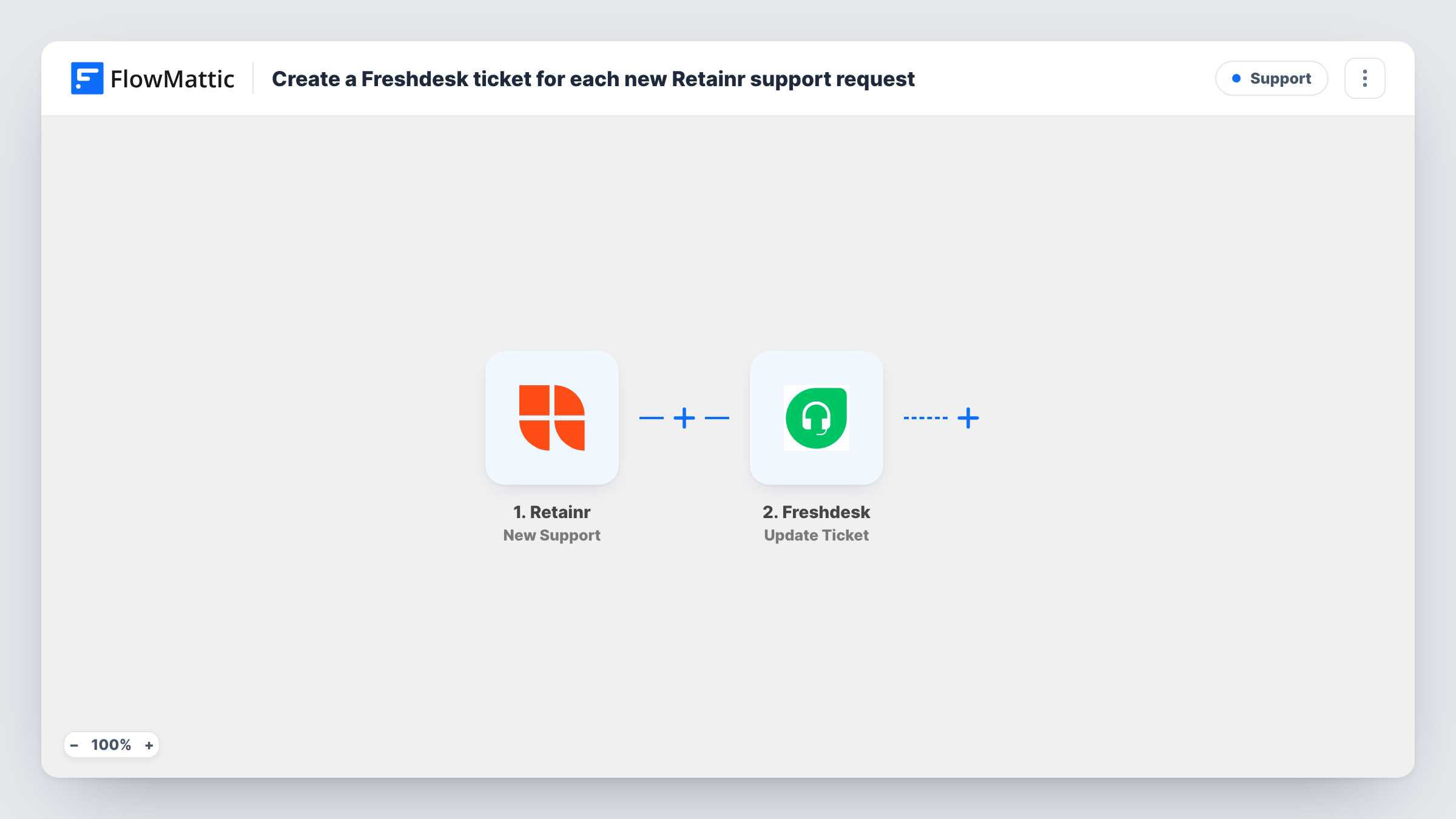
Each new support request in Retainr is sent to Freshdesk as a new ticket through an API by FlowMattic POST request, so your help desk team works client issues in one queue.
 Retainr
 API by FlowMattic
2 steps Setup ~5 min Used on 3.4k sites Free to import
What this workflow does
Retainr keeps track of your clients, their orders and their support requests, while your team may already answer support in Freshdesk. Without a link between them, someone has to copy each request across. This workflow sends every new Retainr support request to Freshdesk so it lands with the rest of your tickets.
The Retainr New Support trigger starts a run each time a client creates a support request. The request's details from Retainr are passed to the next step for mapping.
FlowMattic's Freshdesk integration offers triggers only, with no actions, so the ticket is created through API by FlowMattic with a POST request to Freshdesk's API. This step ships unmapped: after import you enter the ticket endpoint for your Freshdesk account, add authentication with your Freshdesk API key, and build the request body from the Retainr fields, following Freshdesk's API documentation for creating a ticket.
One support request produces one POST, so one ticket. Before you switch it on, raise a test request in Retainr and open Task History. It shows the data Retainr sent and the response Freshdesk returned, which tells you whether the ticket was accepted or what Freshdesk wants changed.
Agency support in one Freshdesk queue
A design agency sells retainers through Retainr but answers clients from Freshdesk, so each portal request appears as a ticket next to email support.
SLA tracking for client requests
A web maintenance business uses Freshdesk's ticket statuses and reports to follow every request raised in its Retainr client portal.
Shared inbox for a small team
A two-person studio lets whoever is free pick up Retainr requests in Freshdesk, instead of both people checking the portal.
How this workflow runs
What happens at each step once the workflow is on, and what you need before you import it.
 Retainr New Support
Starts the workflow when a new support request is created in Retainr. The request's details, as Retainr sends them, are passed on for mapping into the Freshdesk ticket.
- API by FlowMattic POST
Opens the Freshdesk ticket by posting the Retainr request to Freshdesk's API. It ships unmapped: add your Freshdesk ticket endpoint and API key, then build the body from Retainr's request fields as Freshdesk's API documentation describes.
What you need
- FlowMatticCore
- Retainr AccountAccount
After importing, map your own data. To keep the template universal, not every step is pre-filled. Open each step in the builder and connect your accounts and fields (channels, lists, sheets, recipients) before you switch the workflow on.
Make it yours
Changes worth making after you import it.
- Raise a test support request in Retainr before you map anything, so you can see in Task History which fields Retainr sends, such as the client's details and the request text.
- Map the client's email into the ticket body if Retainr sends it, so Freshdesk can tie the ticket to the right requester and replies reach the client.
- To send only some requests to Freshdesk, put a Filter between the Retainr trigger and the POST step on a field from a test run, such as the client or the request type, if Retainr sends one.
Questions about this workflow
Why is the Freshdesk ticket created with a POST request rather than a Freshdesk action?
FlowMattic's Freshdesk integration has triggers for new tickets and contacts but no actions. Creating a ticket from Retainr data therefore goes through a direct POST request to Freshdesk's API.
What do I need from Freshdesk to set up the POST step?
Your Freshdesk account's ticket API address and an API key from your Freshdesk profile. Freshdesk's API documentation lists which ticket fields the request body needs.
Is the request body for the Freshdesk ticket already written?
No. The POST step ships without an endpoint, headers or body. You build them after import and map Retainr's support request fields into the ticket.
How do I know a Retainr request reached Freshdesk?
Check the run in Task History. The API step shows the response Freshdesk returned, which describes the new ticket when it was created, or an error message explaining what to fix.
More Support workflows
Other ready-to-import templates from the same category.





Import this workflow into your WordPress site
Download the JSON, import it from the Workflows screen and connect your accounts. Every run stays on your server, with no per-task fees.
30-day money-back guarantee Unlimited workflows and runs Self-hosted