

When a ticket is created in Freshdesk, send ticket details to Integrately
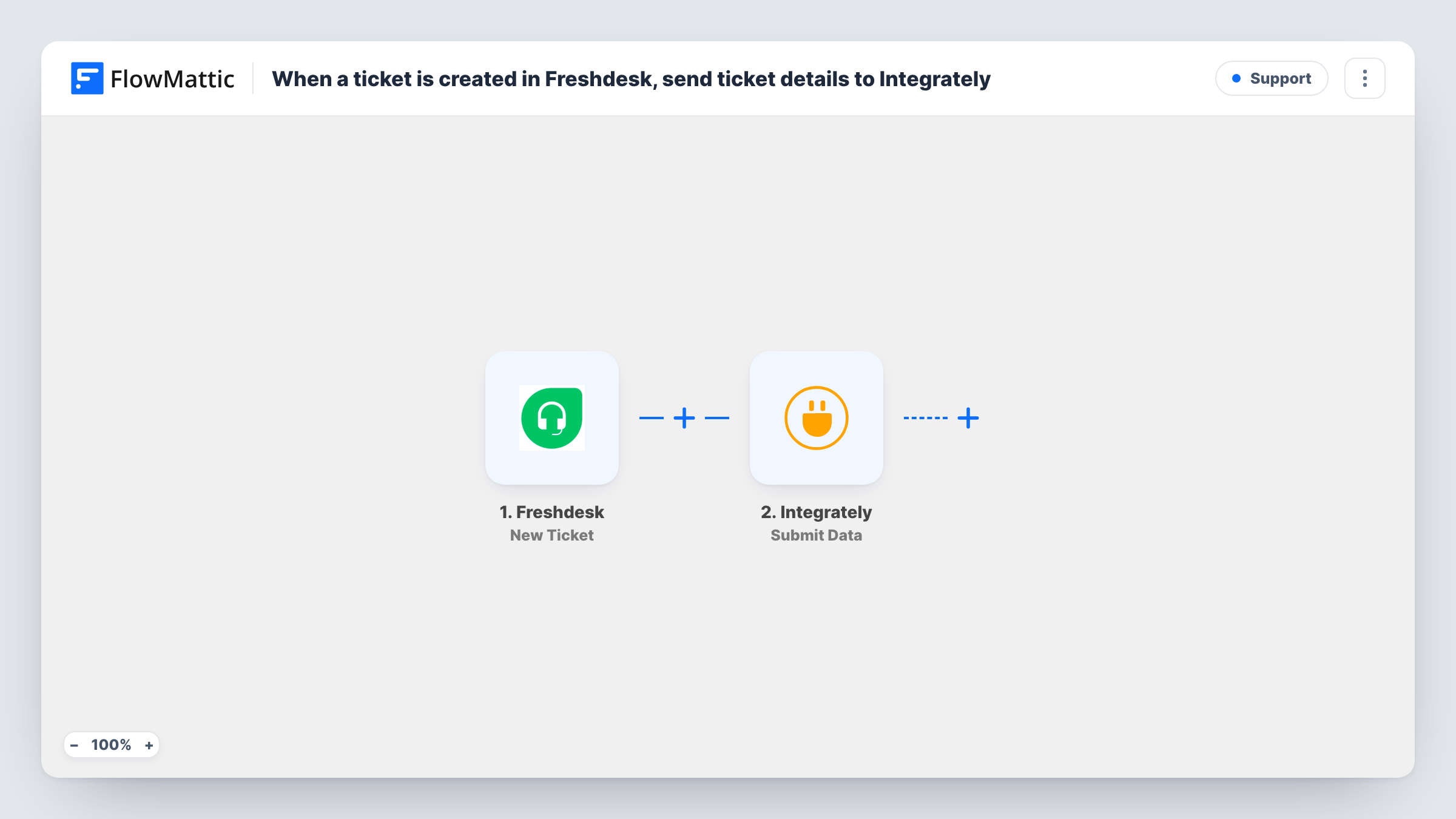
When a new ticket is created in Freshdesk, this workflow sends its details to Integrately, so you can pick them up there and pass them on to the apps you connect in Integrately.
 Freshdesk
 Integrately
2 steps Setup ~5 min Used on 3.4k sites Free to import
What this workflow does
Some teams run their support desk in Freshdesk and keep other automations in Integrately. Getting a new ticket from one into the other usually means building the link yourself. This workflow forwards each new ticket so Integrately can act on it.
The Freshdesk trigger fires when a ticket is created in your helpdesk. FlowMattic receives the ticket data and makes it available for mapping. The second step uses the Submit Data action of Integrately to send the values you map, such as the subject, the requester and the priority, to Integrately.
What happens after that is up to the automation you set up in Integrately. This template only hands the ticket data over. Every new ticket runs both steps, and Task History shows what was sent on each run, which helps when you check that Integrately received the data you expect.
Reuse an existing Integrately automation
You already have an Integrately automation that alerts your team or logs records. Freshdesk tickets now feed it without rebuilding it in another tool.
Agency handling several client helpdesks
Each client's Freshdesk tickets reach Integrately, where your existing automations route them to the right client channel or sheet.
Testing a move between automation tools
Run the same Freshdesk ticket data through FlowMattic and Integrately side by side while you decide where each automation should live.
How this workflow runs
What happens at each step once the workflow is on, and what you need before you import it.
 Freshdesk New Ticket
Runs each time a new ticket is created in your Freshdesk helpdesk. The ticket data Freshdesk provides is passed on so you can map it in the Integrately step.
- Integrately Submit Data
Sends the ticket values you map to Integrately with the Submit Data action. Set up the receiving automation in Integrately first, then map the Freshdesk fields you want it to get.
What you need
- FlowMatticCore
- Freshdesk AccountAccount
- Integrately AccountAccount
After importing, map your own data. To keep the template universal, not every step is pre-filled. Open each step in the builder and connect your accounts and fields (channels, lists, sheets, recipients) before you switch the workflow on.
Make it yours
Changes worth making after you import it.
- Add a Filter after the trigger if Integrately only needs some tickets, for example those with a high priority or from one group.
- Create one test ticket in Freshdesk after import so FlowMattic captures real ticket data before you map the Integrately step.
- Send the ticket ID along with the other fields, so the automation in Integrately can refer back to the original Freshdesk ticket.
Questions about this workflow
Does the Freshdesk ticket change when it is sent to Integrately?
No. The workflow reads the new ticket and forwards its data. It does not update, assign or close anything in Freshdesk.
Do I need an automation set up in Integrately already?
Yes. This template only delivers the ticket data. Integrately needs an automation ready to receive it and decide what to do next.
Are replies or updates to Freshdesk tickets sent as well?
No. The trigger fires on new tickets only. Later replies and status changes on the same ticket do not run this workflow.
Can I send Freshdesk tickets somewhere else instead of Integrately?
Yes. Replace the Integrately step with another app's action in FlowMattic and map the same ticket fields.
More Support workflows
Other ready-to-import templates from the same category.





Import this workflow into your WordPress site
Download the JSON, import it from the Workflows screen and connect your accounts. Every run stays on your server, with no per-task fees.
30-day money-back guarantee Unlimited workflows and runs Self-hosted