

Send a Slack alert to the support team when a new SupportCandy ticket is created
Post a message to a Slack channel each time a new SupportCandy ticket is created, so your support team sees fresh requests in the channel they already watch instead of checking the help desk.
 SupportCandy
 Slack
2 steps Setup ~5 min Used on 1.4k sites Free to import
What this workflow does
SupportCandy keeps tickets inside your WordPress dashboard. Your support staff, though, may spend the day in Slack and only open the ticket list now and then. This workflow posts every new ticket into a Slack channel, so the team knows a request has come in without polling the admin screen.
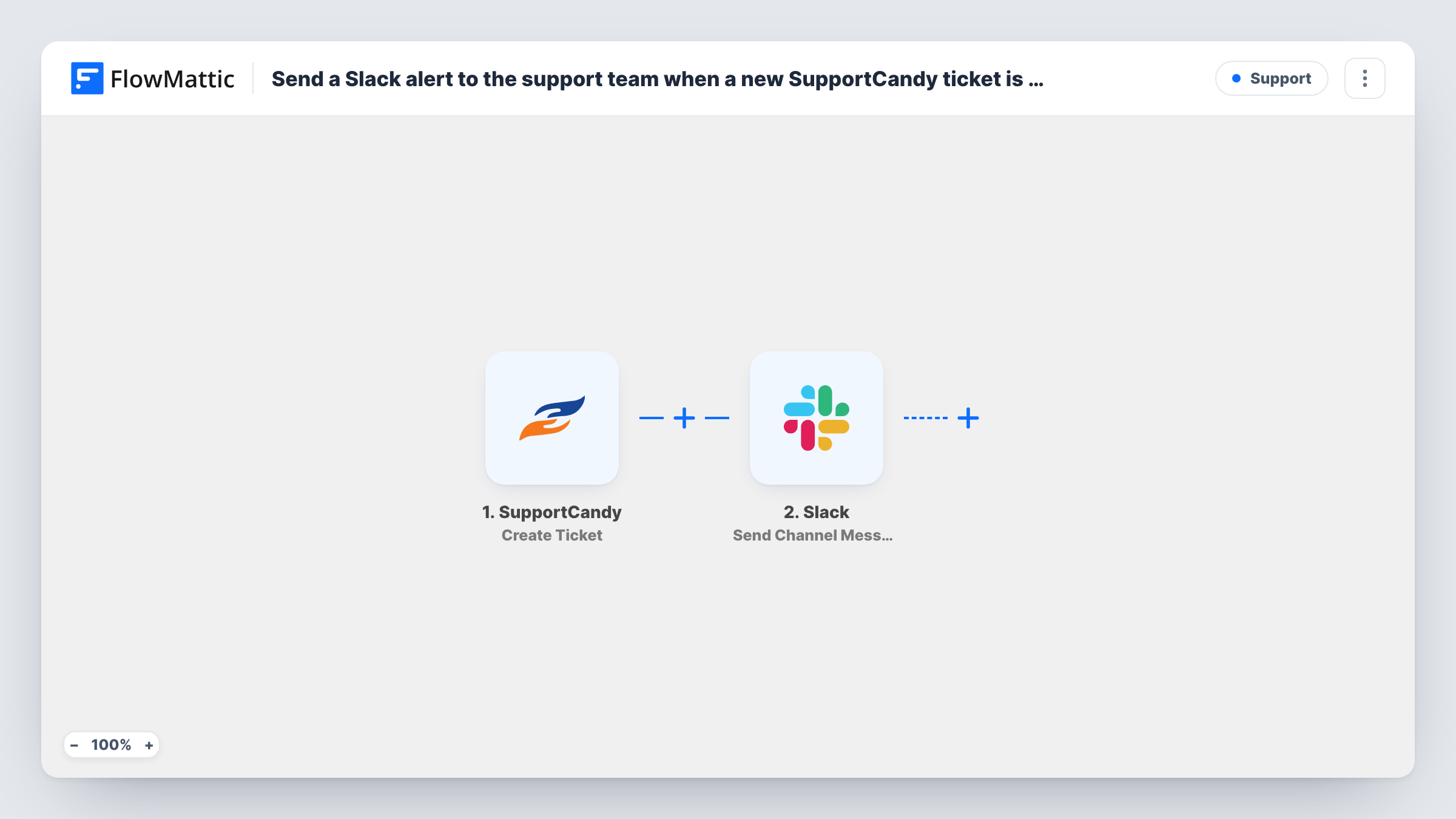
As soon as a customer opens a new ticket, the SupportCandy trigger starts the workflow. FlowMattic passes the ticket data on to Slack, where the Send Channel Message action posts to the #channel you pick. You write the message text after import and drop in whichever ticket details the trigger captured.
The ticket itself stays in SupportCandy. Replies, status changes and assignments happen there as before, and Slack only gets the alert. Task History logs each run, so you can confirm a ticket reached the channel.
Shared #support channel for a small team
Three people answer tickets between other jobs. A post in #support for each new SupportCandy ticket tells whoever is free that something is waiting.
Evening and weekend cover
The person on call keeps Slack notifications on their phone, so a ticket created after hours shows up there without logging into WordPress.
Visibility for the product team
Developers join a read-only channel that receives every new ticket, which shows them what customers ask about without giving them help desk access.
How this workflow runs
What happens at each step once the workflow is on, and what you need before you import it.
 SupportCandy Create Ticket
Starts the workflow each time someone opens a new SupportCandy ticket. That ticket's data is passed on so you can place it in the Slack message.
- Slack Send Channel Message
Sends an alert to the Slack #channel you pick for new tickets. Write the text and insert ticket details from the trigger, then connect your Slack workspace.
What you need
- FlowMatticCore
- SupportCandy AccountAccount
- Slack AccountAccount
After importing, map your own data. To keep the template universal, not every step is pre-filled. Open each step in the builder and connect your accounts and fields (channels, lists, sheets, recipients) before you switch the workflow on.
Make it yours
Changes worth making after you import it.
- Add a Router after the trigger, give each route a condition on a different value of one ticket field, and put a Slack step on each route, so each kind of ticket lands in its own channel. Check a test run to see which fields the ticket carries.
- Put a link back to your SupportCandy admin screen in the message text, so a teammate can open the ticket list straight from Slack.
- Create one test ticket after import so FlowMattic captures the ticket fields, then build the Slack message from them and check how it reads in the channel.
Questions about this workflow
Does SupportCandy still send its own ticket emails?
Yes. The workflow only listens for new tickets and does not change SupportCandy's settings, so its usual notifications carry on.
Will replies to an existing SupportCandy ticket post to Slack?
No. Only the creation of a new ticket starts this workflow. Replies and status changes on that ticket do not start the workflow.
Can teammates answer the ticket from Slack?
Not with this template. Slack receives a notification only. Your team still replies to the customer inside SupportCandy.
Can the Slack alert go to a private channel?
You pick the channel in the Slack step. For a private channel, make sure the connected Slack app has access to it, then send a test ticket to confirm the post arrives.
More Support workflows
Other ready-to-import templates from the same category.







Import this workflow into your WordPress site
Download the JSON, import it from the Workflows screen and connect your accounts. Every run stays on your server, with no per-task fees.
30-day money-back guarantee Unlimited workflows and runs Self-hosted