

Log every new Dixa conversation in a Google Sheets spreadsheet
Each conversation created in Dixa is added as a new row in a Google Sheets spreadsheet, so you build a plain log of incoming support contacts that you can sort, chart or share outside Dixa.
 Dixa
Dixa
 Google Sheets
2 steps Setup ~5 min Used on 1.6k sites Free to import
What this workflow does
Dixa is where your agents handle customers, but reporting often happens somewhere else. A manager wants to count contacts per day, a product lead wants to scan what people wrote about, and neither needs a Dixa seat for that. This workflow puts every new conversation into a spreadsheet as it starts.
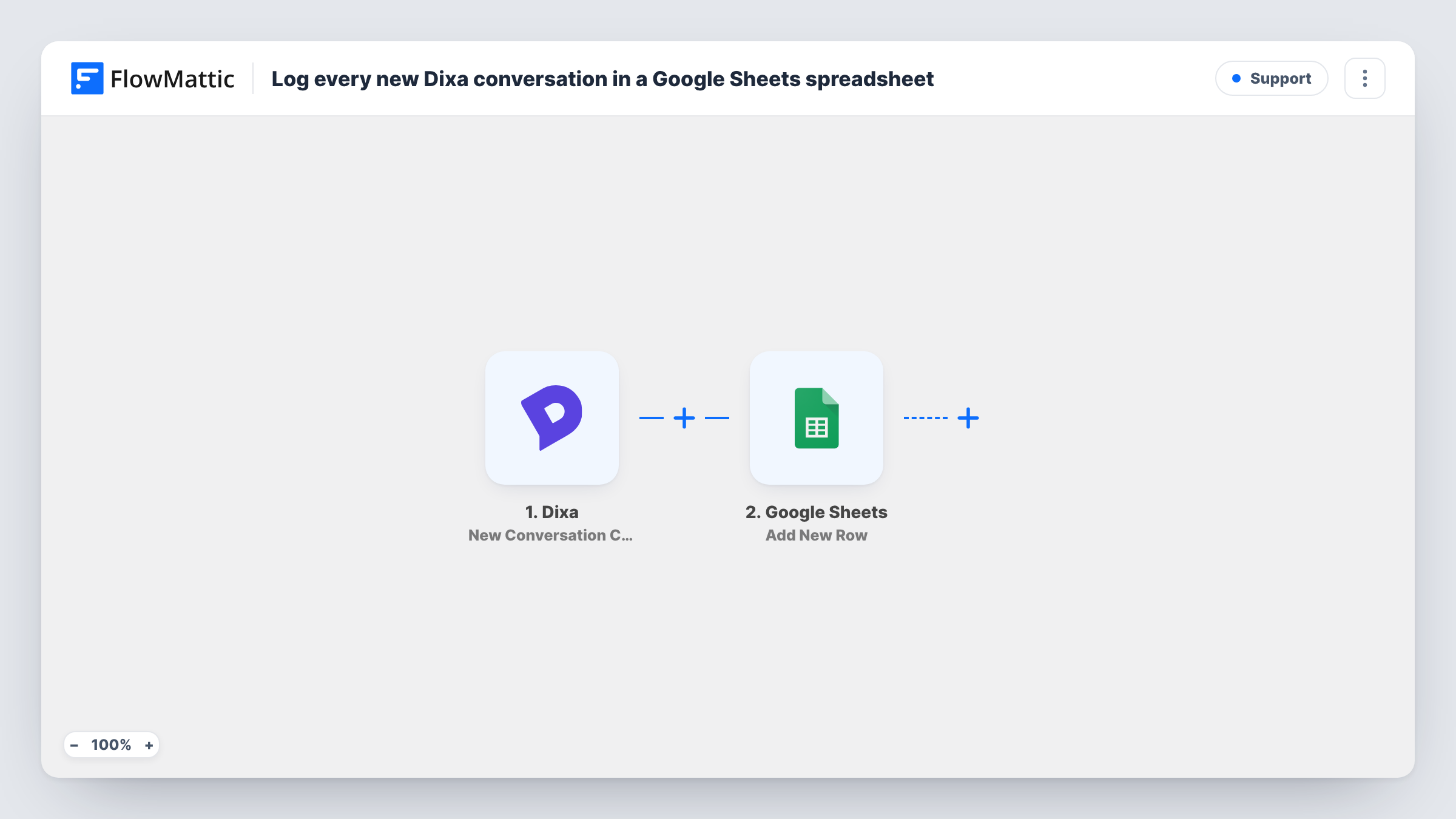
The Dixa trigger fires when a conversation is created inside Dixa. The conversation data from that event is handed to Google Sheets, which appends a row to the spreadsheet you choose. You decide which details fill which columns, for example the channel, the customer's email and the time the conversation started.
The row records the conversation as it was at the moment it opened. Later events, such as an agent being assigned, the conversation closing or a rating coming in, do not change it, because this workflow only listens for new conversations. Dixa has separate FlowMattic triggers for events like Conversation Assigned if you want to log those in another workflow.
Daily contact volume for a support lead
A support lead builds a chart on top of the sheet that counts new Dixa conversations per day and per channel, to plan staffing for busy days.
Sharing support themes with the product team
The product team reads the sheet each week to see what customers are contacting support about, without logging in to Dixa.
Keeping a record outside the helpdesk
A small shop keeps a running spreadsheet of every customer conversation as a simple backup list of who got in touch and when.
How this workflow runs
What happens at each step once the workflow is on, and what you need before you import it.
 Dixa New Conversation Created
Runs each time a conversation is created inside your Dixa account. The details of the new conversation are captured and offered for mapping into the spreadsheet.
- Google Sheets Add New Row
Appends one row per new Dixa conversation to the spreadsheet and sheet you select. Map the conversation details into your columns and connect your Google account on import.
What you need
- FlowMatticCore
- Dixa AccountAccount
- Google Sheets AccountAccount
After importing, map your own data. To keep the template universal, not every step is pre-filled. Open each step in the builder and connect your accounts and fields (channels, lists, sheets, recipients) before you switch the workflow on.
Make it yours
Changes worth making after you import it.
- Start a test conversation in Dixa after import, for example by emailing your support address, so FlowMattic captures real conversation data before you map the columns.
- Add a Filter after the Dixa trigger that continues only for one channel, such as email, if the sheet should track a single channel.
- Build a second workflow on Dixa's Conversation Assigned trigger that writes to another tab, so you can compare when conversations opened with when they were picked up.
Questions about this workflow
Does the Google Sheets row change when the Dixa conversation is closed?
No. The workflow only runs when a conversation is created and adds a row then. Closing, reassigning or rating the conversation later does not edit that row.
Are past Dixa conversations copied to the spreadsheet?
No. Only conversations created after you switch the workflow on are logged. Older conversations stay in Dixa unless you export them yourself.
Which Dixa conversation details can I put in the sheet?
Whatever Dixa sends with the new conversation event. Open a test conversation after import and look at the captured data in the Google Sheets step to see which values you can map.
More Support workflows
Other ready-to-import templates from the same category.





Import this workflow into your WordPress site
Download the JSON, import it from the Workflows screen and connect your accounts. Every run stays on your server, with no per-task fees.
30-day money-back guarantee Unlimited workflows and runs Self-hosted