

When a new file is submitted to SendSafely Dropzone, create a ticket in Fluent Support
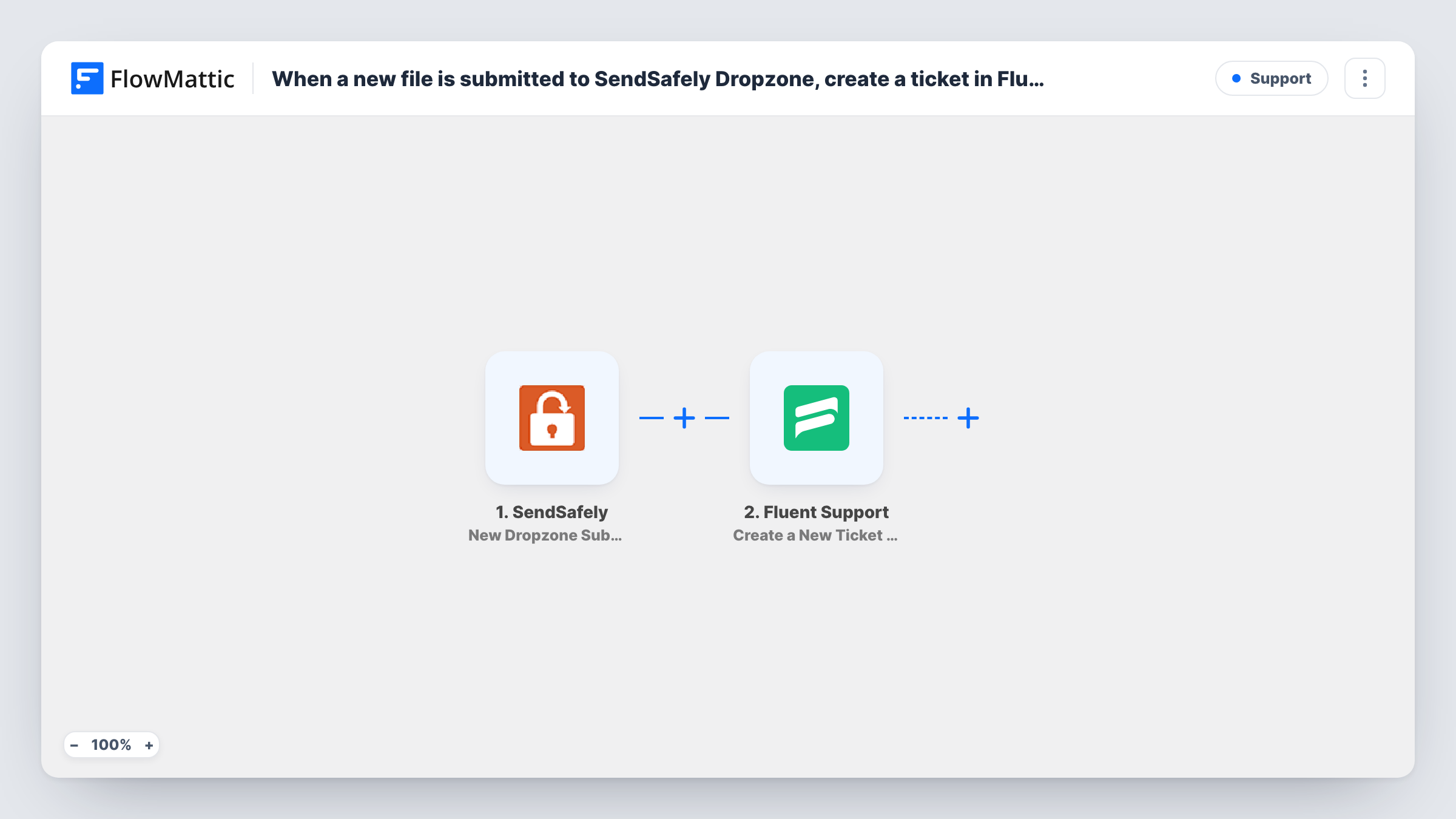
Every file submitted to your SendSafely Hosted Dropzone opens a new ticket in Fluent Support on your WordPress site, so your support team can track and answer each upload like any other request.
 SendSafely
 Fluent Support
2 steps Setup ~5 min Used on 3.1k sites Free to import
What this workflow does
A Hosted Dropzone lets customers send you files securely, but a new upload is easy to miss if nobody watches SendSafely all day. Turning each submission into a helpdesk ticket gives it an owner, a status and a reply thread. This workflow does that for every Dropzone submission.
The SendSafely trigger fires when a new file is submitted to your Hosted Dropzone. FlowMattic receives the submission details SendSafely sends. The Fluent Support step then creates a new ticket, tied to a customer, inside the helpdesk plugin on your WordPress site. You decide which submission details go into the ticket, and a test run shows what the step asks for.
The encrypted file itself stays in SendSafely. The Fluent Support action can take file attachments, but what you can pass depends on the data the Dropzone trigger returns, so check a test run before you rely on it. If it can't, put a reference to the submission in the ticket so an agent can find the upload in SendSafely.
Customers sending log files for a bug
Support asks a customer to upload logs through the Dropzone. The upload opens a Fluent Support ticket, and the agent working the case picks it up from the queue.
Accounting firm collecting client documents
Clients drop tax papers into SendSafely. Each submission becomes a Fluent Support ticket, so staff can confirm receipt and ask for anything missing.
Legal intake with sensitive files
Prospective clients submit contracts through a Hosted Dropzone. A ticket per submission lets the intake team assign and track each one in Fluent Support.
How this workflow runs
What happens at each step once the workflow is on, and what you need before you import it.
 SendSafely New Dropzone Submission
Fires when someone submits a new file to your SendSafely Hosted Dropzone. The submission details become available to map into the ticket.
- Fluent Support Create a New Ticket Using Customer
Creates a new Fluent Support ticket linked to a customer on your WordPress site. Map the submitter's details and the Dropzone submission details into the ticket, using a test run to see what the step asks for.
What you need
- FlowMatticCore
- SendSafely AccountAccount
- Fluent Support PluginPlugin
After importing, map your own data. To keep the template universal, not every step is pre-filled. Open each step in the builder and connect your accounts and fields (channels, lists, sheets, recipients) before you switch the workflow on.
Make it yours
Changes worth making after you import it.
- Put the submitter's email in the ticket mapping if the Dropzone trigger returns one, so the ticket is linked to the right customer. Check a test submission to see which fields SendSafely sends.
- Start the ticket subject with fixed text such as "New Dropzone upload" followed by a mapped detail, so agents can spot these tickets in the Fluent Support list.
- Submit one test file to the Dropzone after import so FlowMattic captures the trigger data, then finish the Fluent Support mapping before you turn the workflow on.
Questions about this workflow
Is the SendSafely file copied into Fluent Support?
Not automatically. The ticket holds the details you map. The Fluent Support action can take attachments, but whether you can pass the file depends on what the Dropzone trigger returns, so check a test run.
Must Fluent Support run on the WordPress site where FlowMattic is installed?
Yes. Fluent Support is a WordPress plugin, and the ticket is created by the FlowMattic install on that site. You also connect your SendSafely account for the trigger.
What happens if one person uploads several files to the Dropzone?
The workflow runs once per Dropzone submission, so each submission opens its own ticket. Merge or close the extra tickets in Fluent Support if they belong to one case.
Can SendSafely uploads go to a specific Fluent Support mailbox?
Check the options in the Fluent Support step after import. If it lets you choose where the ticket lands, set it there. A test submission shows where the ticket ends up.
More Support workflows
Other ready-to-import templates from the same category.






Import this workflow into your WordPress site
Download the JSON, import it from the Workflows screen and connect your accounts. Every run stays on your server, with no per-task fees.
30-day money-back guarantee Unlimited workflows and runs Self-hosted