

When new ticket is created in Freshdesk, add ticket details to Google Spreadsheet, add a tag to contact in Autonami
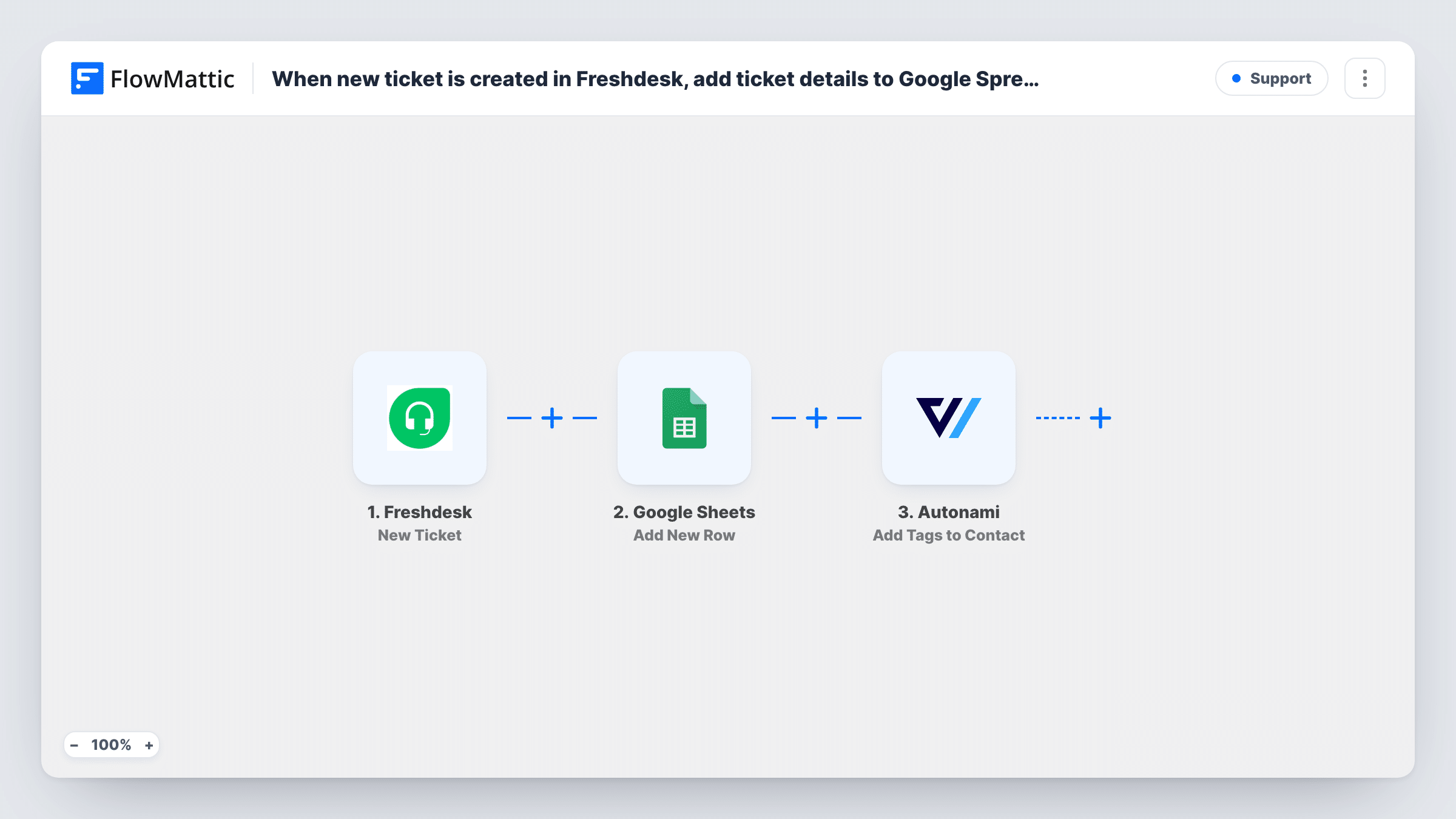
Each new Freshdesk ticket is logged as a row in Google Sheets, and the person who raised it gets a tag in FunnelKit Automations (Autonami), so support activity shows up in both your records and your marketing contacts.
 Freshdesk
 Google Sheets
 Autonami
3 steps Setup ~5 min Used on 3.1k sites Free to import
What this workflow does
Support tickets say a lot about a customer, but that knowledge usually stays in Freshdesk. If you send emails from FunnelKit Automations, knowing who has an open issue helps you avoid sending a sales email at the wrong moment. A spreadsheet of tickets also helps with simple reporting. This workflow does both when a ticket is created.
The Freshdesk trigger picks up each ticket as Freshdesk opens it. FlowMattic writes the ticket details you map to a new row in Google Sheets. The run then goes to Autonami, where Add Tags to Contact applies the tag you pick to the matching contact in FunnelKit.
The tag step works on a contact, so test it with a requester who is already in FunnelKit and with one who is not, and check Task History. If people who aren't contacts yet don't get tagged, add Autonami's Create New Contact step before it.
Pausing promotions during an open issue
Customers with a Support ticket tag are left out of your next FunnelKit broadcast by excluding that tag.
Weekly ticket report
The sheet lists every new ticket, so a support lead can count them by subject or priority each Monday.
Spotting customers who need extra care
A tag on each requester lets you see in FunnelKit who has contacted support, alongside their purchase history.
How this workflow runs
What happens at each step once the workflow is on, and what you need before you import it.
 Freshdesk New Ticket
Starts a run for every ticket newly opened in your Freshdesk helpdesk. The ticket's details are passed on to the Google Sheets and FunnelKit steps.
- Google Sheets Add New Row
Records the Freshdesk ticket as a fresh line in your support log spreadsheet. Connect Google, choose the sheet and tab, and map ticket details such as subject and priority to columns.
- Autonami Add Tags to Contact
Tags the requester's contact in FunnelKit Automations (Autonami) with the tag you choose. Map the requester's email if the ticket data includes it, and confirm the result with a test ticket.
What you need
- FlowMatticCore
- Freshdesk AccountAccount
- Google Sheets AccountAccount
- FunnelKit Automations ( Autonami ) PluginPlugin
After importing, map your own data. To keep the template universal, not every step is pre-filled. Open each step in the builder and connect your accounts and fields (channels, lists, sheets, recipients) before you switch the workflow on.
Make it yours
Changes worth making after you import it.
- Create a test ticket after import and open the run, so you can see which ticket fields Freshdesk sends, including whether the requester's email is there.
- Put Autonami's Create New Contact step before the tag step if your requesters are often people who aren't FunnelKit contacts yet.
- Use a FunnelKit automation that starts when this tag is added, if you want something to happen for the customer once a ticket is raised.
Questions about this workflow
What happens if the Freshdesk requester isn't a FunnelKit contact?
Test that case before relying on it. If Task History shows the tag step failing for new people, add Create New Contact in front of it. The sheet row is written either way.
Does closing the Freshdesk ticket remove the FunnelKit tag?
No. This workflow runs only for new tickets. Removing the tag would need a separate workflow with Autonami's Remove Tags From Contact action.
Can I use different FunnelKit tags for different ticket types?
Not as imported. Add a Router that checks the ticket's type or priority, with a separate tag step on each route, if the values can't overlap.
More Support workflows
Other ready-to-import templates from the same category.







Import this workflow into your WordPress site
Download the JSON, import it from the Workflows screen and connect your accounts. Every run stays on your server, with no per-task fees.
30-day money-back guarantee Unlimited workflows and runs Self-hosted