

Record each Dixa conversation rating in Airtable for CSAT reporting
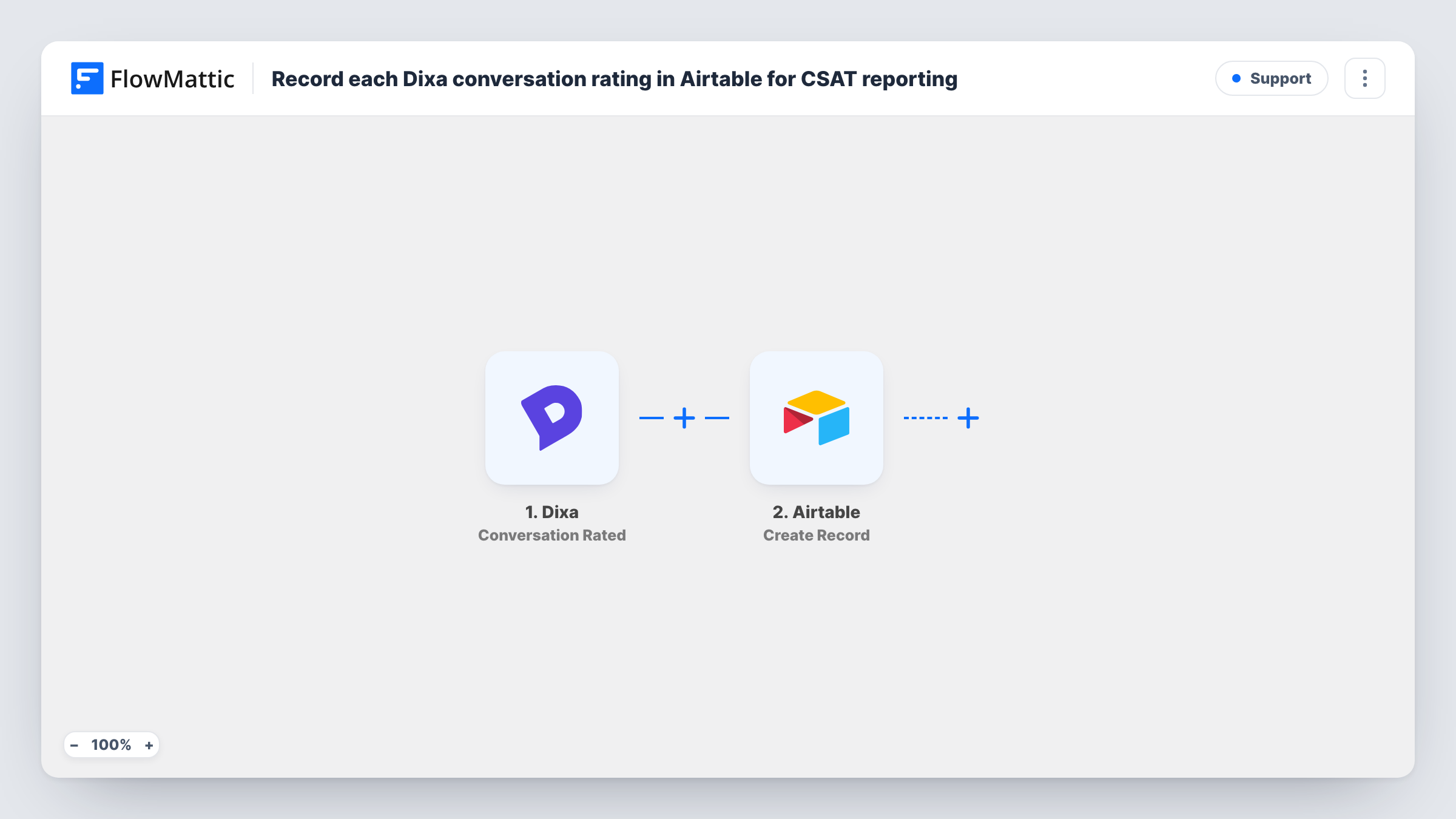
Each time a customer rates a Dixa conversation, this workflow creates a record in Airtable with the rating and conversation details, building a table you can group and chart for CSAT reporting.
 Dixa
Dixa
 Airtable
2 steps Setup ~5 min Used on 1.4k sites Free to import
What this workflow does
Customer satisfaction scores are most useful when you can slice them: by agent, by channel, by week. Pulling ratings out of your support tool by hand for each report is slow, and the numbers are out of date by the time they are shared. This workflow stores every rating in Airtable the moment it is given.
The Dixa trigger fires when an end-user rates a conversation, and the rating event's data is passed to FlowMattic. The next step uses the Create Record action in Airtable to add one record to the table you pick. Map the score, any comment, the conversation ID and agent details into your table's fields, using whatever values Dixa includes.
One rating gives one record, and existing records are never changed. Every rating is stored, good or bad, because no Filter sits between the steps. In Airtable you can then group by agent, build an interface or chart, or filter a view to low scores. Task History records each run and Airtable's response.
Weekly CSAT by agent
A support lead groups the Airtable table by agent and week to see each person's average rating before one-to-one meetings.
Reviewing low-scored conversations
A view filtered to the lowest scores gives a team lead a list of conversations to open in Dixa and review with the agent.
Sharing satisfaction data outside support
Product and leadership teams look at the Airtable base, or an interface built on it, instead of needing access to Dixa.
How this workflow runs
What happens at each step once the workflow is on, and what you need before you import it.
 Dixa Conversation Rated
Fires whenever an end-user rates a conversation in Dixa. The rating and its conversation details arrive in FlowMattic, ready to map into Airtable. Rate a test conversation to see the fields.
- Airtable Create Record
Writes one Airtable record per rating into the table you pick. Map the score and whichever other values Dixa sends, such as a comment or conversation ID, into matching fields.
What you need
- FlowMatticCore
- Dixa AccountAccount
- Airtable AccountAccount
After importing, map your own data. To keep the template universal, not every step is pre-filled. Open each step in the builder and connect your accounts and fields (channels, lists, sheets, recipients) before you switch the workflow on.
Make it yours
Changes worth making after you import it.
- Set the Airtable field for the score as a number field, so you can average it in summaries and charts rather than just counting text values.
- If you only want poor ratings in the table, add a Filter after the Dixa trigger that continues for low scores. To keep every rating, leave the flow as it is and use a filtered Airtable view for the low ones.
- Store the Dixa conversation ID in its own field. It lets you match each rating back to the conversation when you review it.
Questions about this workflow
Is every Dixa rating stored in Airtable?
Yes. The trigger fires for each rated conversation and the Airtable step creates a record every time. Nothing filters ratings out as imported.
What if a customer rates the same Dixa conversation twice?
If Dixa reports a second rating event, the workflow runs again and adds another record. Group by conversation ID in Airtable to spot repeats.
Should the Airtable table for Dixa ratings exist before I import?
Yes. Create a base and a table with fields for the values you want to keep, such as score, comment, agent and date, before you map the Airtable step.
Are past Dixa ratings imported to Airtable?
No. Only ratings given after the workflow is turned on are recorded. Earlier ratings stay in Dixa.
More Support workflows
Other ready-to-import templates from the same category.






Import this workflow into your WordPress site
Download the JSON, import it from the Workflows screen and connect your accounts. Every run stays on your server, with no per-task fees.
30-day money-back guarantee Unlimited workflows and runs Self-hosted