

When a ticket priority is changed in Desk.io, send WhatsApp template message to support executive using WA.Team
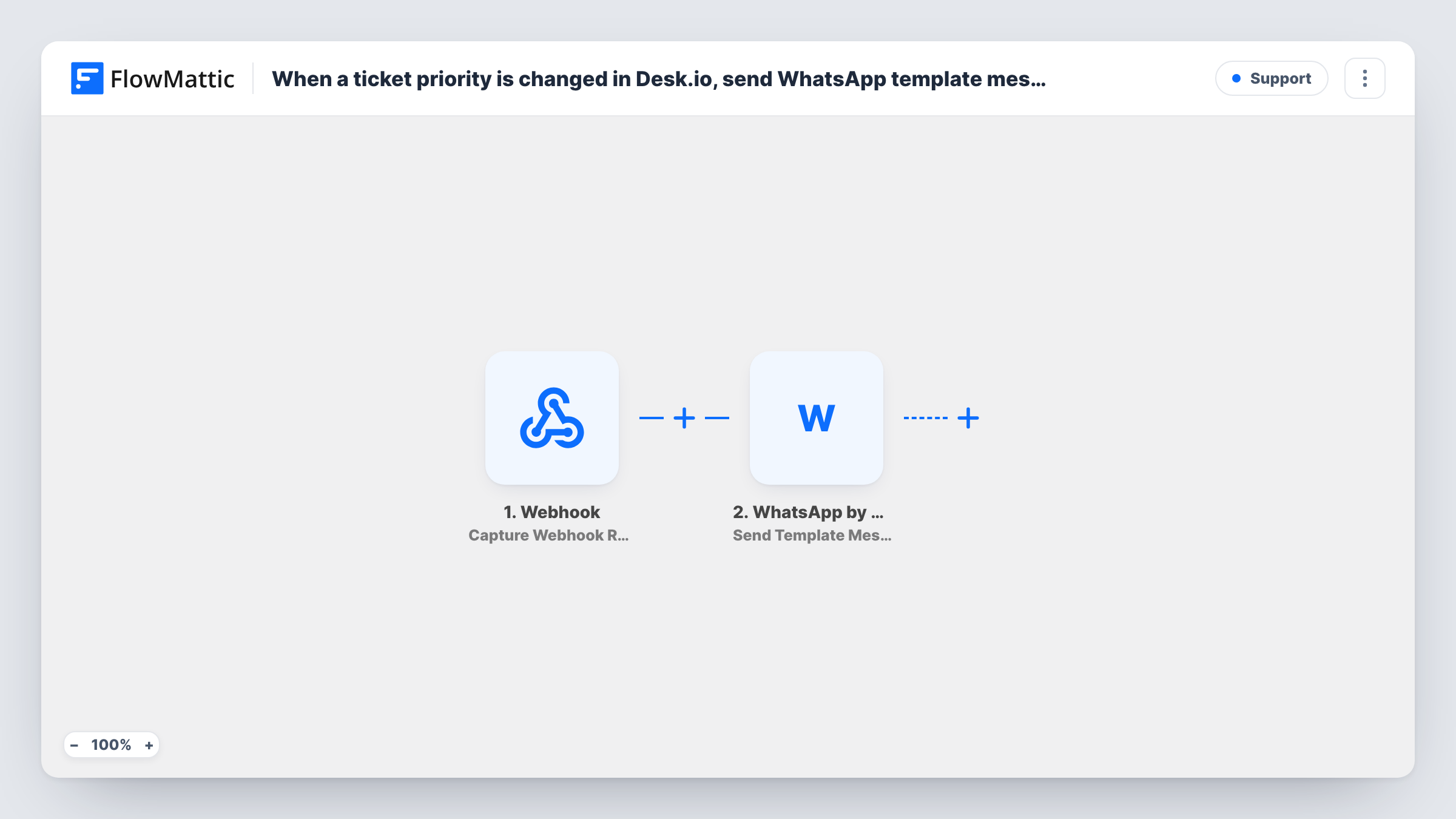
Whenever a ticket’s priority changes in Desku, WhatsApp by WA.Team sends a template message to your support executive, so a ticket that has become more pressing doesn’t sit unnoticed.
 Desku
Desku
 WhatsApp by WA.Team
2 steps Setup ~5 min Used on 2.7k sites Free to import
What this workflow does
A ticket that jumps to a higher priority usually means someone should look at it now, not at the next queue review. Support leads are not always at their desk, but their phone is nearby. This workflow sends a WhatsApp message to the person responsible each time a Desku ticket's priority is changed.
The Desku trigger fires when the priority of a ticket is changed, in either direction, and passes the ticket's details on. The WhatsApp by WA.Team step then sends a template message through your WA.Team account.
Template messages are the WhatsApp format meant for business-started conversations, and WhatsApp has to approve the template before you can use it. After import you connect WA.Team, choose your approved template, enter the support executive's number with its country code, and map ticket details such as the subject or new priority into the template's variables.
As imported, every priority change sends a message, including a ticket being lowered. To be alerted only for urgent tickets, add a Filter between the Desku trigger and the WhatsApp step. Task History shows the ticket data and WA.Team's response for each run.
Escalations outside office hours
A SaaS support lead gets a WhatsApp alert when an agent raises a ticket to urgent late in the evening, without having to keep the Desku dashboard open.
Small team with one senior agent
An online shop's support team of three routes priority changes to its senior agent's phone, so tricky cases reach the most experienced person quickly.
Account manager for key clients
An agency whose Desku helpdesk serves a few large clients sends every priority change to the account manager's WhatsApp, so they can call the client before things escalate.
How this workflow runs
What happens at each step once the workflow is on, and what you need before you import it.
 Desku Change Ticket Priority
Starts the workflow each time a ticket's priority is changed in Desku, whether raised or lowered. The ticket's details are passed on for the WhatsApp message.
- WhatsApp by WA.Team Send Template Message
Sends an approved WhatsApp template message through WA.Team to the number you set. The step ships unmapped: connect WA.Team, pick the template, add the executive's number and fill its variables.
What you need
- FlowMatticCore
- Desku.io AccountAccount
- WhatsApp by WA.Team AccountAccount
After importing, map your own data. To keep the template universal, not every step is pre-filled. Open each step in the builder and connect your accounts and fields (channels, lists, sheets, recipients) before you switch the workflow on.
Make it yours
Changes worth making after you import it.
- Put a Filter between the Desku trigger and the WA.Team step that continues only when the new priority is the level you care about, such as urgent. Check a test run for the exact priority field and value Desku sends.
- Include the ticket subject and a link or ticket number in the template, so the executive knows which ticket to open without searching.
- To alert a second person, add another Send Template Message step after the first one with their number.
Questions about this workflow
Do I need an approved WhatsApp template for the Desku alert?
Yes. The step sends a template message, so the template has to exist in your WA.Team account and be approved by WhatsApp before the workflow can use it.
Will lowering a ticket's priority in Desku also send a message?
Yes, as imported. The trigger fires on any priority change. If lowered tickets shouldn't send an alert, add a Filter on the new priority between the Desku trigger and the WA.Team step.
Can the WhatsApp message go to the agent assigned to the ticket instead?
Only if the ticket data includes a phone number for that agent. Change a priority on a test ticket and read the trigger data in Task History. If no agent number is there, keep a fixed number in the WA.Team step.
Does the support executive need to have messaged our WhatsApp number first?
Not for template messages. That's the reason this workflow uses a template instead of a session text message, which WhatsApp only delivers within 24 hours of the person writing to you.
More Support workflows
Other ready-to-import templates from the same category.






Import this workflow into your WordPress site
Download the JSON, import it from the Workflows screen and connect your accounts. Every run stays on your server, with no per-task fees.
30-day money-back guarantee Unlimited workflows and runs Self-hosted