

When a lead is completed in ArtiBot.ai, create a support ticket in Fluent Support
When a visitor finishes an ArtiBot.ai chat as a lead, FlowMattic opens a ticket in Fluent Support for their email address, so your helpdesk picks up the conversation from inside WordPress.
 ArtiBot.ai
 Fluent Support
2 steps Setup ~5 min Used on 3.1k sites Free to import
What this workflow does
Chatbots collect questions around the clock, but a lead captured at night can sit in the bot dashboard until someone checks it. If your support team already works in Fluent Support, the simplest place for that lead is their ticket queue. This workflow puts it there.
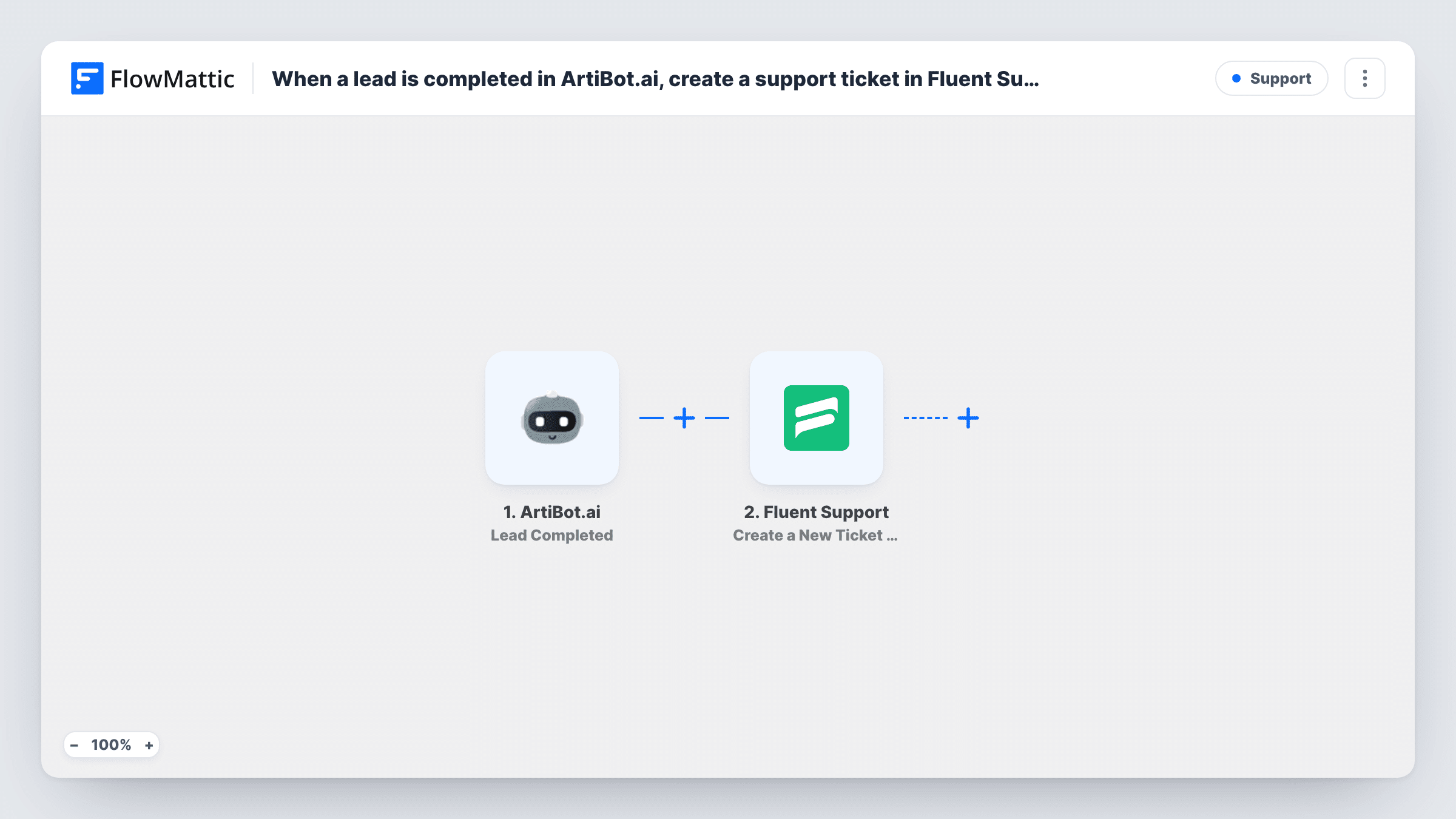
The ArtiBot.ai trigger fires when a lead is finished in your bot. What the bot collected comes into FlowMattic for mapping. The Fluent Support step, Create a New Ticket Using Customer, then opens a ticket tied to the customer you identify. You map the lead's email address and the bot answers you want the ticket to hold, such as the question the visitor typed.
Fluent Support runs on your WordPress site, so the ticket is stored there with your other cases. The action also supports custom fields and file attachments if your setup uses them. Task History logs each run, so you can see the data a ticket was made from.
After-hours help requests
A visitor asks the ArtiBot.ai bot for help late at night. A Fluent Support ticket is waiting in the queue when your team starts in the morning.
Pre-sales questions on a product site
Your bot qualifies visitors with a few questions. Each finished lead becomes a ticket, so a support agent replies by email with the answers the visitor gave in view.
Appointment problems
If you use ArtiBot.ai to take booking requests, each completed lead lands as a ticket your team can follow up on in Fluent Support.
How this workflow runs
What happens at each step once the workflow is on, and what you need before you import it.
 ArtiBot.ai Lead Completed
Fires when a lead is finished in ArtiBot.ai. The answers the bot collected, such as the visitor's email and message, can be mapped into the ticket.
- Fluent Support Create a New Ticket Using Customer
Opens a Fluent Support ticket for the customer you identify. Map the lead's email and the answers you want in the ticket, then test with a known lead to confirm the ticket appears as you expect.
What you need
- FlowMatticCore
- ArtiBot.ai AccountAccount
- Fluent Support PluginPlugin
After importing, map your own data. To keep the template universal, not every step is pre-filled. Open each step in the builder and connect your accounts and fields (channels, lists, sheets, recipients) before you switch the workflow on.
Make it yours
Changes worth making after you import it.
- Make sure your ArtiBot.ai bot asks for an email address. Fluent Support needs it to tie the ticket to a customer, and leads without one can't be matched.
- Not every lead needs support. Add a Filter after the trigger that continues only when a bot answer, such as the reason for contact, equals a support option.
- Finish a test chat with your bot after import so FlowMattic captures the lead fields, then map them into the Fluent Support step.
Questions about this workflow
Does every completed ArtiBot.ai lead become a Fluent Support ticket?
Yes, as imported. Each finished lead runs the ticket step once. Add a Filter after the trigger if you only want tickets for some answers.
Does the visitor need a Fluent Support account already?
The step opens a ticket using the customer's details, mainly their email address. Run a test with a new email after import and check Fluent Support to see how the customer record appears.
What if the ArtiBot.ai lead left no email?
The Fluent Support step has no email to tie the ticket to a customer. Task History shows what Fluent Support returned for that run.
Where does FlowMattic create the ArtiBot.ai lead tickets?
In the Fluent Support helpdesk on your own WordPress site. Install Fluent Support alongside FlowMattic; the chatbot side only needs your ArtiBot.ai account connected.
More Support workflows
Other ready-to-import templates from the same category.






Import this workflow into your WordPress site
Download the JSON, import it from the Workflows screen and connect your accounts. Every run stays on your server, with no per-task fees.
30-day money-back guarantee Unlimited workflows and runs Self-hosted